AUSTROMAT
®
664 iSiC
®
/ 674 baSiC
2
5. User interface
Operating Instructions (Version 03/2018) 65
5.8.1.2. Language
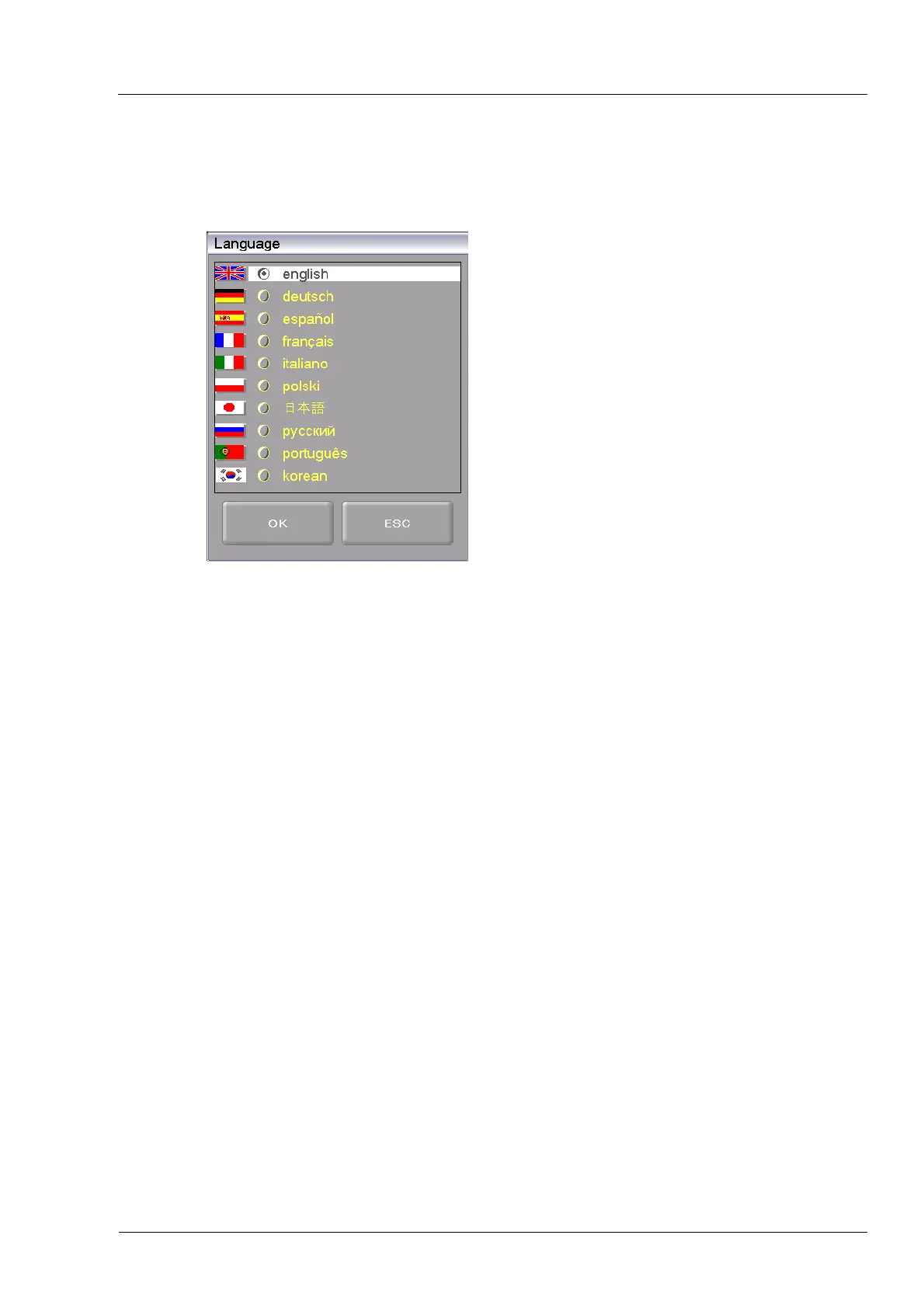
In the "Setup" menu, click the [Language] button. The following window appears for selecting
the language of the user interface. The option field identifies the currently set language.
Fig. 5-14 Setup > Language
Buttons
• [OK]:
Accepts the settings and switches back to the "Setup" menu.
• [ESC]:
Closes the window and switches back to the "Setup" menu. The
changes will not be saved.
Select language
• Click on the option field for the desired language.



 To Next Page