AUSTROMAT
®
664 iSiC
®
/ 674 baSiC
2
6. Operation
Operating Instructions (Version 03/2018) 105
6.8.5. Internally save set
Use the following procedure to save a set to the internal firing furnace database.
1. Open the Program Manager.
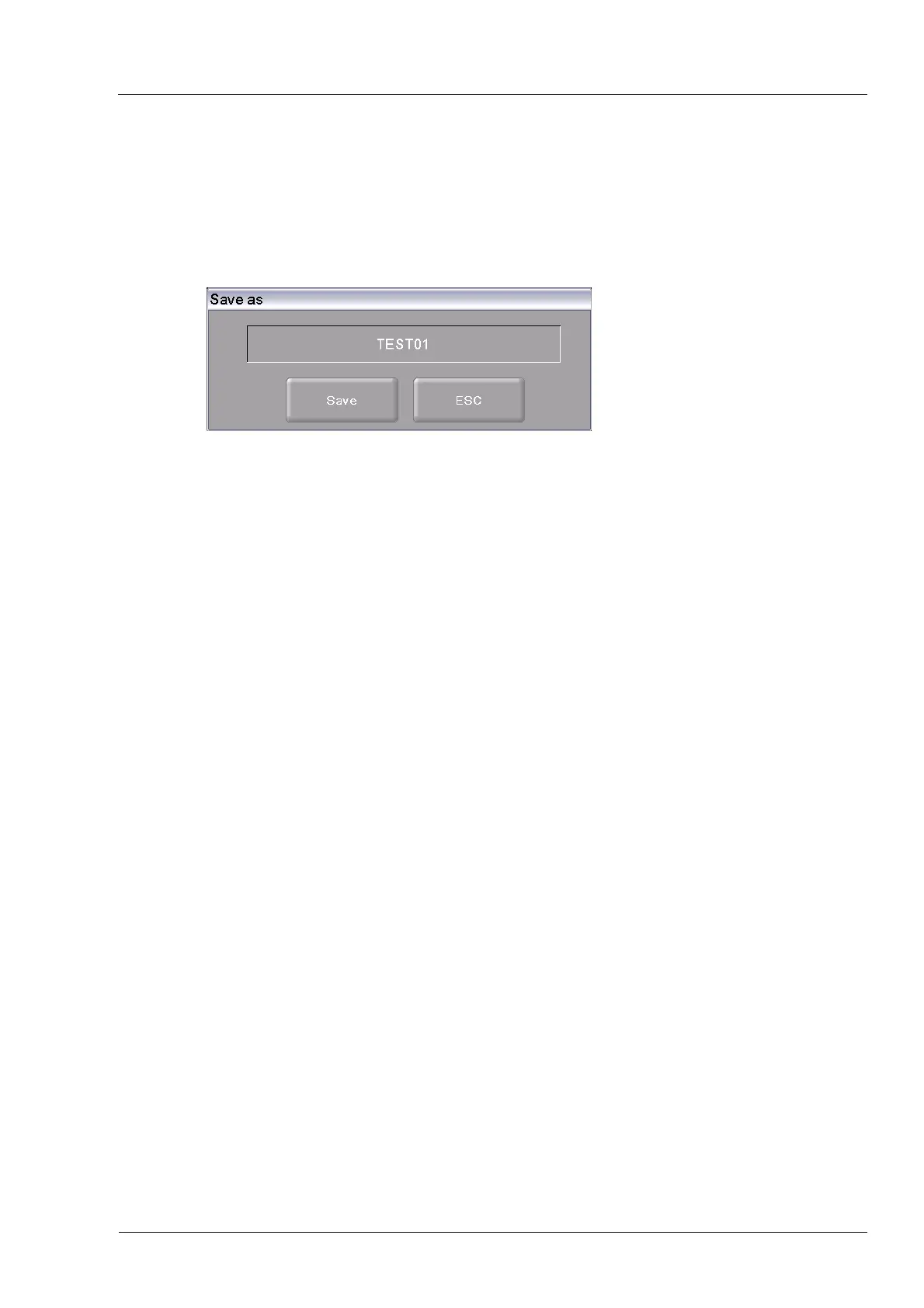
2. Click the button [Save set]. The window “Save as” opens.
Fig. 6-12 "Save as" window
3. Click in the entry line. The alphanumeric keyboard window appears.
4. Enter the name for the set.
5. Click the button [Save].
(Press [ESC] to return to the Program Manager without saving the set.)
The message "Successfully saved" appears after the set has been saved. Click [OK] to return to
the Program Manager.
6.8.6. Saving a set on a USB stick
The procedure for saving a set on a USB stick is described in section 6.6.1.
6.8.7. Save a set on an FTP server (optional)
NOTE:
This functionality is available as an option.
• The options that are enabled for your firing furnace can be found in the menu
Setup > Furnace ID > Options (see section 5.8.2.1).
• You can find
information
on enabling options in section 7.6.
NOTE:
To save a set on an FTP server, the firing furnace must be connected to the FTP server
(see section 5.8.4.6).
The procedu
re for saving a
set on an FTP server is basically the same as saving a set on a
USB stick (see section 6.6.1).
Difference:
In the "Choose transmission method" window, select the option "Save to FTP server".



 To Next Page