AUSTROMAT
®
664 iSiC
®
/ 674 baSiC
2
5. User interface
Operating Instructions (Version 03/2018) 73
5.8.2.2. Acoustic signal
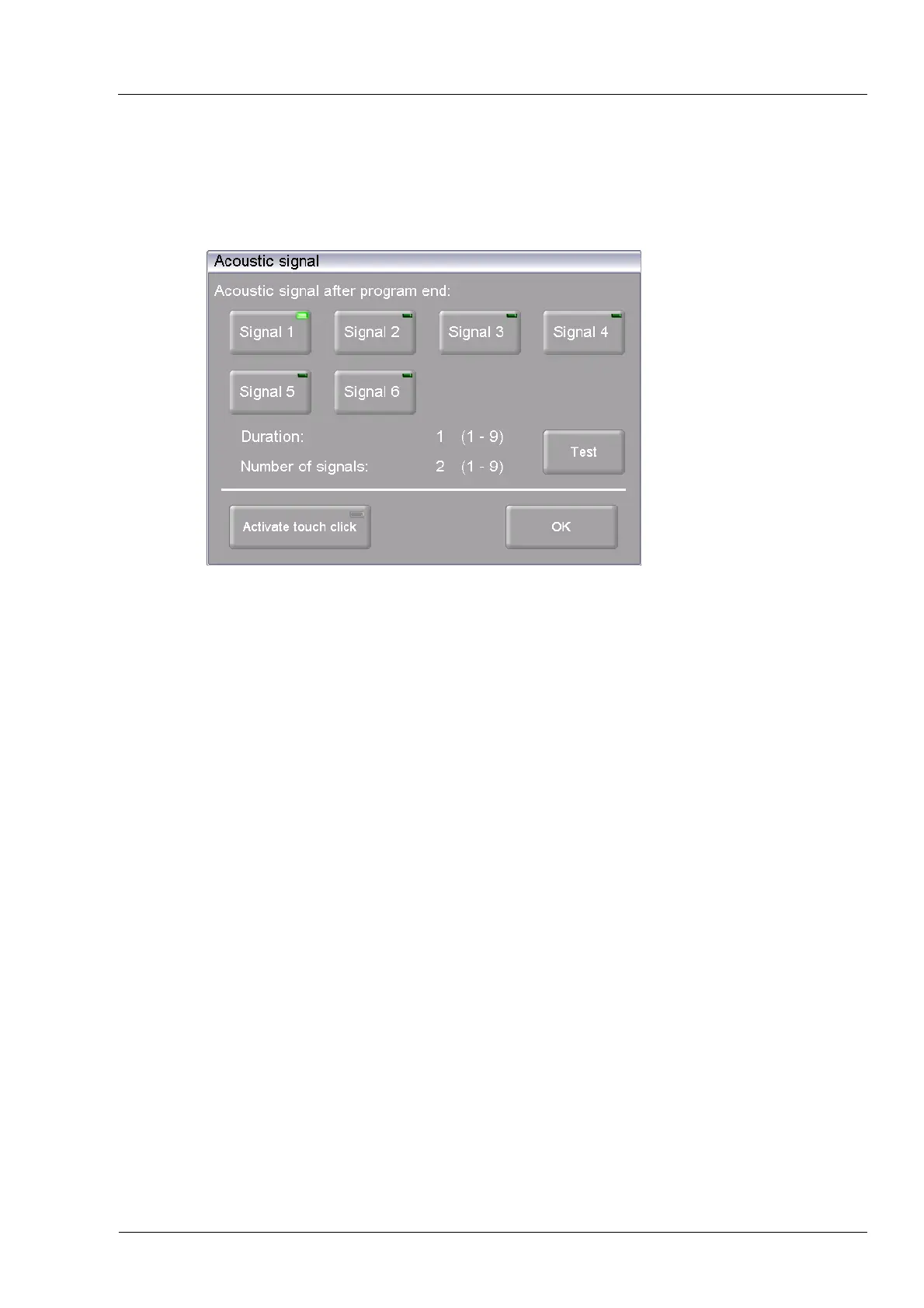
In the "Setup" menu, click the [Acoustic signal] button. The following window appears for
selecting and testing the acoustic signal at the end of the program. The current signal is
displayed.
Fig. 5-23 Setup > Acoustic signal
Buttons
• [OK]:
Accepts the settings and switches back to the "Setup" menu.
• [Test]:
The selected signal sounds for a test.
Select acoustic signal There are six default acoustic signals you can select that each
consist of individual tones. The duration (in seconds) and number of
tones varies from 1 to 9.
Click on the appropriate button to select the desired signal. An LED
within the button indicates that the function is active
Activate Touchclick When touchclick is activated, the firing furnace emits a confirmation
signal each time a key is pressed. An LED within the button
indicates that the function is active



 To Next Page