AUSTROMAT
®
664 iSiC
®
/ 674 baSiC
2
6. Operation
Operating Instructions (Version 03/2018) 99
6.6.2. Restore data with a USB stick
Use the following procedure to restore a set on a USB stick.
1. Insert the USB stick with the sets into the USB port in the back of the firing furnace.
2. Open the Program Manager.
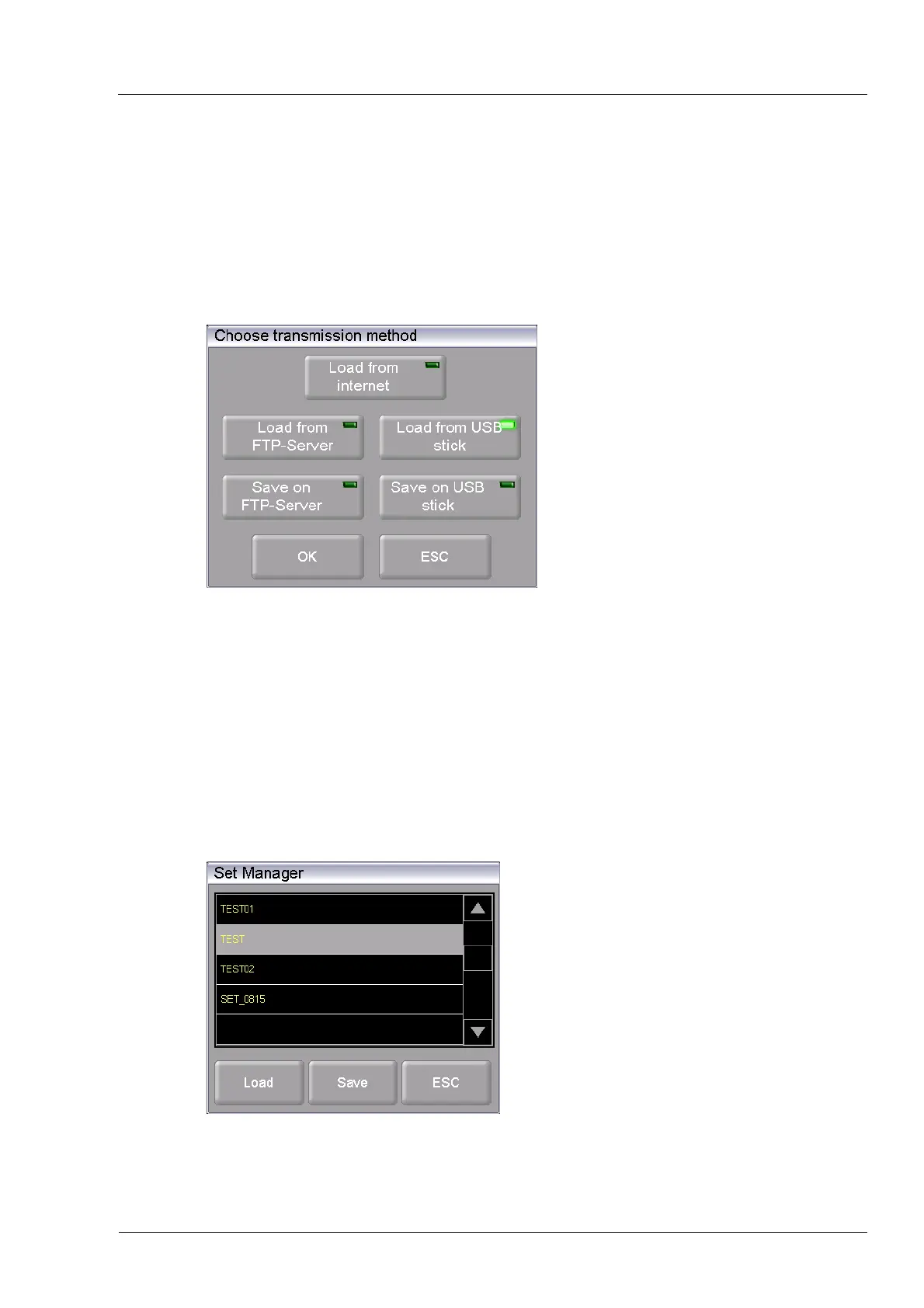
3. Click the button [Transfer set]. The “Select type of transmission” window opens.
Fig. 6-5 Program Manager > Transfer set
4. To restore the data, select the transmission type “Load from USB stick”.
• “Load from the Internet” downloads a set from the Dekema website,
• Only available when connected to the FTP server:
"Load from FTP server" downloads a set from the FTP server,
• Only available when connected to the FTP server:
"Load to FTP server" saves a set on the FTP server,
• “Load from USB stick” uploads a set from the inserted USB stick,
• “Save to USB stick” saves a set on the inserted USB stick.
5. Click on [OK]. The “Set Manager” window appears.
(Press [ESC] to return to the Program Manager.)
Fig. 6-6 "Set Manager" window
6. Select the desired set.



 To Next Page