6. Operation AUSTROMAT
®
664 iSiC
®
/ 674 baSiC
2
108 Operating Instructions (Version 03/2018)
8. You can move, delete, etc. files in Windows Explorer as usual.
Close Windows Explorer when you no longer need FTP access to the firing furnace.
6.10. Quality assurance (optional)
NOTE:
This functionality is available as an option.
• The options that are enabled for your firing furnace can be found in the menu
Setup > Furnace ID > Options (see section 5.8.2.1).
• You can find
information
on enabling options in section 7.6.
6.10.1. QM logs
The AUSTROMAT
®
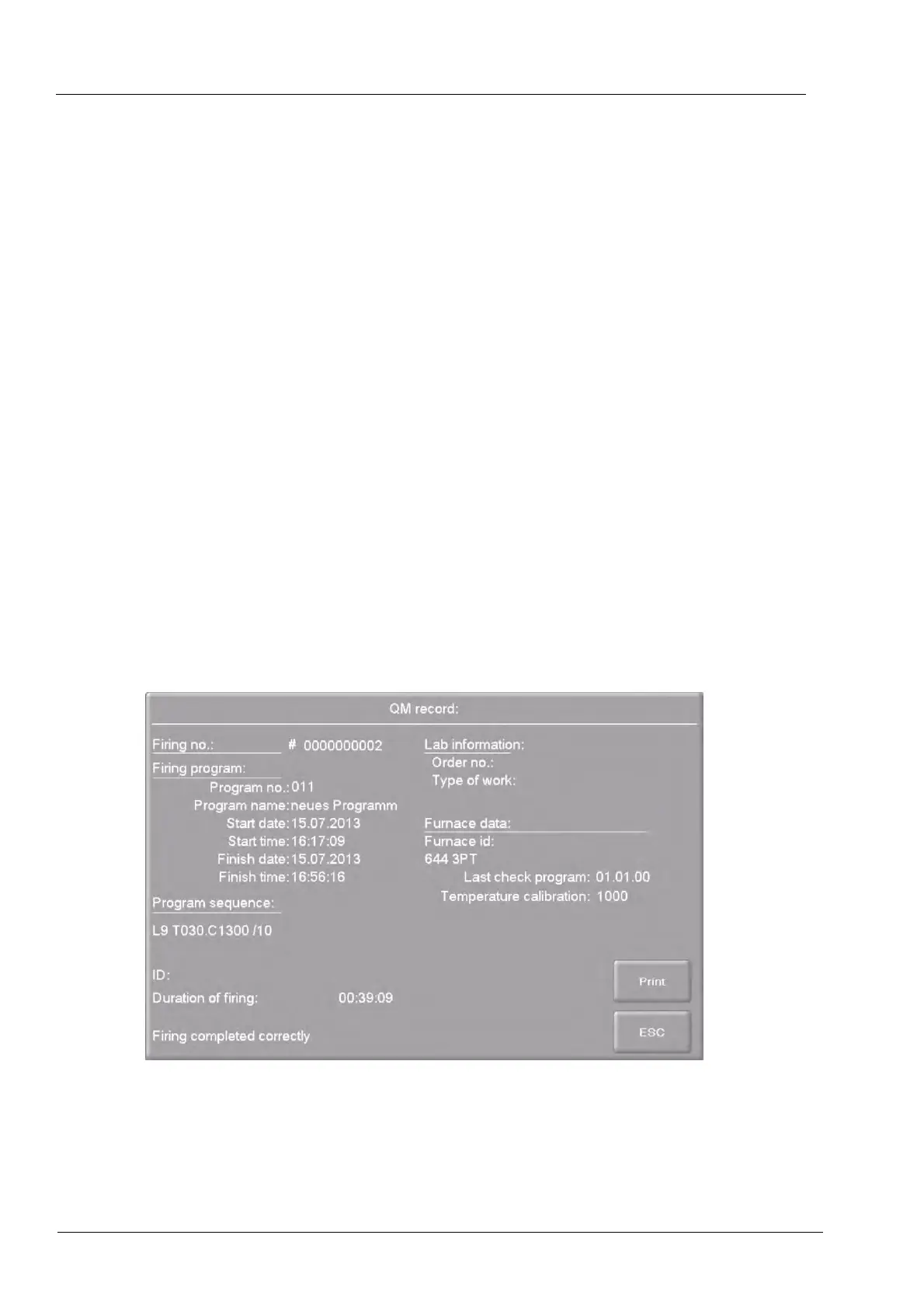
allows you to log a completed firing program for quality assurance
documentation.
The log is internally fixed and cannot be changed by the user. The log monitors and documents
the progress of the set program, especially the target and actual values of the Firing parameters
, as well as fluctuations in temperature during the holding periods (only when the firing chamber
is closed).
A precise description of quality management can be found in section 5.8.4.2.
Example of a log:
Fig. 6-17 QM log



 To Next Page