AUSTROMAT
®
664 iSiC
®
/ 674 baSiC
2
5. User interface
Operating Instructions (Version 03/2018) 83
5.8.4.4. Login data (optional)
NOTE:
This functionality is available as an option.
• The options that are enabled for your firing furnace can be found in the menu
Setup > Furnace ID > Options (see section 5.8.2.1).
• You can find
information
on enabling options in section 7.6.
NOTE:
As long as no HTML access is defined (that is, the fields "Username" and "Password" are
empty, each user of the computer can access the firing furnace.
NOTE:
If the username or password becomes lost, contact your service partner or directly
contact DEKEMA (see page 2).
HTML a
c
cess authorizes you to remotely access (through a web interface or a VNC program)
the control of the firing furnace. The password is defined in the "HTML access" window. This
password must be entered in the browser on the computer to obtain access to the firing furnace
(see also the section 4.5).
In the "Setup" menu, click t
he [Login d
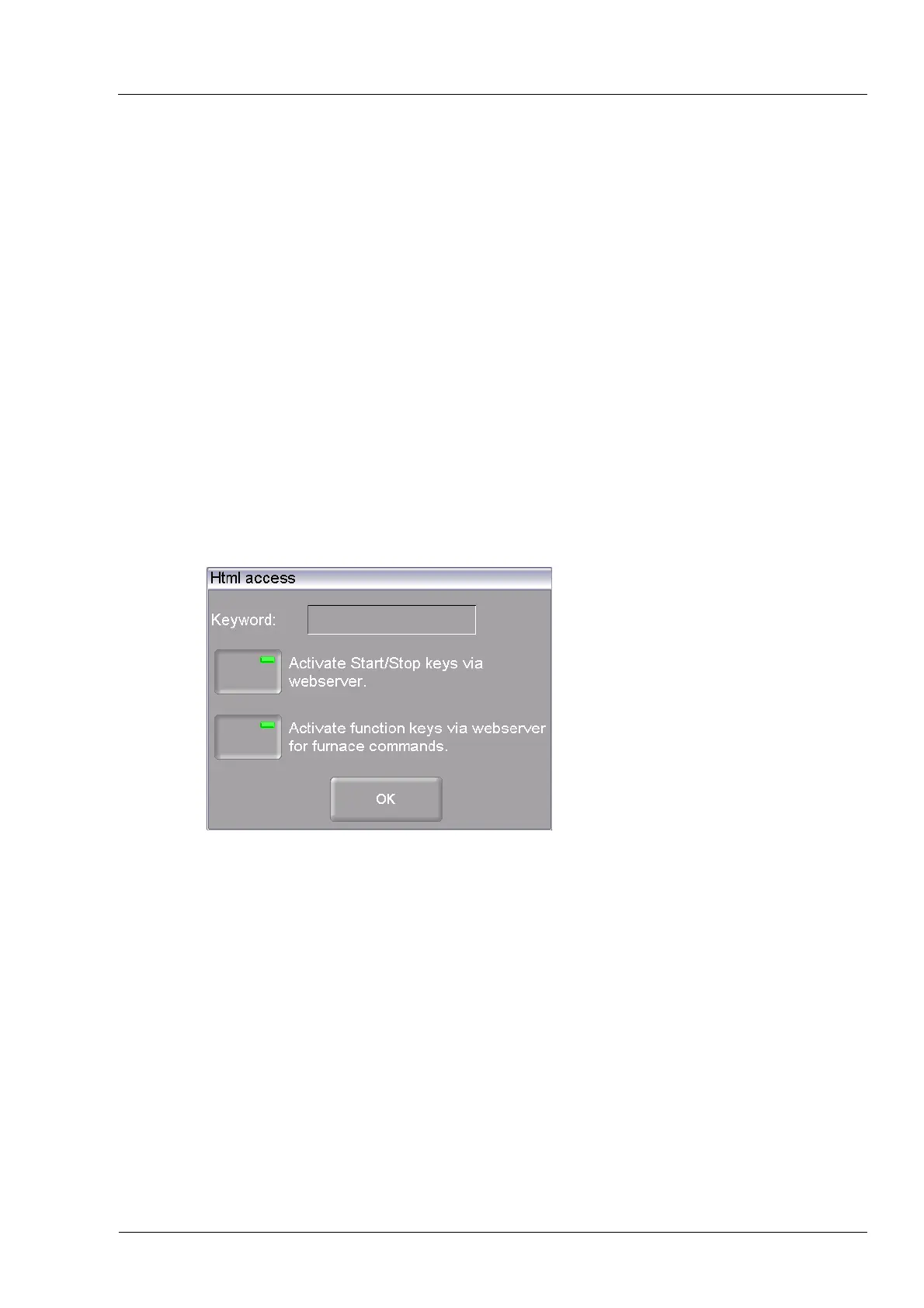
ata] button. The following HTML access window appears.
Fig. 5-33 Setup > Login data
Buttons
• [OK]:
Accepts the settings and switches back to the "Setup" menu.
Password Specify the password as follows:
• Click on the “Password” entry field. The alphanumeric keyboard
window appears.
• Enter the password.
Release the start/stop
function via the Web
server
In order for you to use the firing furnace via the user interface on the
computer (start firing programs, move lift, etc.), the start/stop
function must be released.
Click the button to release or block the start/stop function via the
Webserver. An LED within the button indicates that the function is
active



 To Next Page