5. User interface AUSTROMAT
®
664 iSiC
®
/ 674 baSiC
2
52 Operating Instructions (Version 03/2018)
5.5. Program display
The program display with the firing parameters appears when you select a program in the
Program Manager and click on [Selected program].
5.5.1. Classic programs
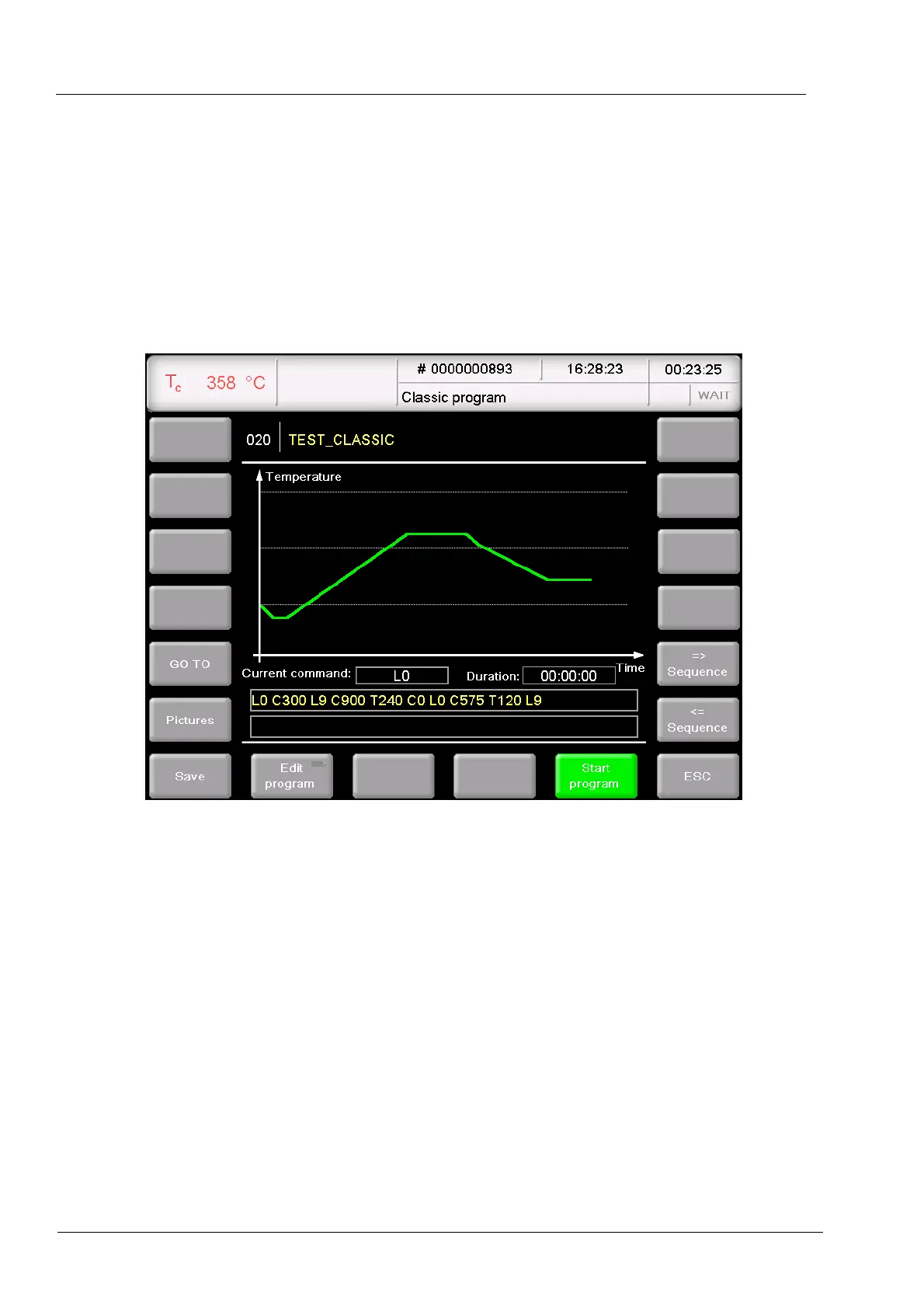
The following illustration shows a typical program display for classic programs.
Fig. 5-9 Program display for classic programs (example)
The display is divided into four parts: The information line, the graphic display of the program
progress, the command line with the firing parameters, and the function bar.
Information line Displays the program number and name.
Graphic
Representation
The graphic display shows the progress of the program and contains
the following elements:
• The vertical axis shows the temperature.
• The horizontal axis shows the time.
• The cursor shows the momentary position (time) in the program.
• The diagram shows the progress of the program as a colored
curve. The temperature over time at the fired object is
displayed.
The firing parameters are displayed and edited in the command line.



 To Next Page