AUSTROMAT
®
664 iSiC
®
/ 674 baSiC
2
5. User interface
Operating Instructions (Version 03/2018) 51
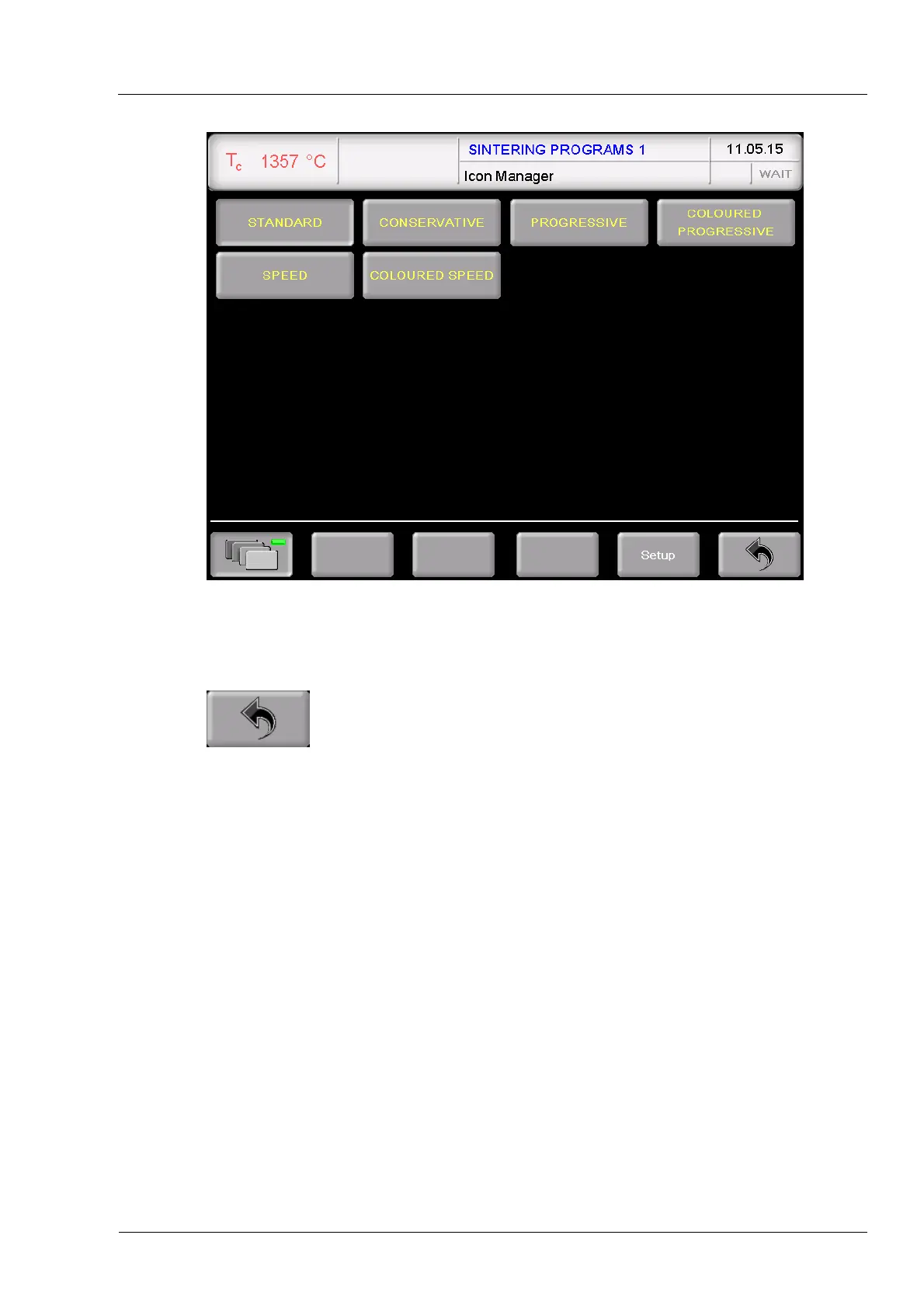
Fig. 5-8 Icon Manager (example): Display of firing programs in a folder
[Program names] The program display with the firing parameters appears (see section
5.5).
Toggle to the folder display, see Fig. 5-7.
Creating a new folder
Proceed as follows to create a new folder:
1. Double-click on an empty memory in the Program Manager.
2. Select the program type "Classic".
3. The alphanumerical keyboard window opens. Enter the folder name. Note that the input
must not exceed 40 characters.
4. Click [Save] in the program display in order to save the changes.
You can rename the new folder at any time.
Creating a new firing program
See section 5.7.2.



 To Next Page