5. User interface AUSTROMAT
®
664 iSiC
®
/ 674 baSiC
2
50 Operating Instructions (Version 03/2018)
File navigation
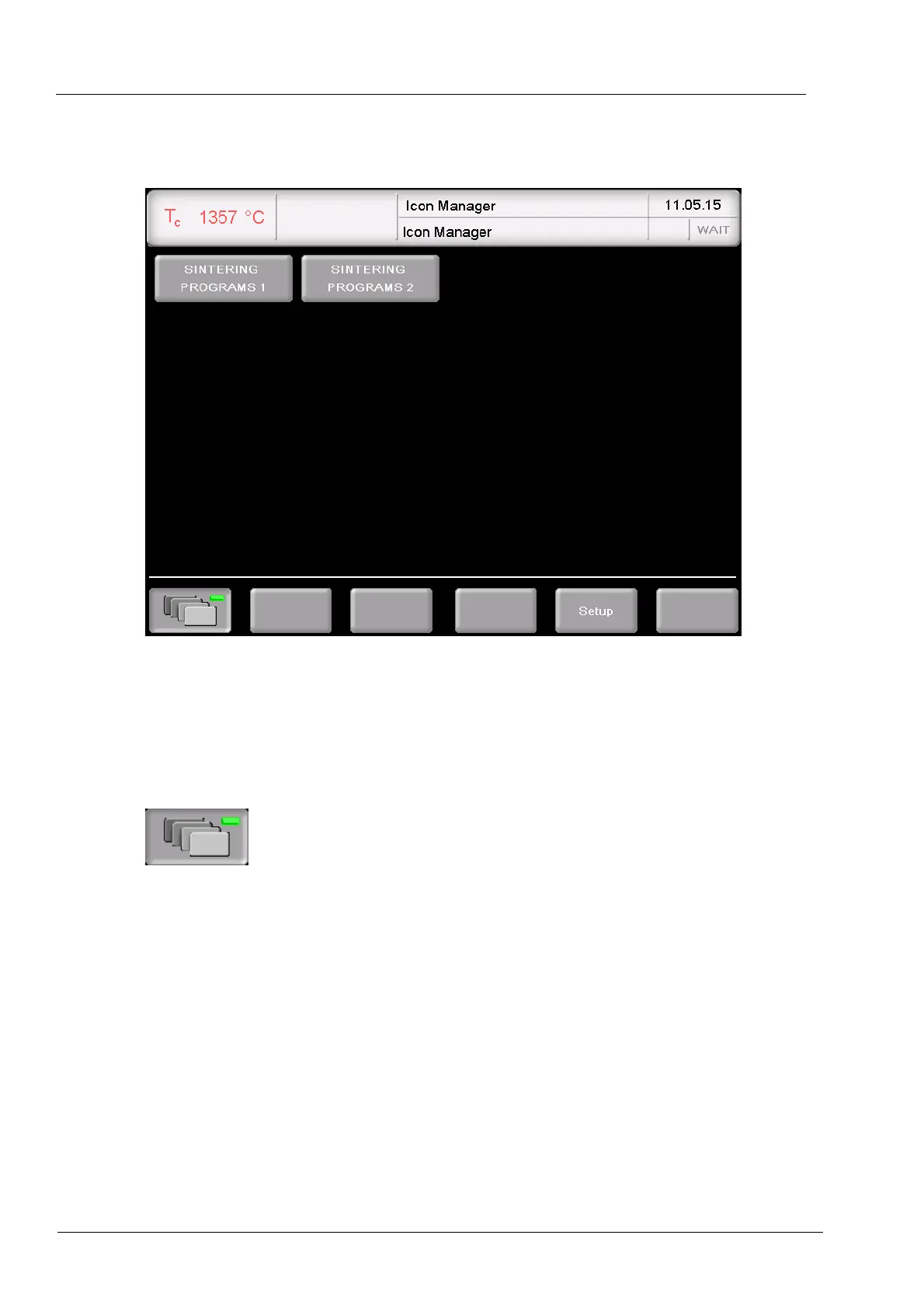
The following figure shows an example of existing folders.
Fig. 5-7 Icon Manager (example): Folder display
Information bar The Information bar displays additional information:
• Top: Display level (Icon Manager or folder name),
• Bottom: Icon Manager is active.
[Folder names] Displays the firing programs in this folder. See following figure.
Open and close the Icon Manager. The LED inside the button
indicates when the Icon Manager is active.
[Setup] Opens the "Setup" menu (see section 5.8).



 To Next Page