3. Design and functionality AUSTROMAT
®
664 iSiC
®
/ 674 baSiC
2
24 Operating Instructions (Version 03/2018)
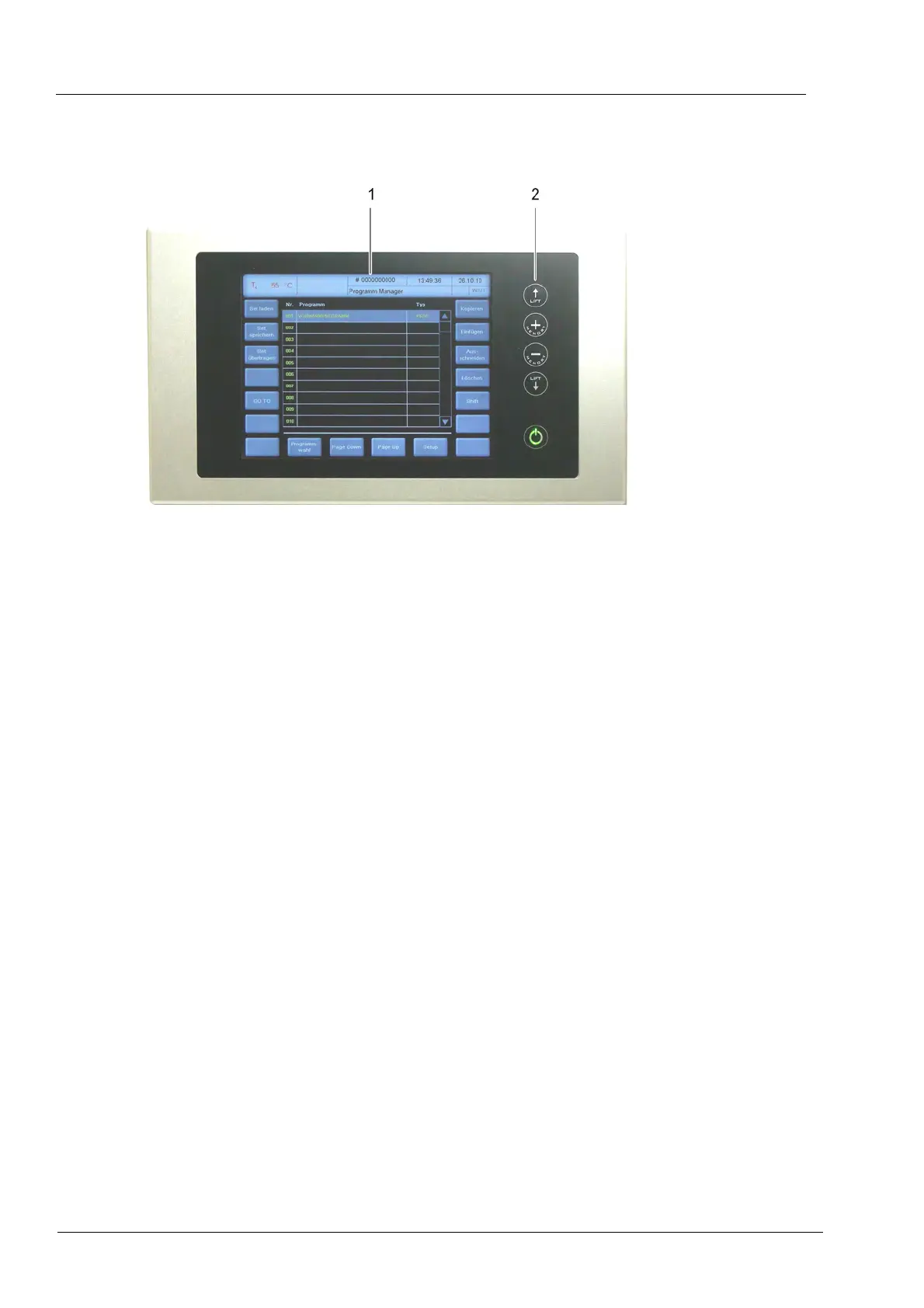
3.2. Touchscreen and function keys
Fig. 3-2 Touchscreen and function keys
1 Touchscreen 2 Function keys
3.2.1. Touchscreen
NOTE:
Never use hard or sharp objects (such as screwdrivers, tweezers, etc.) to operate the
touchscreen. This will scratch and damage the screen.
The touchscreen allows you to operate the firing furnace. The buttons on the touchscreen are
touch-sensitive. Lightly touch the desired button with your fingertip to execute the associated
function.
Please note: After the firing furnace is turned on, the control starts. This can take approximately
1 minute. Only then does the touchscreen appear.
The description of the user interface is found in section 5.



 To Next Page