5. User interface AUSTROMAT
®
664 iSiC
®
/ 674 baSiC
2
78 Operating Instructions (Version 03/2018)
5.8.3.3. Oxidation
Use the oxidation program to clean the heating elements, the firing chamber and the
thermocouples.
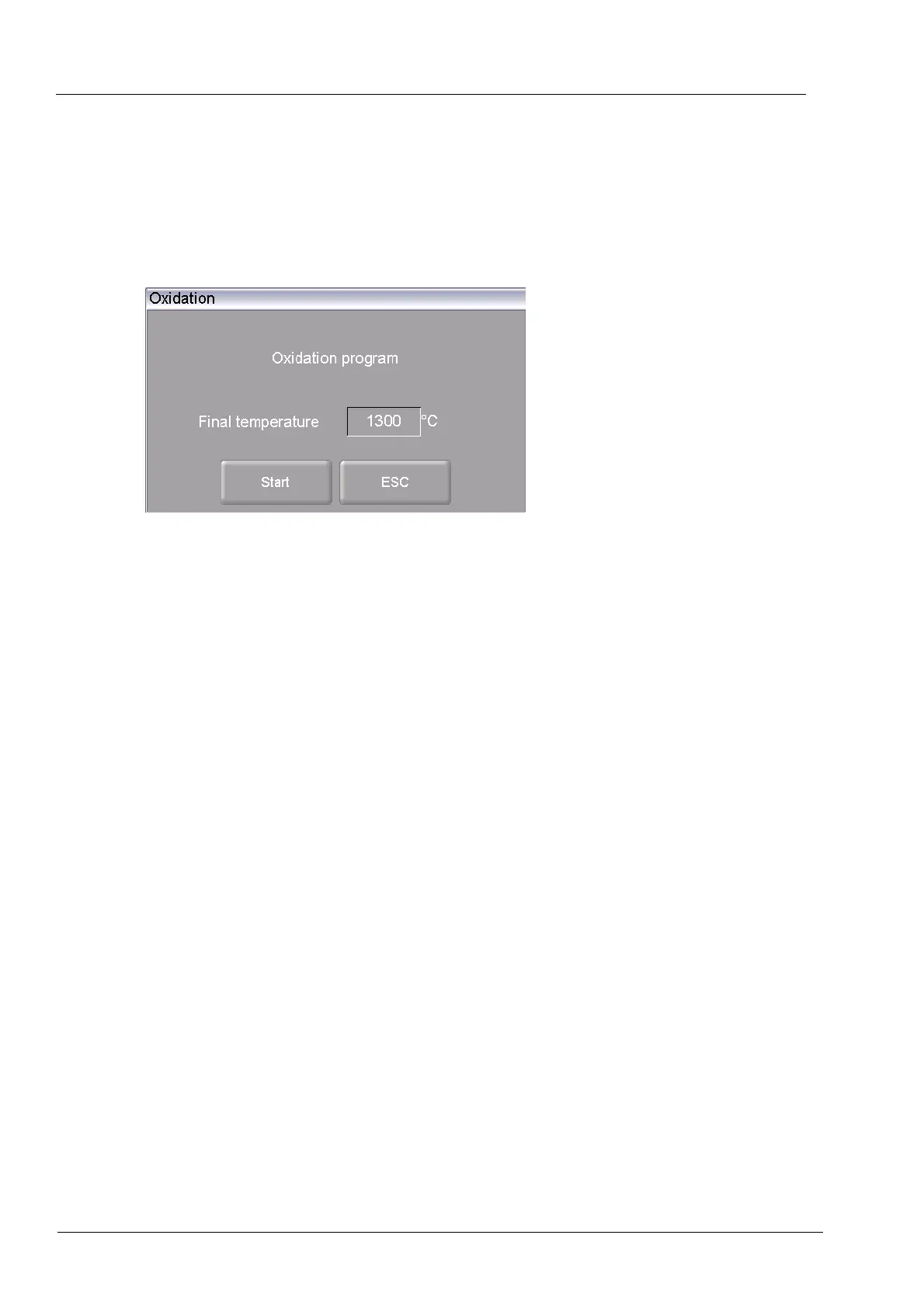
In the "Setup" menu, click the [Oxidation] button. The following window appears to start the
oxidation firing. The set end temperature is displayed.
Fig. 5-28 Setup > Oxidation firing
Buttons
• [Start]:
Starts the oxidation program (duration: approximately 200
minutes depending on the end temperature).
• [ESC]:
Closes the window and switches back to the "Setup" menu.
Change end
temperature
• Click on the end temperature. The numeric keyboard window
appears.
• Enter the desired temperature.
Start the program Click on [Start]. The "Oxidation" window is displayed as long as the
program is running. You can terminate the program at any time
when you click the [Stop] button. A safety query appears and asks if
you really want to end the program:
• [OK]: Confirm your decision and in the program,
• [ESC]: Change your decision and continue the program.



 To Next Page