5. User interface AUSTROMAT
®
664 iSiC
®
/ 674 baSiC
2
44 Operating Instructions (Version 03/2018)
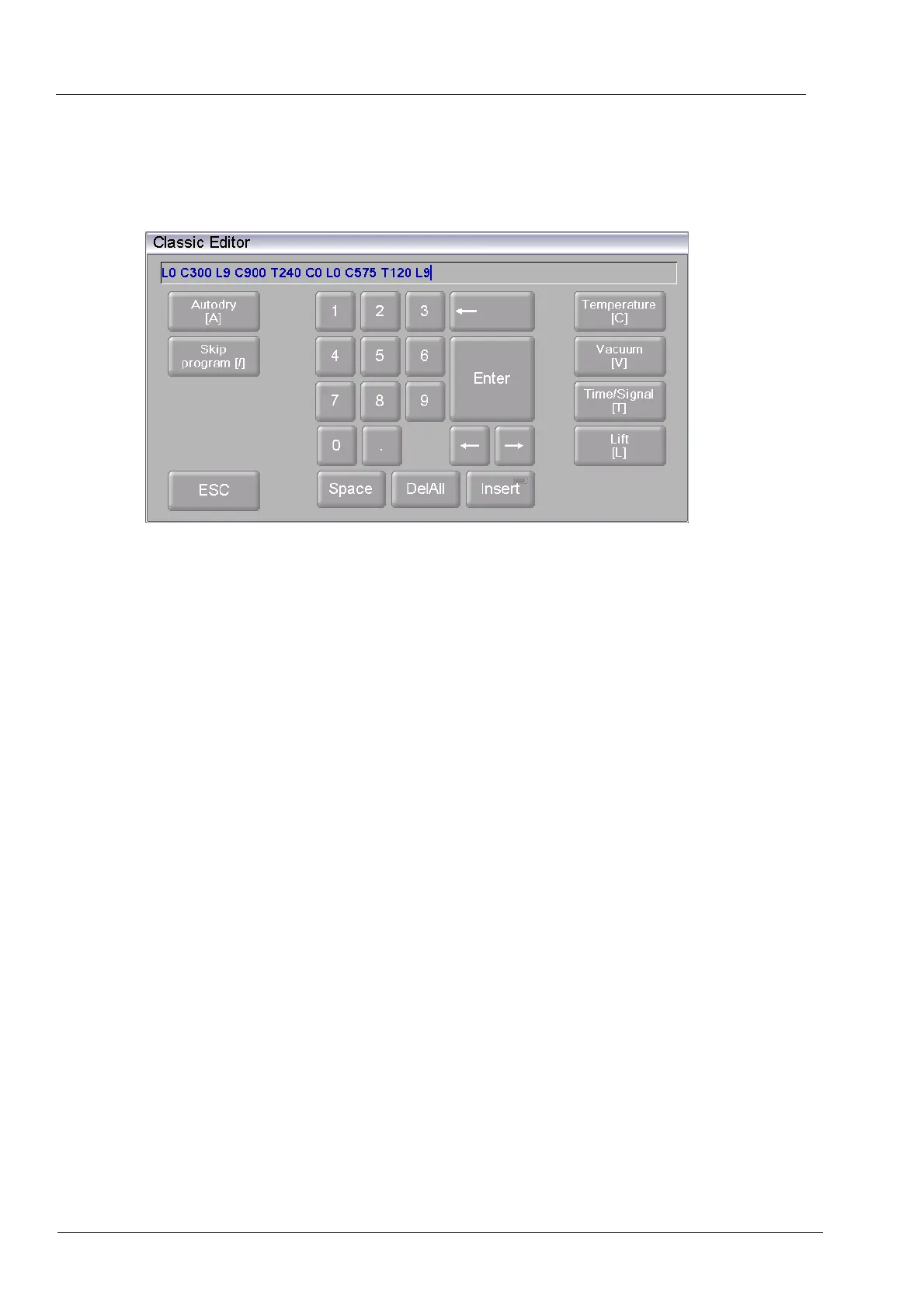
5.1.5. Keyboard window for the classic editor
The keyboard window for the classic editor automatically appears when you click a command
line of a classic program in the program editor.
Fig. 5-3 Keyboard window for the classic editor
Editing the command line
• Click [Edit] to edit the command line. The text appears blue,
• Use the cursor keys to edit the command line at the desired place,
• The existing commands are normally overwritten. Click [Insert] to insert commands,
• Click [Enter] to close your entry,
• The classic keyboard window is closed.
Terminating an entry
• Click [ESC] to terminate the entry,
• An entered command line is not accepted,
• The classic keyboard window is closed.



 To Next Page