AUSTROMAT
®
664 iSiC
®
/ 674 baSiC
2
5. User interface
Operating Instructions (Version 03/2018) 71
5.8.2. System setting functions
5.8.2.1. Furnace ID
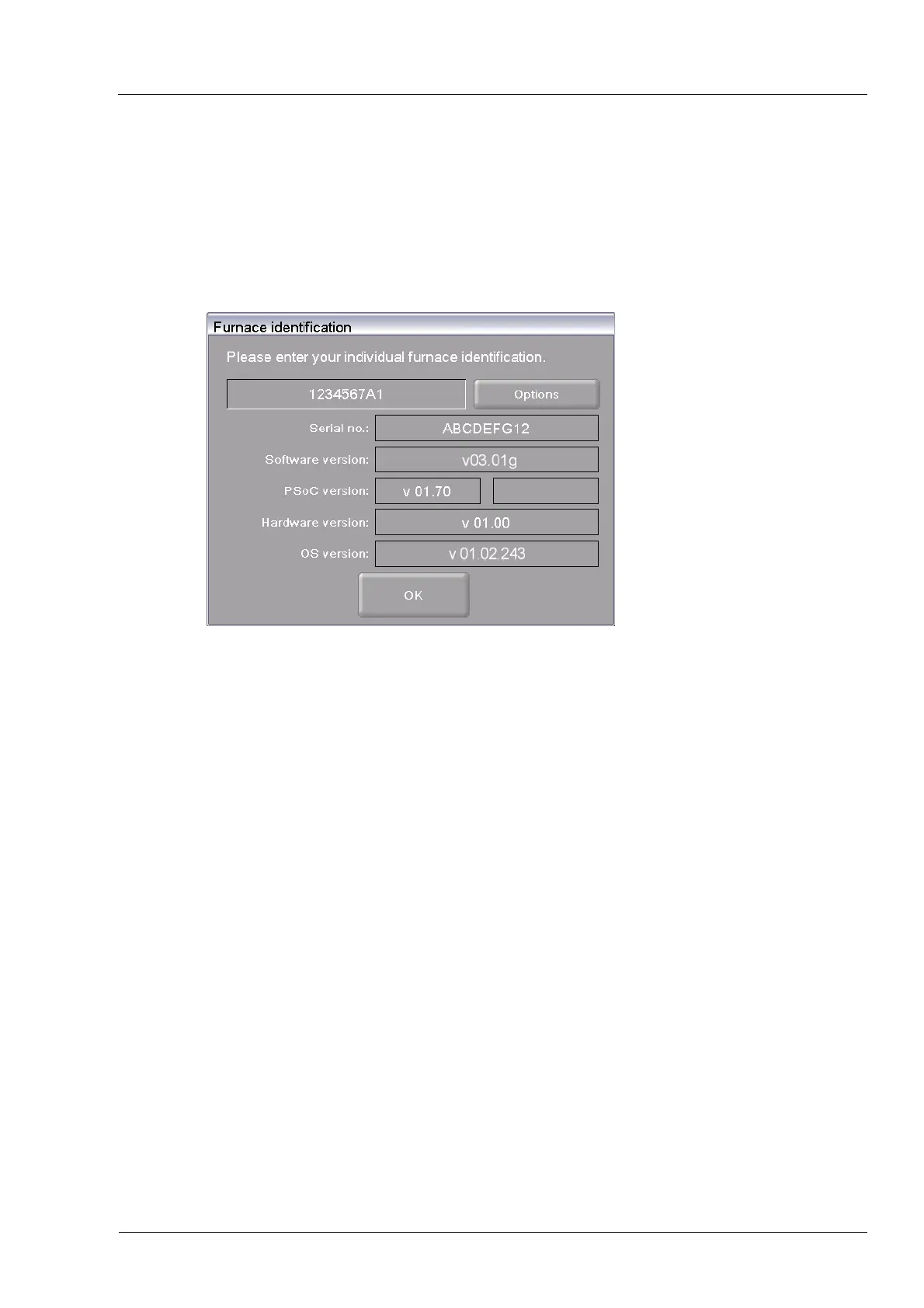
In the "Setup" menu, click the [Furnace ID] button. The following window appears for entering
the furnace ID. The current furnace ID is displayed together with the current, furnace-specific
hardware and software versions.
Fig. 5-21 Setup > Furnace ID
Buttons
• [OK]:
Accepts the settings and switches back to the "Setup" menu.
• [Options]:
Opens a window and displays the options that are
activated/deactivated for your firing furnace. Refer to Fig. 5-22.
Cha
nge furna
ce ID To prevent confusing firing furnaces from each other (for example
when printing records), an individual ID can be entered for each
firing furnace.
• Click the entry field for the furnace ID. The alphanumeric
keyboard window appears.
• Enter your individual furnace ID.
• Click on [OK].



 To Next Page