5. User interface AUSTROMAT
®
664 iSiC
®
/ 674 baSiC
2
82 Operating Instructions (Version 03/2018)
5.8.4.3. Diagnostic data
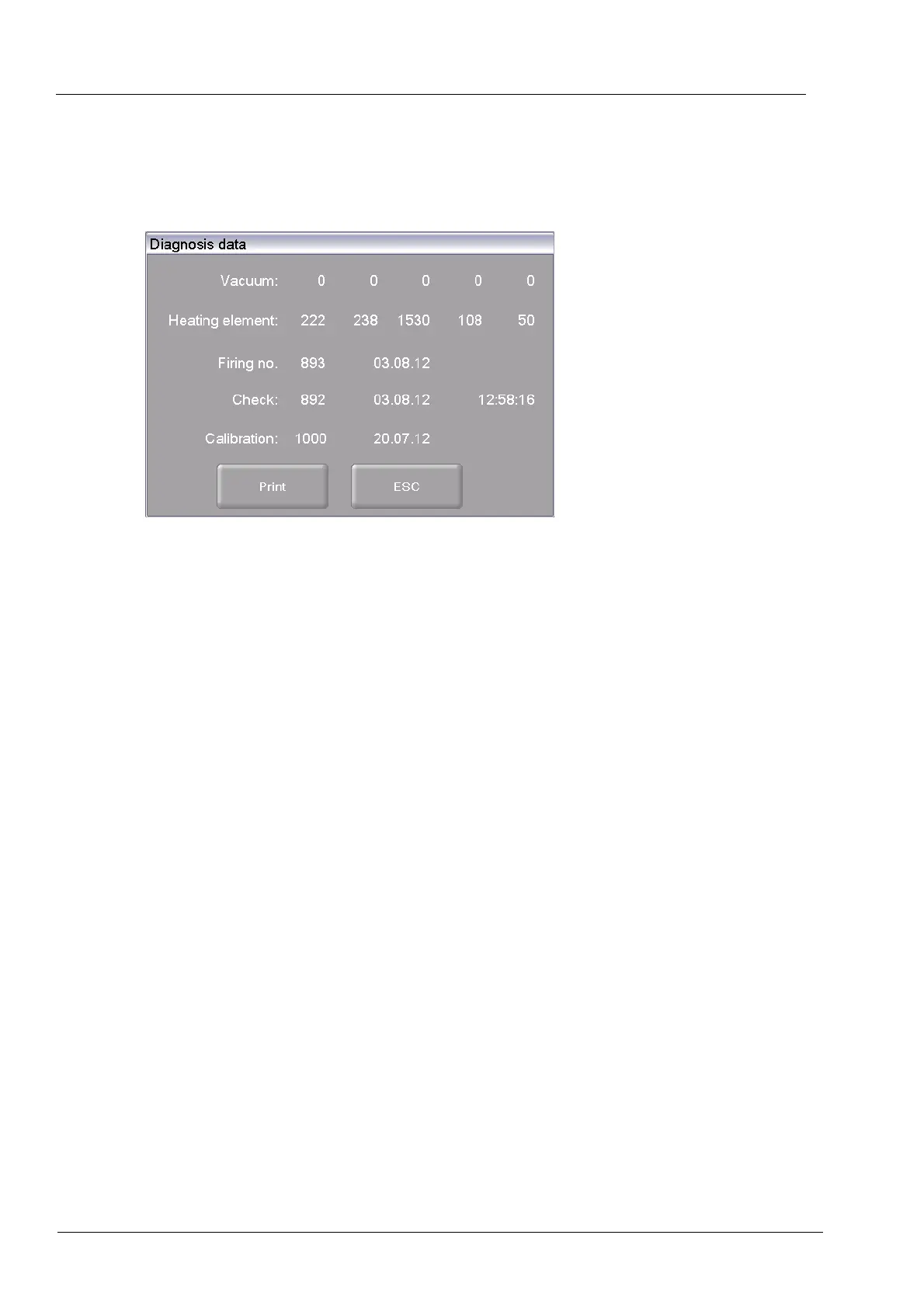
In the "Setup" menu, click the [Diagnosis data] button. The following diagnostic data window
appears.
Fig. 5-32 Setup > Diagnosis data
Buttons
• [Print]:
Prints the diagnostic data. Note that a printer must be
connected and set up (see section 5.8.4.1).
• [ESC]:
Clo
ses the window and switches back to the "Setup" menu.
The diagnostic data are created by the check program and saved in a diagnostic file (see
section 5.8.3.2). The values and interpretation of the diagno
si
s data are important for the
service personnel. For remote diagnosis, you can output the diagnostic file on the screen or
send it by e-mail (see page 2). The data have little significance for the use
r
. They are therefore
not detailed here.check program



 To Next Page