5. User interface AUSTROMAT
®
664 iSiC
®
/ 674 baSiC
2
66 Operating Instructions (Version 03/2018)
5.8.1.3. Date/time
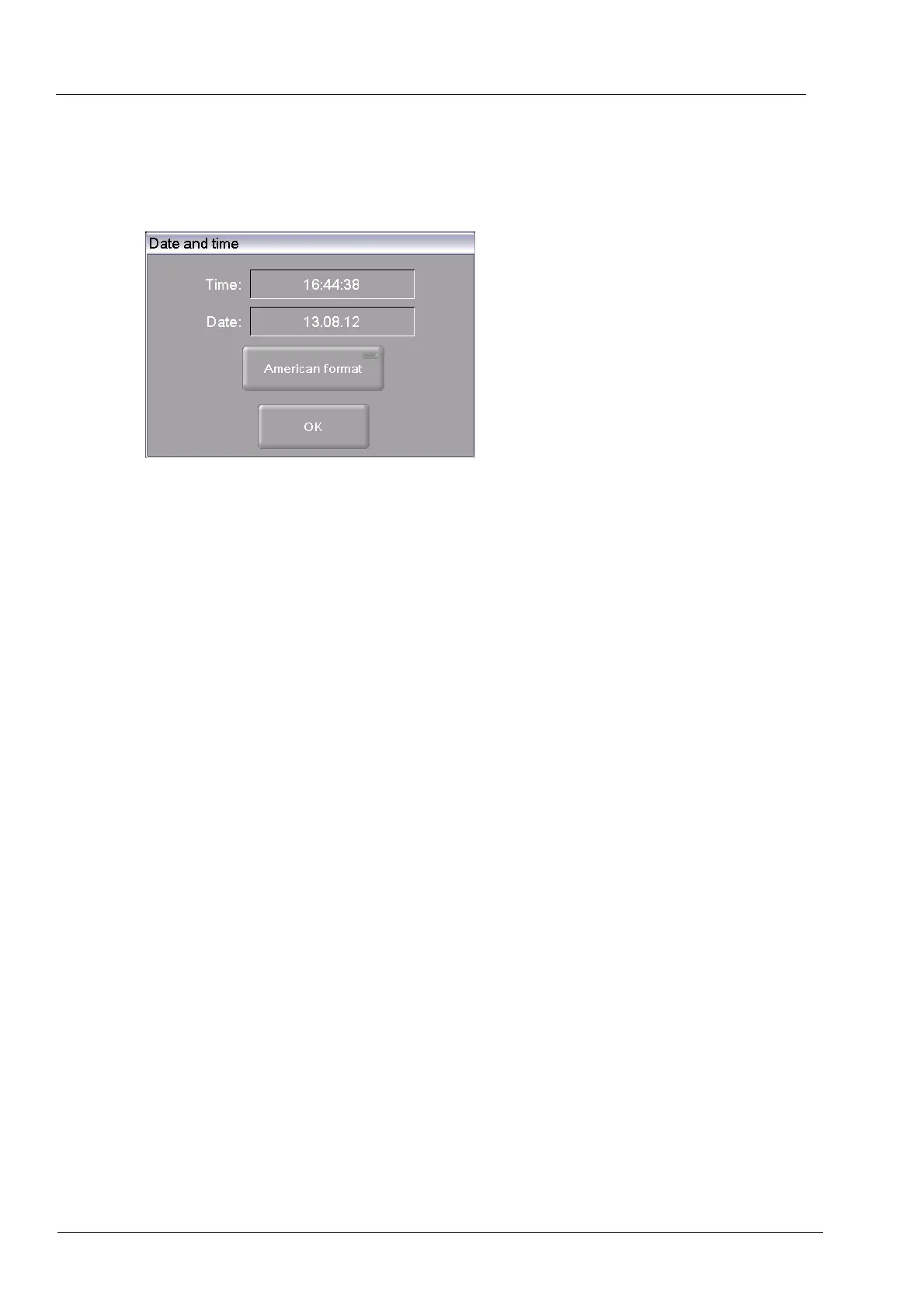
In the "Setup" menu, click the [Date/time] button. The following window opens for setting a date
and time of the firing furnace control. The current date and time are displayed.
Fig. 5-15 Setup > Date/time
Buttons
• [OK]:
Accepts the settings and switches back to the "Setup" menu.
Change date/time You can change the date and time as follows:
• Click on the date or time. The numeric keyboard window
appears.
• Enter the desired date or time.
Select the date format With this button, you can choose the European or American format
for the date and time. An LED within the button indicates that the
American date format is active.
• European format, such as "14:29:12“, and "15.5.2005" for May
15, 2005
• American format, such as "02:29:12 pm" and 5/15/2005 for May
15, 2005.



 To Next Page