5. User interface AUSTROMAT
®
664 iSiC
®
/ 674 baSiC
2
84 Operating Instructions (Version 03/2018)
Release the function
keys for furnace
commands via the
Webserver
In order for you to execute touchscreen functions (see section 3.2)
via the Web
s
erver, the function keys of the computer keyboard must
be released.
Click the button to release or block the function keys for the furnace
commands. An LED within the button indicates that the function is
active
5.8.4.5. Backup / Recovery
NOTE:
For reasons of data safety and to prevent the loss of firing oven data, it is
recommendable to regularly back up all your data.
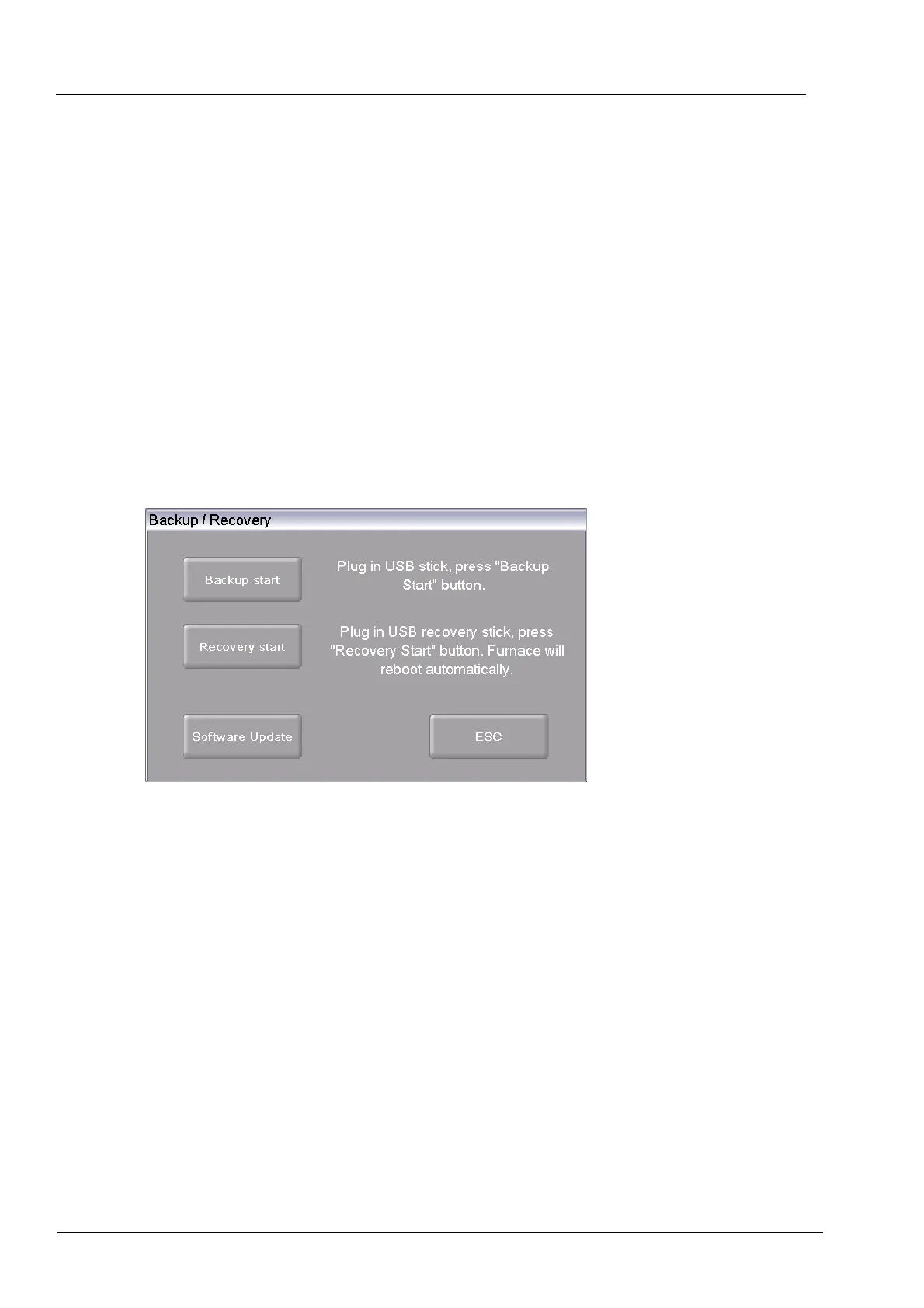
In the "Setup" menu, click the [Backup/Recovery] button. The following window for backing up
and recovering data appears.
Fig. 5-34 Setup > Backup / Recovery
Buttons
• [Backup Start]:
Starts backing up the data.
• [ESC]:
Closes the window and switches back to the "Setup" menu.
• [Recovery Start]:
Starts recovering the data.
• [Software Update]:
Starts an online update of the software of the firing furnace.



 To Next Page