AUSTROMAT
®
664 iSiC
®
/ 674 baSiC
2
5. User interface
Operating Instructions (Version 03/2018) 43
5.1.4. Alphanumeric keyboard window
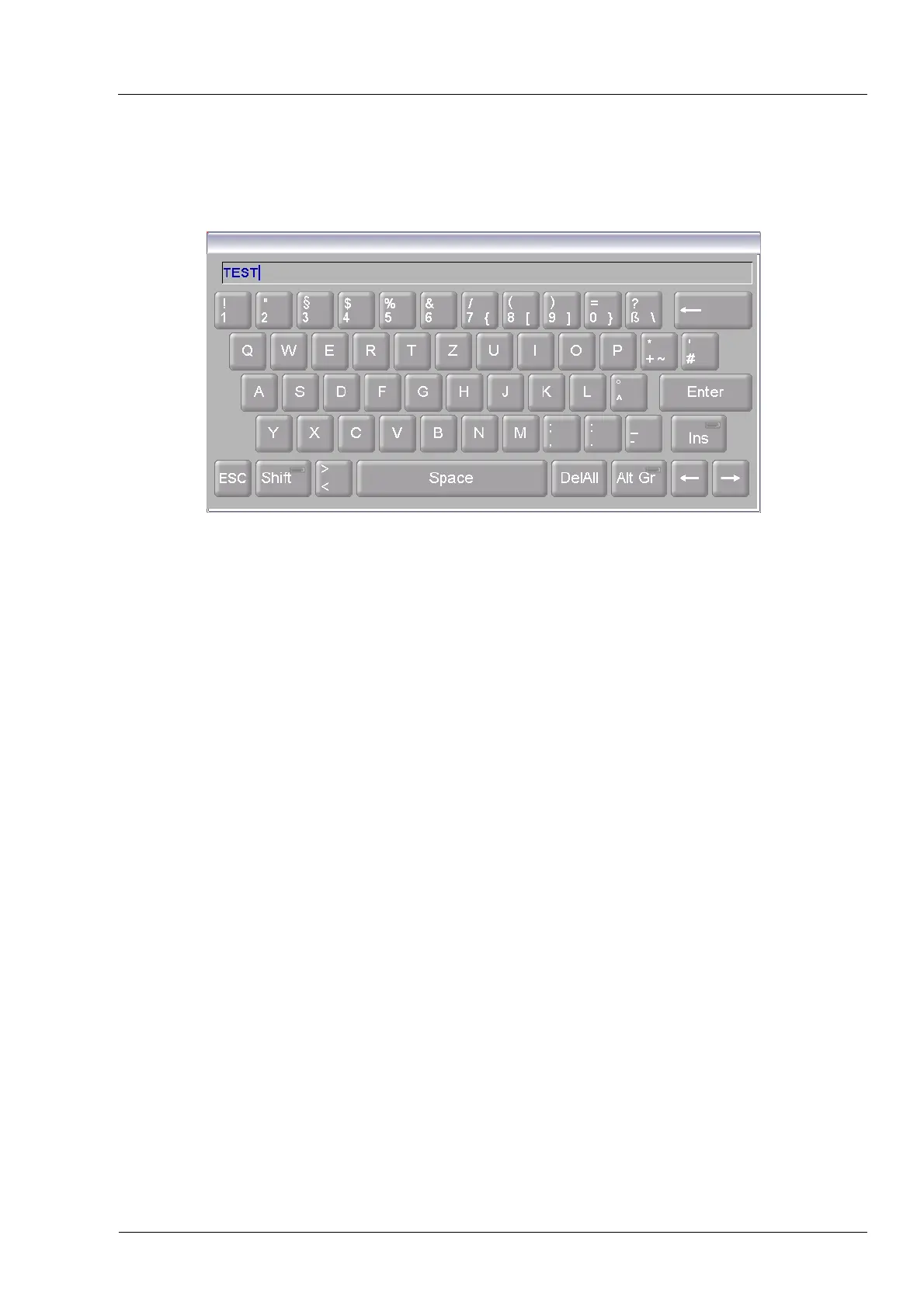
The alphanumeric screen keyboard is for entering text such as the names of firing programs.
The keyboard automatically appears when the firing window control expects text to be entered.
Fig. 5-2 Alphanumeric keyboard window
Entering text
• Enter the desired text.
• Click [Enter] to close your entry,
• The alphanumeric keyboard window is closed.
Terminating an entry
• Click [ESC] to terminate the entry,
• An entered text is not accepted
• The alphanumeric keyboard window is closed.



 To Next Page