AUSTROMAT
®
664 iSiC
®
/ 674 baSiC
2
3. Design and functionalit
Operating Instructions (Version 03/2018) 25
3.2.2. Function keys
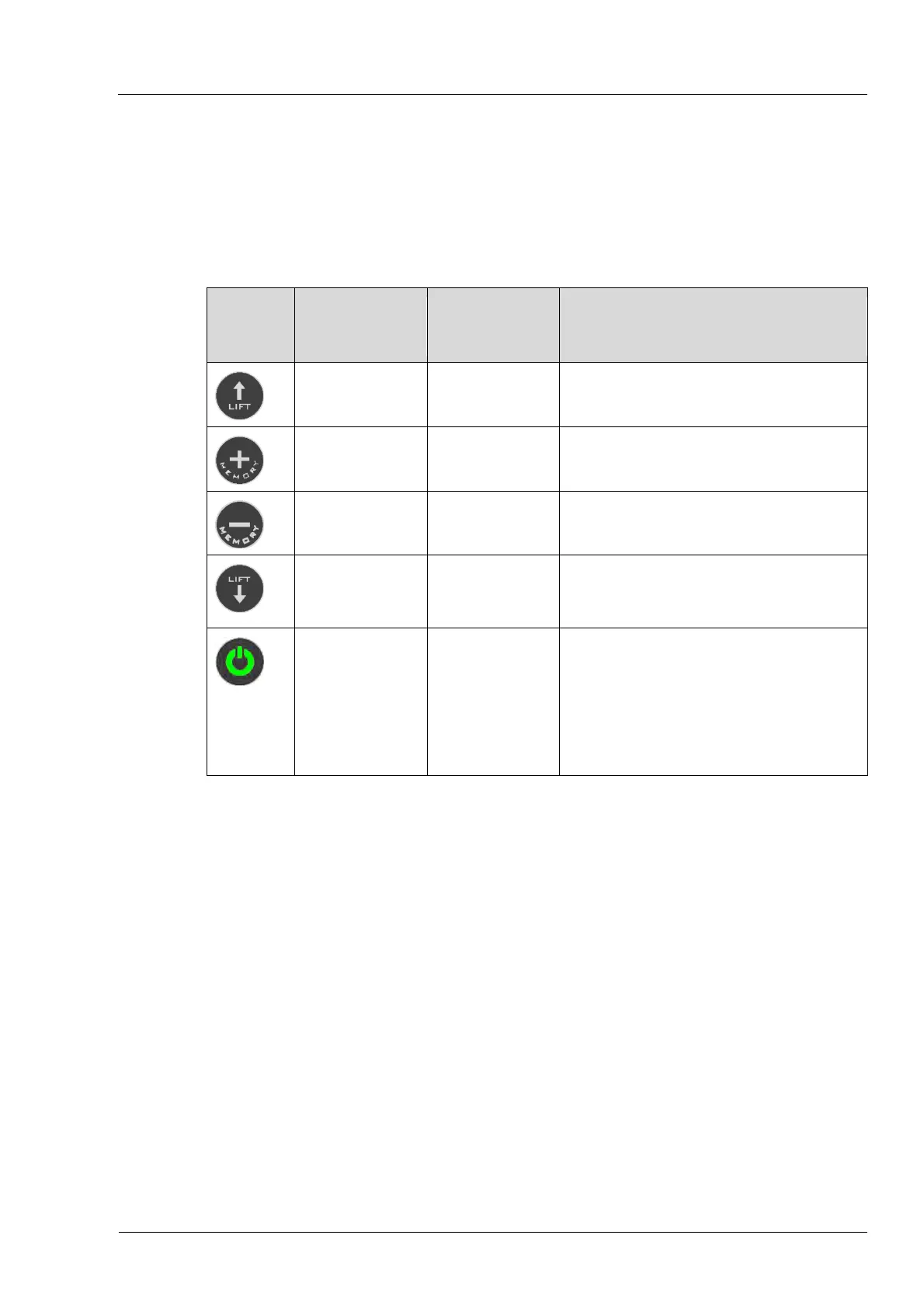
You can use the function keys next to the touchscreen to move the lift up or down, scroll
through the program memory, terminate the current program or go to standby mode. When the
firing furnace is connected to a network or an individual computer and is correspondingly set up
(see section 4.5), you can execute these function
s u
sing the computer keyboard.
Key Name
Computer
keyboard
*)
Description
[LIFT Up] [F1]
Press once to move the lift upward.
• Press again to stop the lift.
[MEMORY +] [F2]
Advances one position forward in the
program memory.
[MEMORY -] [F3]
Goes back one position in the
program memory.
[LIFT Down] [F4]
Press once to move the lift
downward.
• Press again to stop the lift.
[ON/OFF] [F9]
Stop function: Press this to end all
current commands.
• On/off switch in standby mode: Press
the key and hold it for about 5
seconds.
• For the first startup (see section 4.4)
without any functio
n
.
Tab. 3-1 Function keys
*) The function keys on the computer keyboard must be released to be used; see section 5.8.4.4



 To Next Page