5. User interface AUSTROMAT
®
664 iSiC
®
/ 674 baSiC
2
68 Operating Instructions (Version 03/2018)
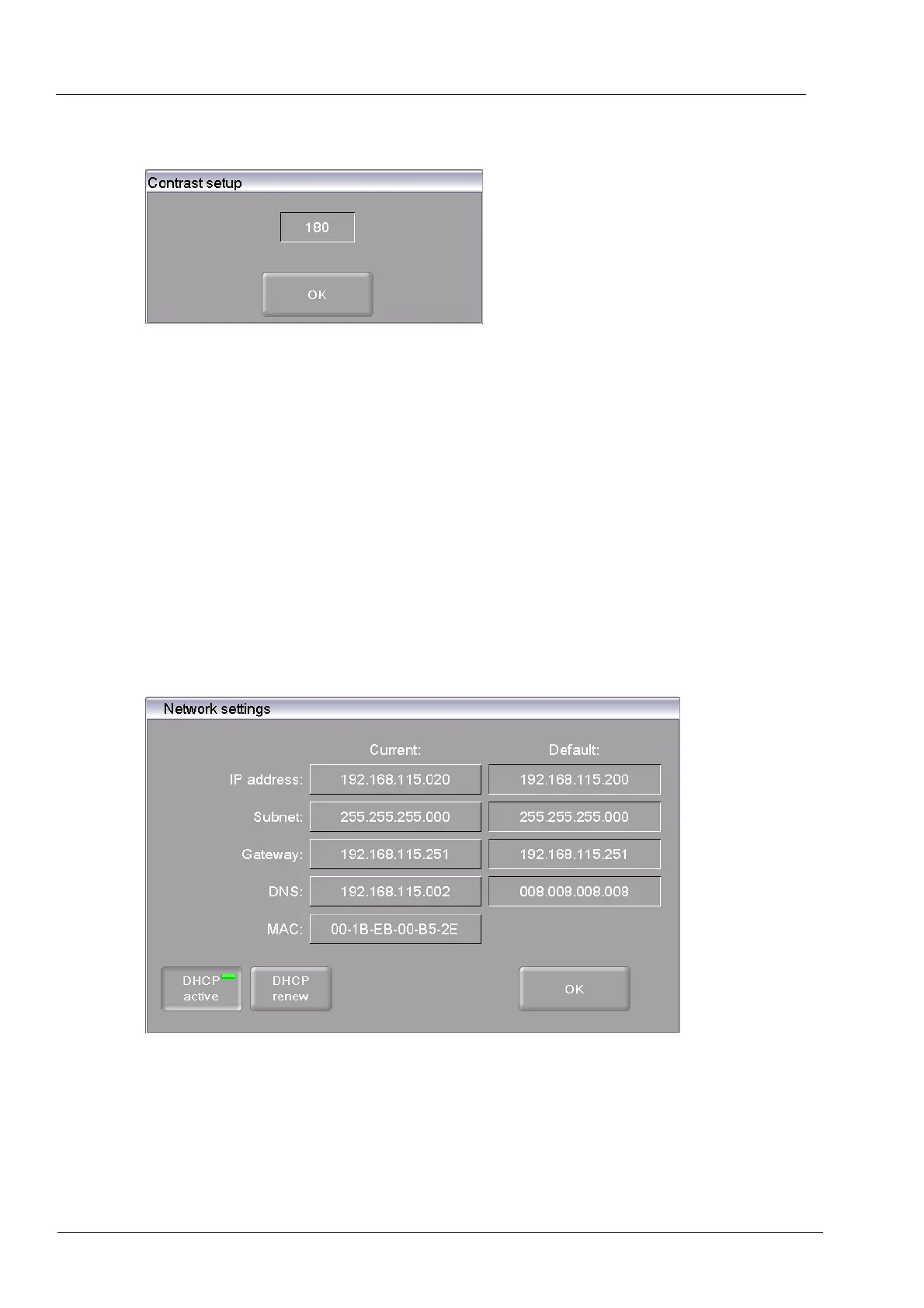
Contrast setup
Fig. 5-17 Setup > Screensaver settings > Contrast setup
5.8.1.5. Network (optional)
NOTE:
This functionality is optional.
• The options that are enabled for your firing furnace can be found in the menu
Setup > Furnace ID > Options (see section 5.8.2.1).
• You can find
information
on enabling options in section 7.6.
NOTE:
Consult section 4.5 about connecting the firing furnace with a network.
In the "Setup" menu, click the [Network] button. The followin
g window appears with the network
settings for the firing furnace. The current addresses in the network are displayed.
Fig. 5-18 Setup > Network
Buttons
• [OK]:
Accepts the settings and switches back to the "Setup" menu.
• [ESC]:
Closes the window and switches back to the "Setup" menu. The
changes will not be saved.



 To Next Page