AUSTROMAT
®
664 iSiC
®
/ 674 baSiC
2
5. User interface
Operating Instructions (Version 03/2018) 61
5.8. Setup menu
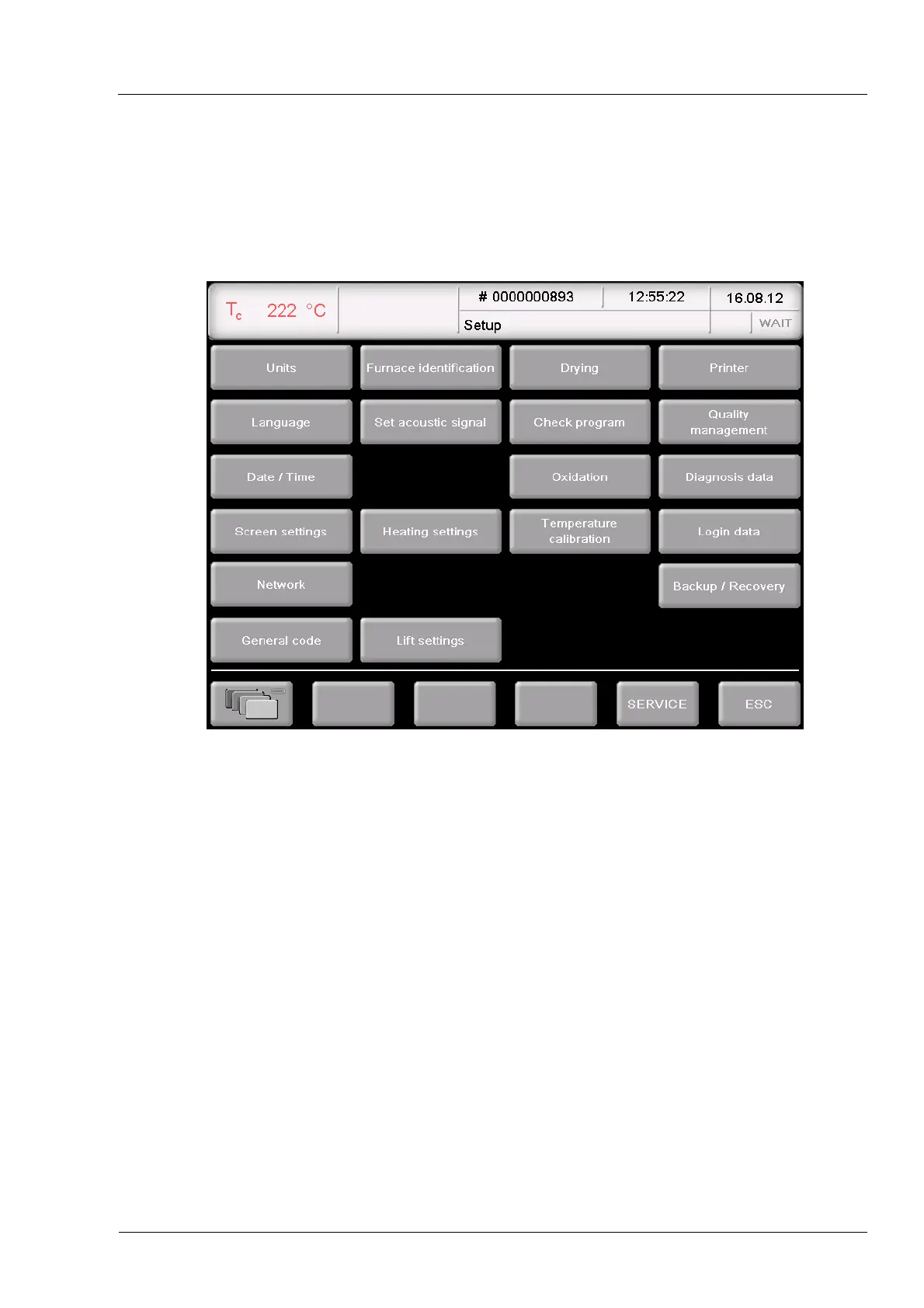
The "Setup" menu is used for system control, to change global settings of the firing furnace, to
launch maintenance programs, and to record data. The "Setup" menu can be opened by
clicking on the [Setup] function key in the Program Manager. It is accessible to laboratory users
if not blocked by the supplier for a specific customer.
Fig. 5-12 "Setup" menu
Buttons
• [SERVICE]:
Opens the “Service” menu. The "Service" menu is only available
when you are authorized for level "2" (see section 2.5).
• [ESC]:
Return to the Program Man
ager (see section 5.3).



 To Next Page