AUSTROMAT
®
664 iSiC
®
/ 674 baSiC
2
5. User interface
Operating Instructions (Version 03/2018) 69
Change IP address Change an address as follows:
• Click on the corresponding address The alphanumeric keyboard
window appears.
Please note: The current IP address cannot be edited.
• In the keyboard window, click on [Edit].
• Enter the desired program number.
DHCP active Use the button to assign an IP address to the firing furnace from you
network server. An LED within the button indicates that the DHCP
function is active.
DHCP renew Use the button to automatically assign a new IP address to the firing
furnace from you network server.
5.8.1.6. General code
You can use this function to protect firing programs from changes (block) (see also section 2.5).
Note the following usage restrictions before activating the general code.
• Programs protected by the general code cannot be edited or changed. The program editor
cannot be opened for these programs,
• Programs protected by the general code cannot be deleted.
• Program numbers protected by the general code are not available as targets for copying
(Program Manager),
• The functionality in the "Setup" menu is strongly restricted.
Activate general code
• In the "Setup" menu, click the [General code] button. The alphanumeric keyboard window
appears.
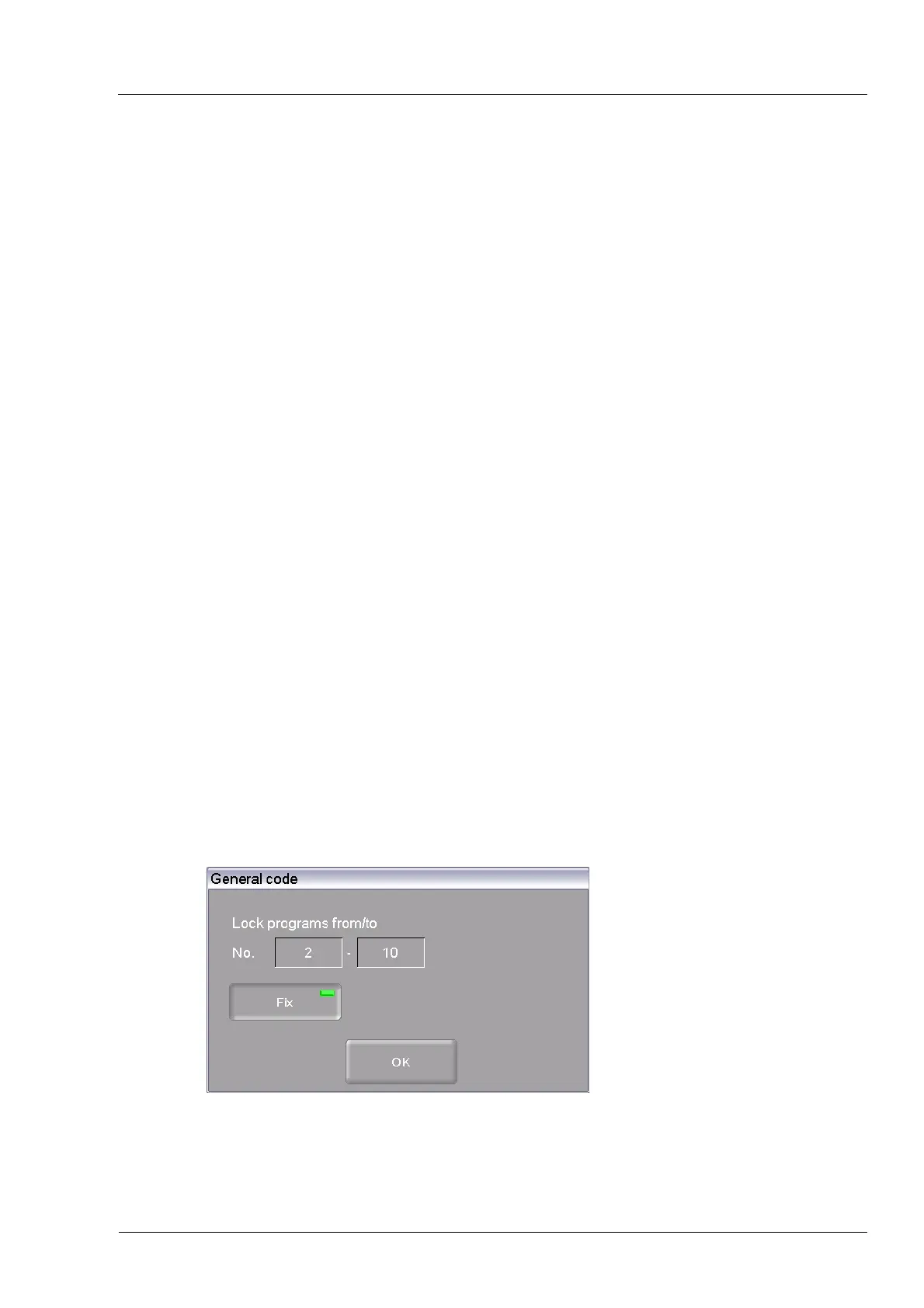
• Enter the password for the general code. The following "General code" window appears.
Fig. 5-19 " General code" window



 To Next Page