AUSTROMAT
®
664 iSiC
®
/ 674 baSiC
2
5. User interface
Operating Instructions (Version 03/2018) 77
5.8.3.2. Check program
The AUSTROMAT
®
664 / 674 has an internal program, the check program, that checks the
function of the major components. Regularly using this non-editable program makes it easier for
you and the responsible service personnel to identify aged components (such as heating
element wear) and troubleshoot malfunctions. After approximately 500 firings, the firing oven
displays a recommendation on the screen to start the self check program.
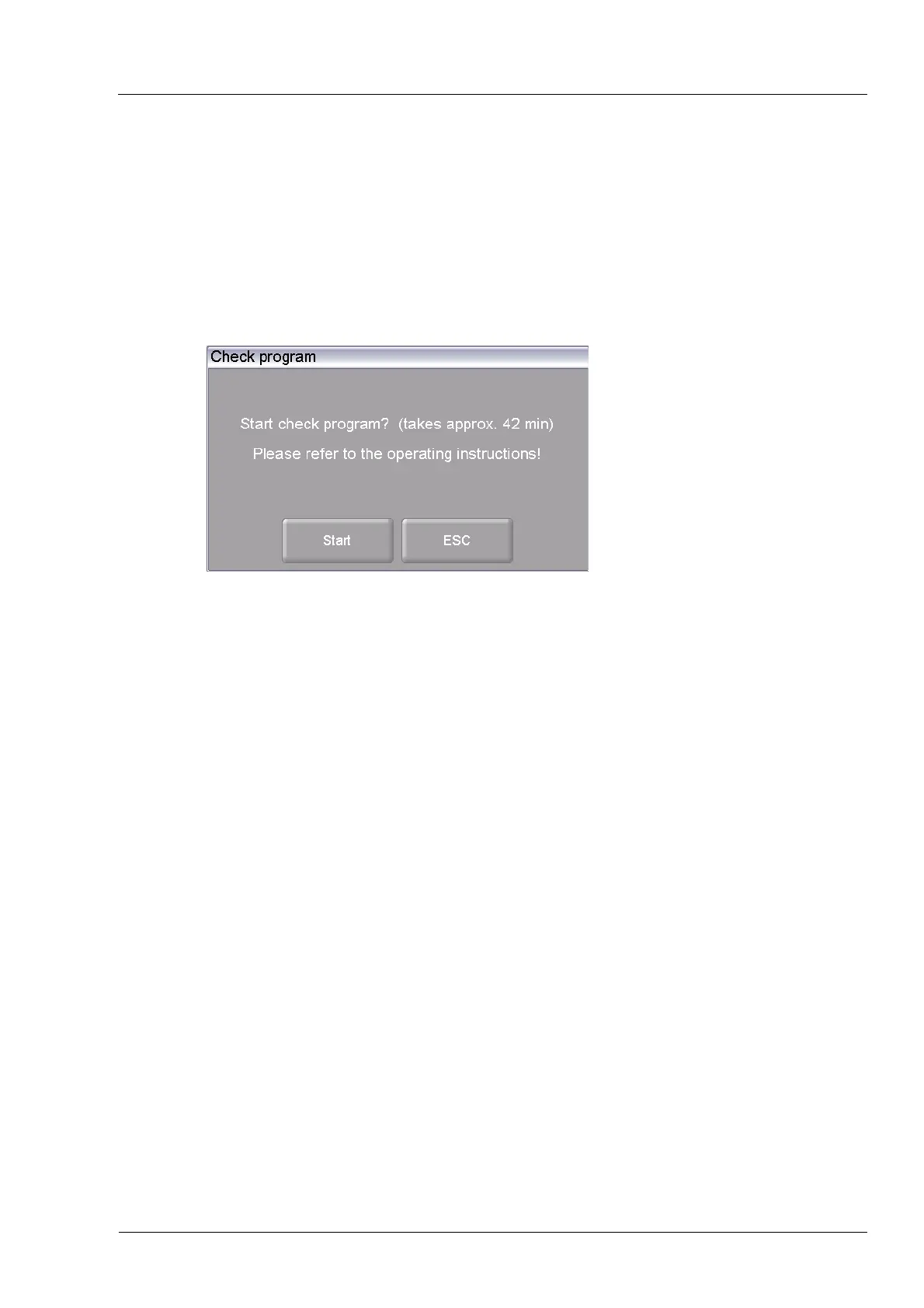
In the "Setup" menu, click the [Check program] button. The following window appears for
starting the check program.
Fig. 5-27 Setup > Check program
Buttons
• [Start]:
Starts the check program; duration: approx. 180 min.
(depending on the set maximum rise rate; see section 5.8.2.3).
• [ESC]:
Clo
ses the window and switches back to the "Setup" menu.
Start the program Click on [Start]. The "Check program" window is displayed as long
as the program is running. You can terminate the program at any
time when you click the [Stop] button. A safety query appears and
asks if you really want to end the program:
• [OK]: Confirm your decision and in the program,
• [ESC]: Change your decision and continue the program.
Check program You can find instructions on the check program in section 7.3.



 To Next Page