AUSTROMAT
®
664 iSiC
®
/ 674 baSiC
2
5. User interface
Operating Instructions (Version 03/2018) 79
5.8.3.4. Temperature calibration
NOTE:
DEKEMA recommends that the AUSTROMAT
®
664 / 674 temperature is calibrated
annually.
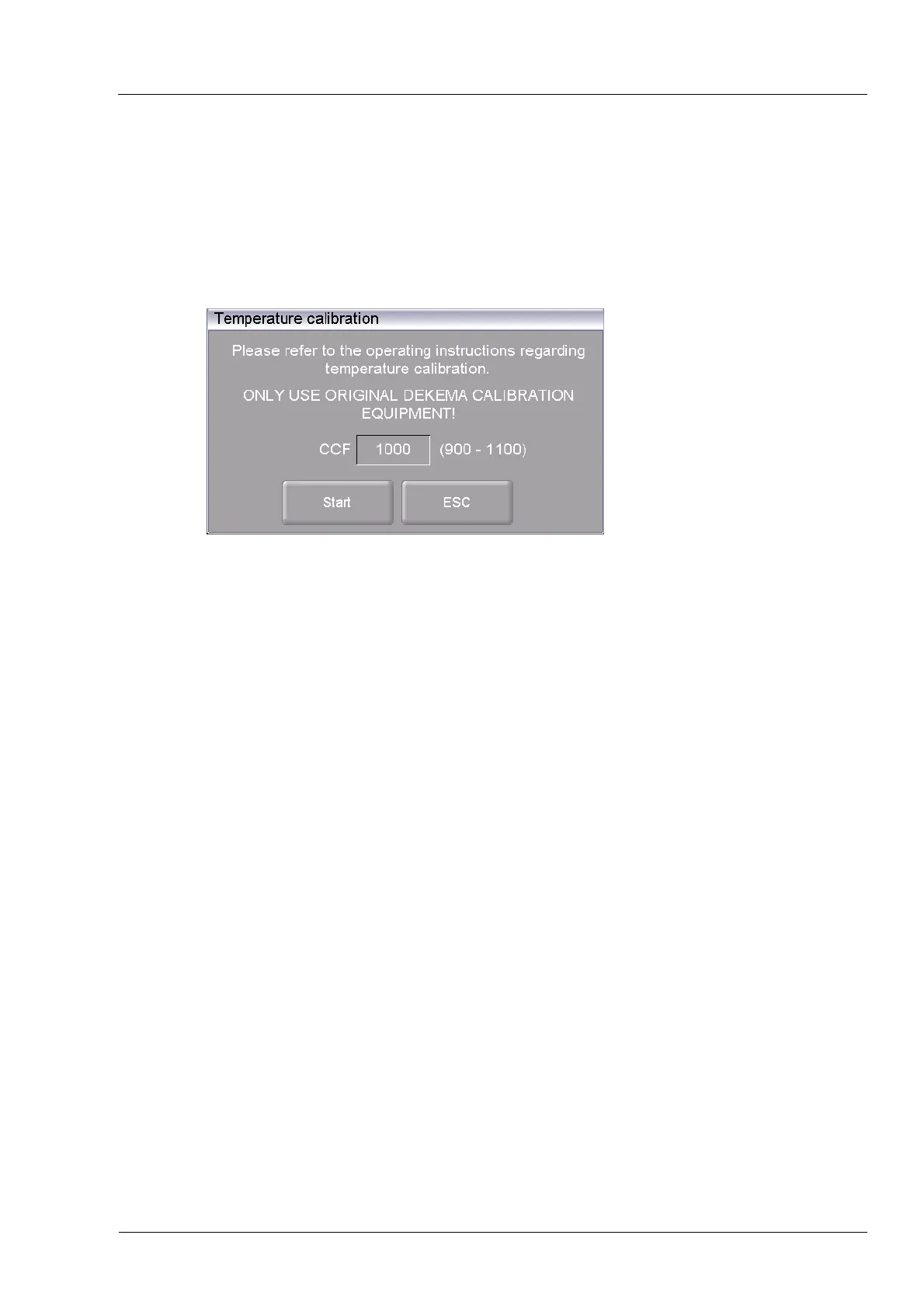
In the "Setup" menu, click the [Temperature calibration] button. The following temperature
calibration window appears. The set CCF value is shown.
Fig. 5-29 Setup > Temperature calibration
Buttons
• [Start]:
Starts temperature calibration.
• [ESC]:
Closes the window and switches back to the "Setup" menu. The
changes will not be saved.
Calibrate temperature The procedure for calibrating the temperature is in section 7.2. You
can terminate
the prog
ram at any time when you click the [Stop]
button. A safety query appears and asks if you really want to end the
program:
• [OK]: Confirm your decision and end the program.
• [ESC]: Change your decision and continue the program.
Change CCF value
• Click on the CCF value. The numeric keyboard window
appears.
• Enter the desired CCF value.



 To Next Page