5. User interface AUSTROMAT
®
664 iSiC
®
/ 674 baSiC
2
64 Operating Instructions (Version 03/2018)
5.8.1. System control functions
5.8.1.1. Units
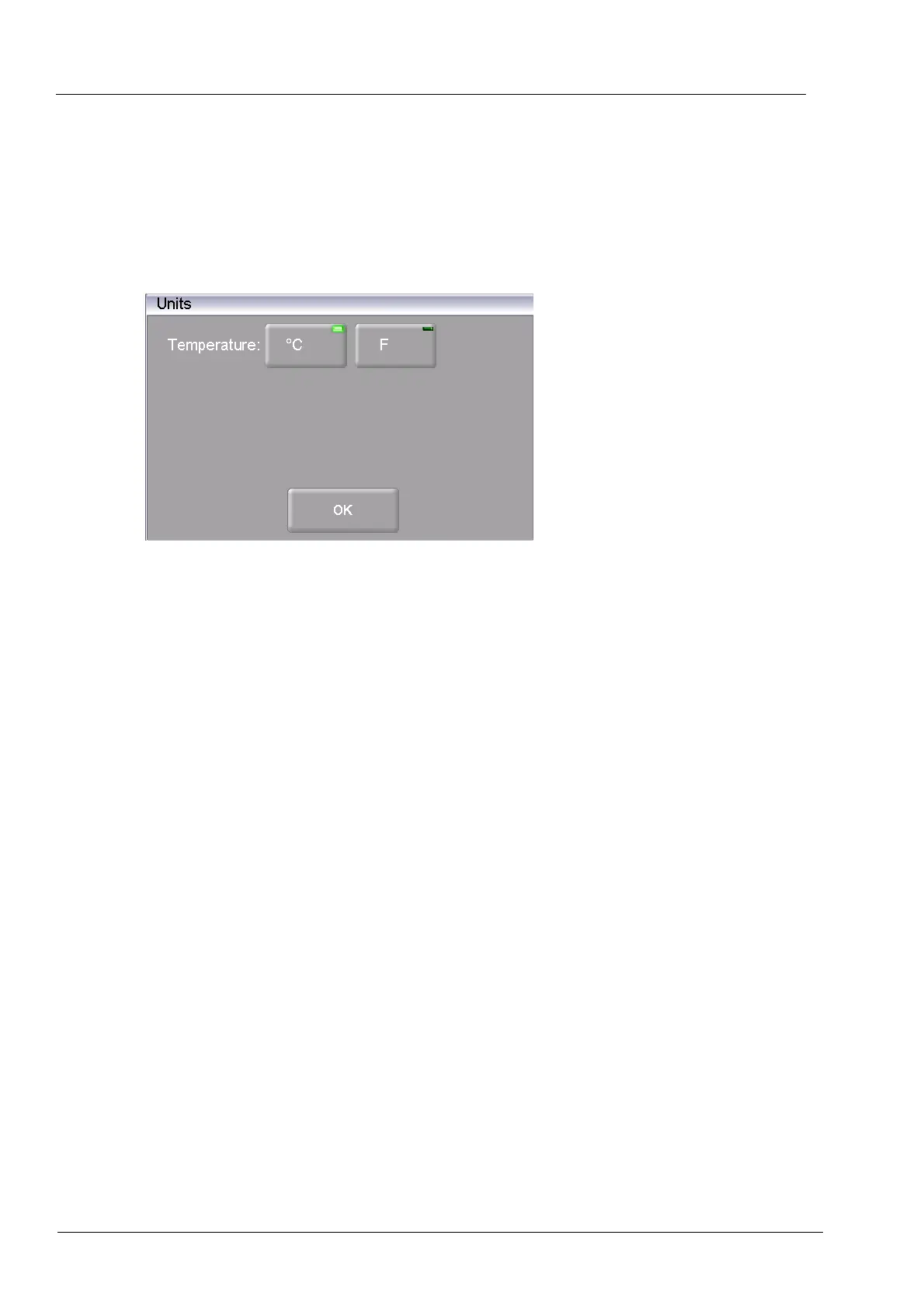
In the "Setup" menu, click the [Units] button. The following window for selecting the units for
temperature appears. The set unit is marked.
Fig. 5-13 Setup > Units
Buttons
• [OK]:
Accepts the settings and switches back to the "Setup" menu.
Select unit Click on the relevant unit. An LED within the button indicates that the
related unit is selected:
• Temperature: Choose °C or °F (Fahrenheit);
Conversion formula: T
F
= T
C
x 1.8 + 32 or T
F
= 9/5 T
C
+ 32



 To Next Page