4. Start-up AUSTROMAT
®
664 iSiC
®
/ 674 baSiC
2
38 Operating Instructions (Version 03/2018)
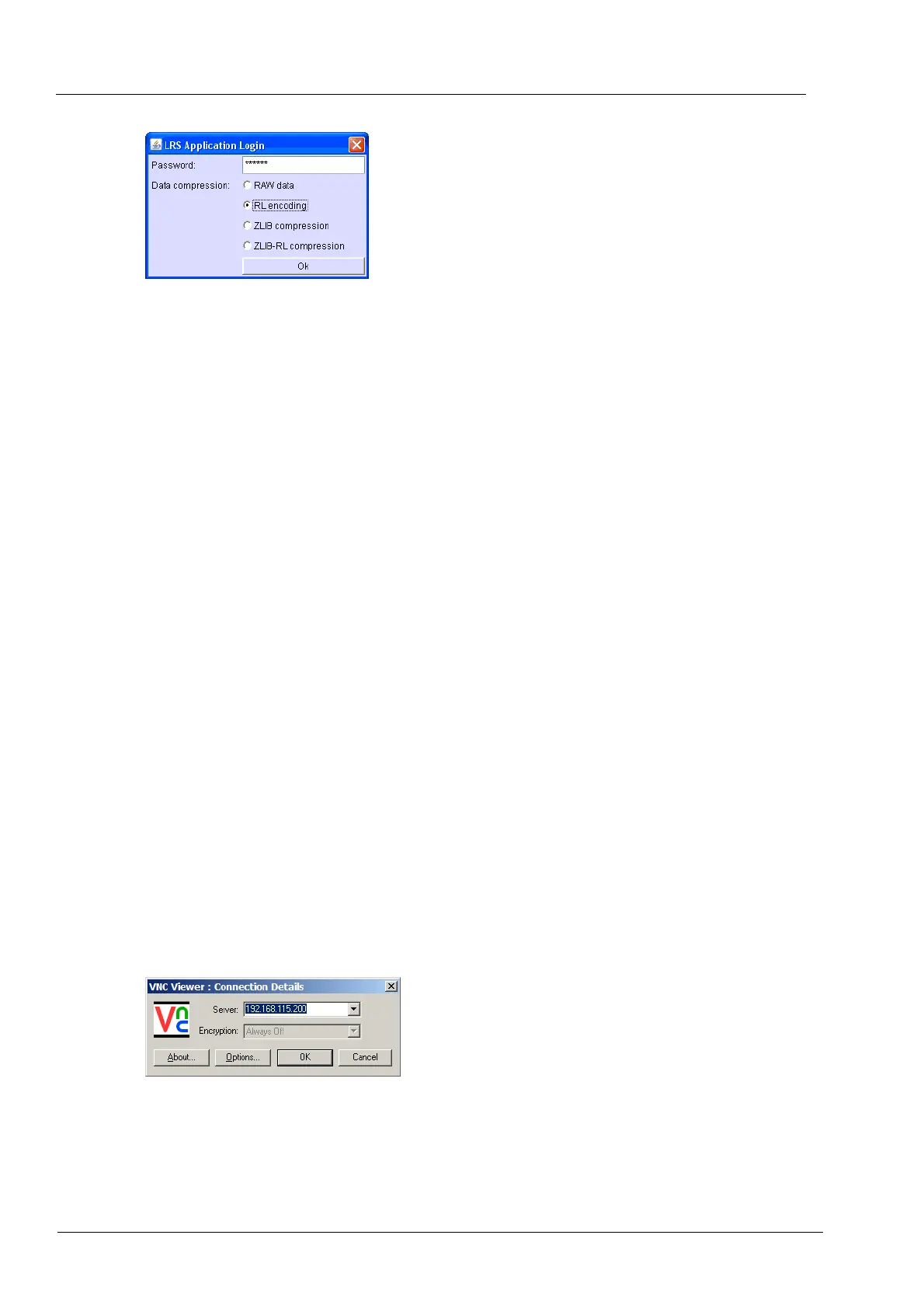
Fig. 4-10 Login window
4. The Program Manager appears in the browser (see section 5.3). You may have to release
this IP address in the firewall of the computer (see the operating instructions of the
operating system).
5. In the "Setup" menu, open the "Login data" function (> Setup > Network > Login data) (see
section 5.8.4.4).
6.
Activate the functio
ns "Start/stop functionality" and "Function keys via the Web server" (see
also section 5.8.4.4).
Recommend
ation: Define bookmarks in the browser
You can define a bookmark in the browser for easily opening the firing furnace control: In the
browser, enter the permanent IP address, and start the Java application. Wait until the Program
Manager is displayed. Define the bookmark.
You can now operate the firing furnace using the browser. Now set up the authorizations for
accessing the firing furnace by the browser (see section 4.5.5).
4.6.2. Operating the firing furnace using a VNC program
NOTE:
To use the firing furnace via a VNC, a suitable VNC program needs to be installed on the
computer.
1. Open a VNC program on a computer network (such as RealVNC or UltraVNC).
2. The start window appears.
a. Enter the noted IP address in the "Server" entry line ("192.168.115.200" in the
following example).
b. Click on [OK].
Fig. 4-11 Enter the IP address in the VNC start window (example)



 To Next Page