5. User interface AUSTROMAT
®
664 iSiC
®
/ 674 baSiC
2
80 Operating Instructions (Version 03/2018)
5.8.4. Data recording and transfer
5.8.4.1. Printer
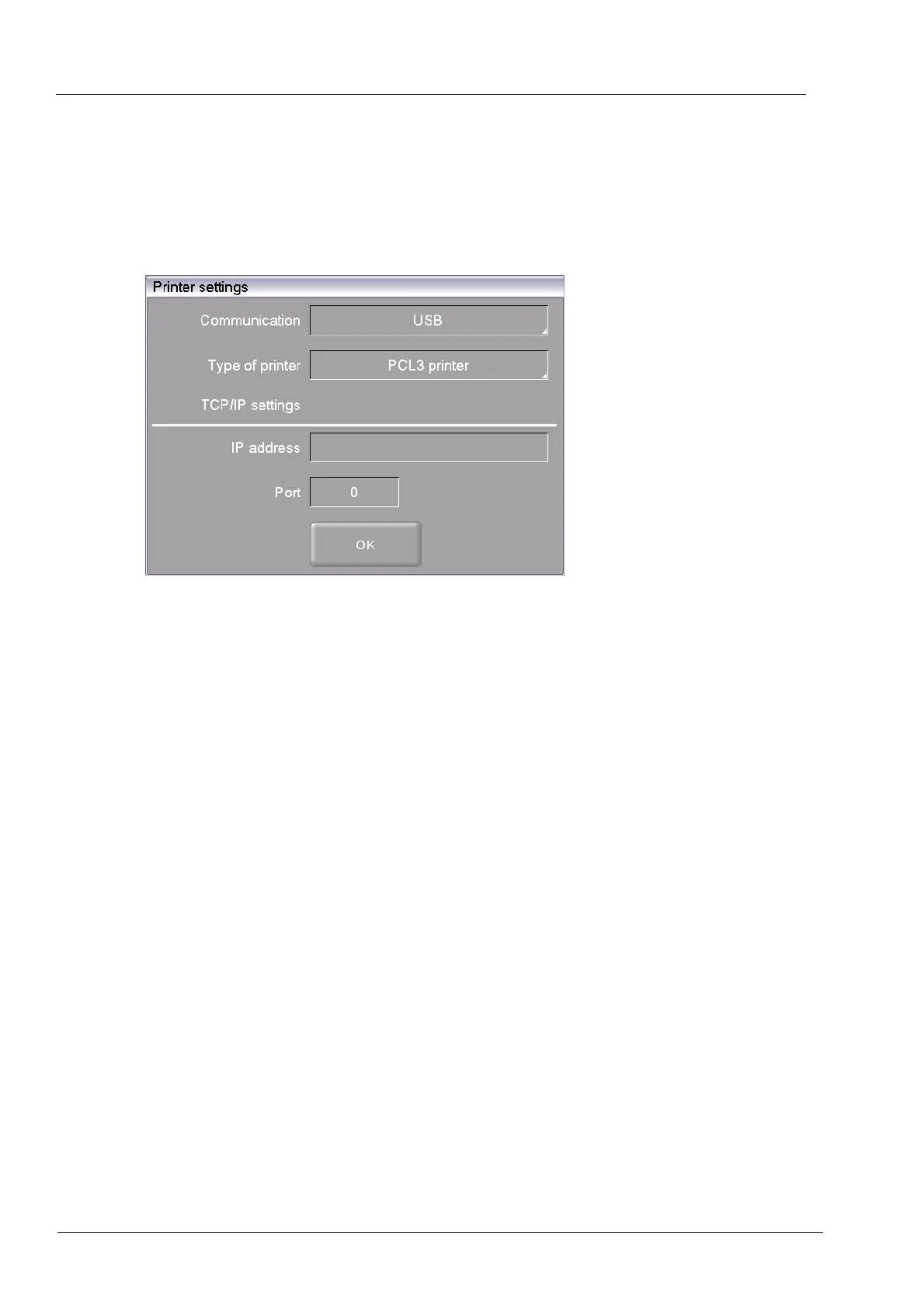
In the "Setup" menu, click the [Printer] button. The following printer settings window appears.
Fig. 5-30 Setup > Printer
Buttons
• [OK]:
Closes the window and switches back to the "Setup" menu.
Communication Specifies the interface for the printer (drop-down list).
Printer type In the printer type fields, you can specify the printer (drop-down list)
for example to print out record data.
TCP/IP settings Settings for a network printer.



 To Next Page