5. User interface AUSTROMAT
®
664 iSiC
®
/ 674 baSiC
2
86 Operating Instructions (Version 03/2018)
Online Update
Proceed as follows to update the software of the firing furnace:
NOTE:
Updating the software of the firing furnace requires an active internet connection.
1. Click on the [Software Update] button.
2. A message indicates that the firing furnace is searching for a new software version (see
section 5.8.2.1).
3.
A message reque
sts you to download the new software version if there is one available.
4. Click [OK] to confirm the message.
5. Wait until the firing furnace has downloaded the new version. This may last some minutes.
Afterwards, the firing furnace reboots, and then is ready for use.
5.8.4.6. FTP Server Login (optional)
NOTE:
This functionality is available as an option.
• The options that are enabled for your firing furnace can be found in the menu
Setup > Furnace ID > Options (see section 5.8.2.1).
• You can find
information
on enabling options in section 7.6.
NOTE:
There are many DEKEMA-independent programs available to set up an external FTP
server. For further information, please contact your network administrator.
With the FTP functionality, you can access an externally-linked FTP server. You can for
example link picture folders and files to the firing furnace and view them while the program is
running.
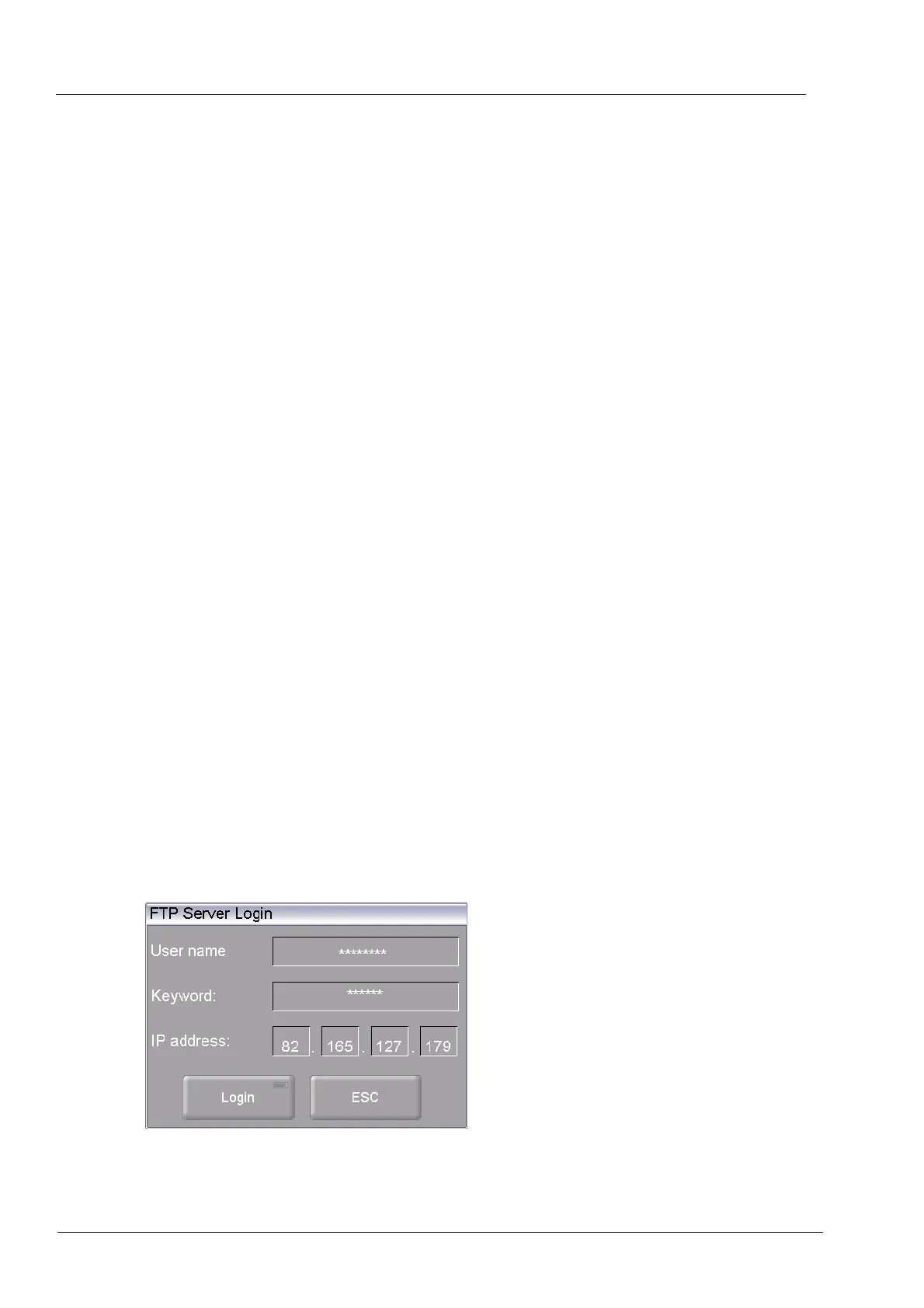
In the "Setup" menu, click the [FTP Server Login] button. The following window for accessing an
FTP server appears.
Fig. 5-35 Setup > FTP Server Login



 To Next Page