AUSTROMAT
®
664 iSiC
®
/ 674 baSiC
2
4. Start-up
Operating Instructions (Version 03/2018) 37
4.6. Connect the firing furnace to an individual PC (optional)
NOTE:
This functionality is available as an option.
• The options that are enabled for your firing furnace can be found in the menu
Setup > Furnace ID > Options (see section 5.8.2.1).
• You can find
information
on enabling options in section 7.6.
NOTE:
Consult your network administrator if you are uncertain.
1. Make sure that the firing furnace is connected to a computer with a network cable (interface
on the back of the device). Note that older computers may require a crossover network
cable.
2. In the plant, the firing furnace was assigned the default IP address "192.168.115.200" by
DEKEMA. If this IP address is no longer valid, you have to identify the present default IP
address of the firing furnace: (see section 4.5.1).
3.
If necessa
ry, enter the correct IP address for your computer.
4.6.1. Setting up the operation of the firing furnace using a browser
NOTE:
To operate the firing furnace using the web interface, your browser must be Java-
capable, and the Java application must be activated.
1. Open a Java-capable browser on your computer (such as Internet Explorer or Mozilla
Firefox).
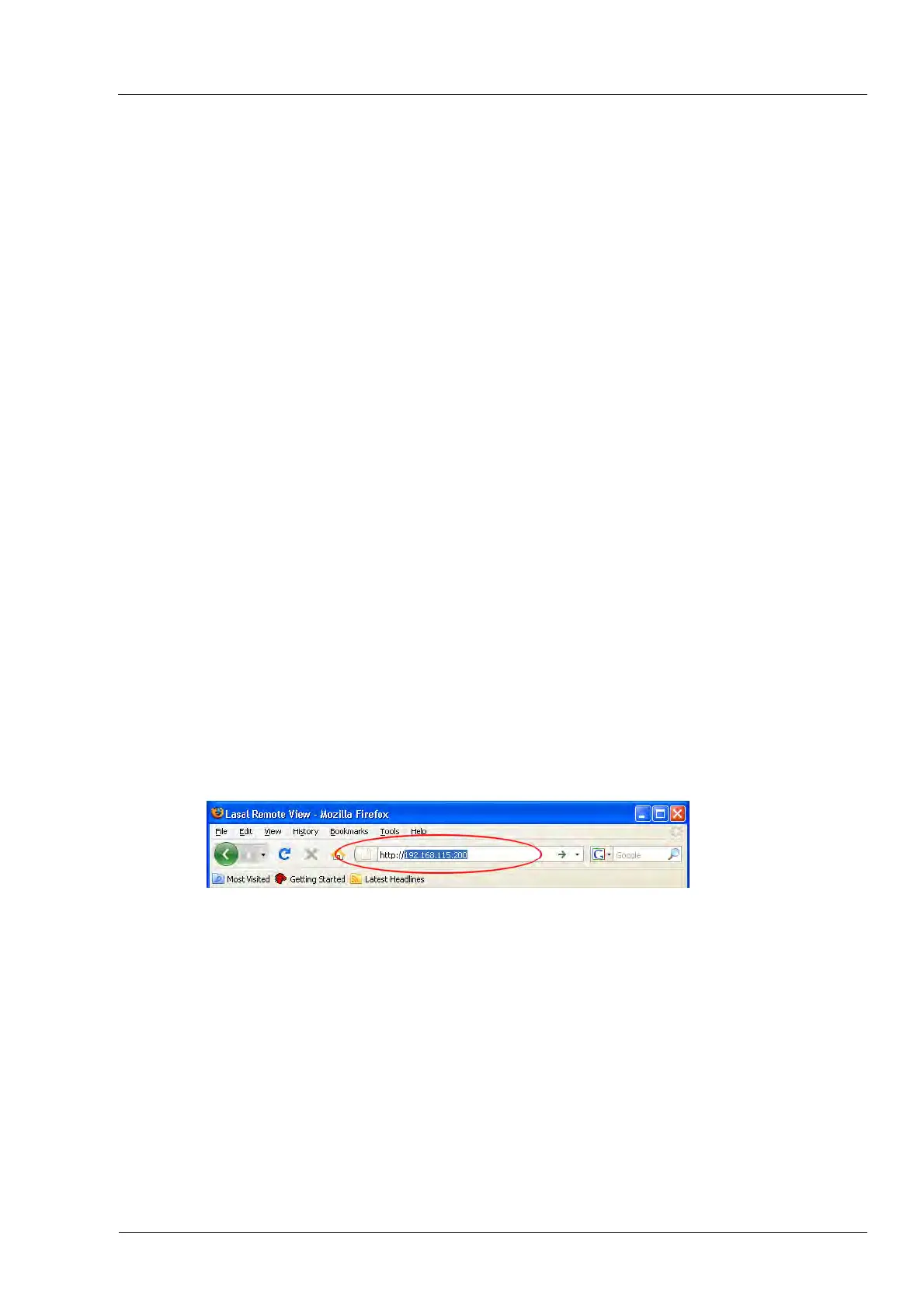
2. In the address line of the browser, enter the default IP address "http://192.168.115.200”
provided by DEKEMA, and press the Enter key.
Fig. 4-9 Enter the IP address in the browser (example)
3. The login window appears.
a. Enter the password in the “Password” entry line.
b. Select the desired data compression for transmitting data between the firing oven and
the computer. We recommend using the default setting, "RL encoding".
c. Click on [OK].



 To Next Page