6. Operation AUSTROMAT
®
664 iSiC
®
/ 674 baSiC
2
98 Operating Instructions (Version 03/2018)
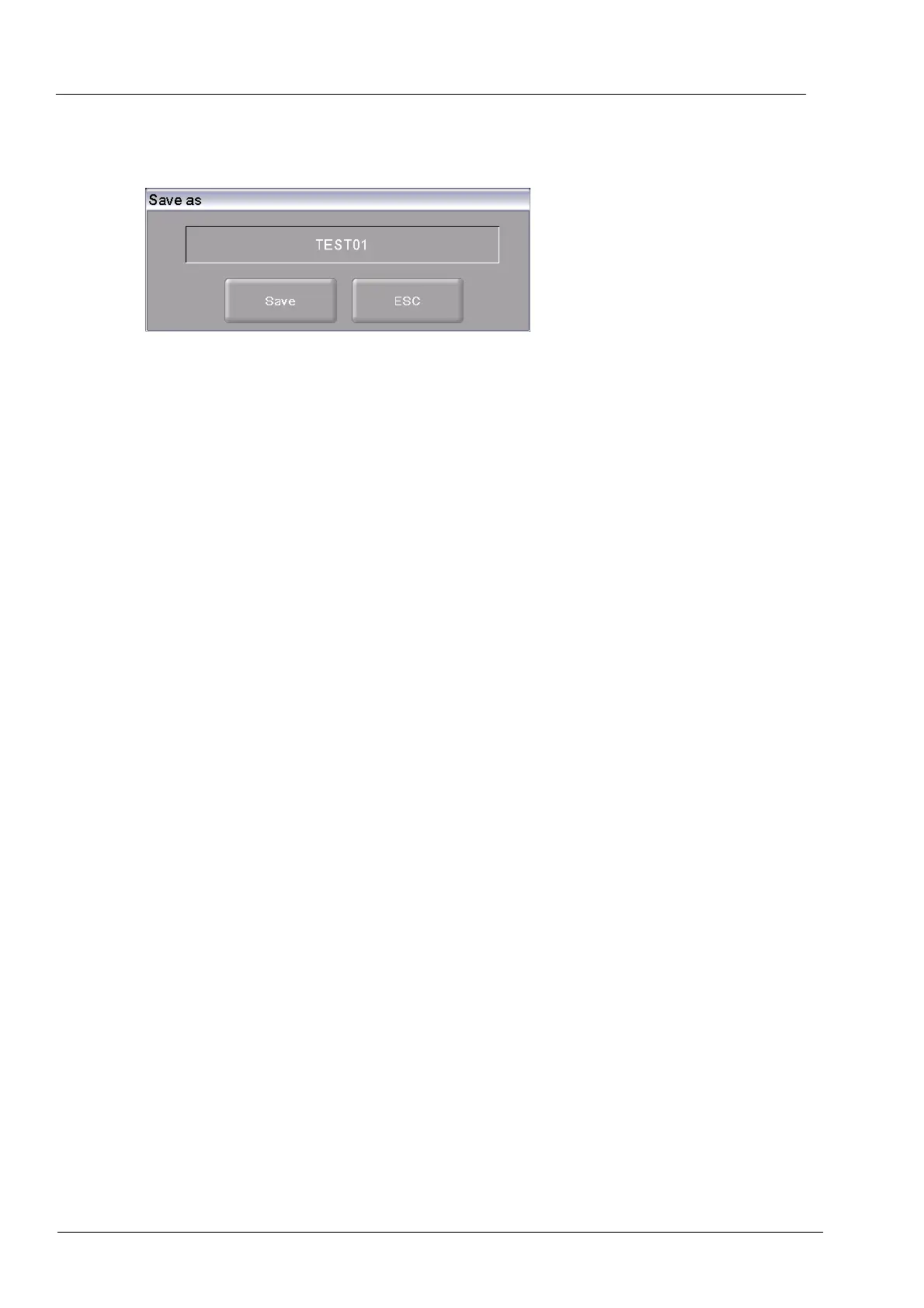
5. Click on [OK]. The window “Save as” appears.
(Press [ESC] to return to the Program Manager.)
Fig. 6-4 "Save as" window
6. Click in the entry line. The alphanumeric keyboard window appears.
7. Enter the name for the set, and confirm with [Enter].
8. Click the button [Save].
(Press [ESC] to return to the Program Manager without saving the set.)
The message "Successfully saved" appears after the set has been saved. Click [OK] to return to
the Program Manager.



 To Next Page