Part II: Settings and Measurements
5.
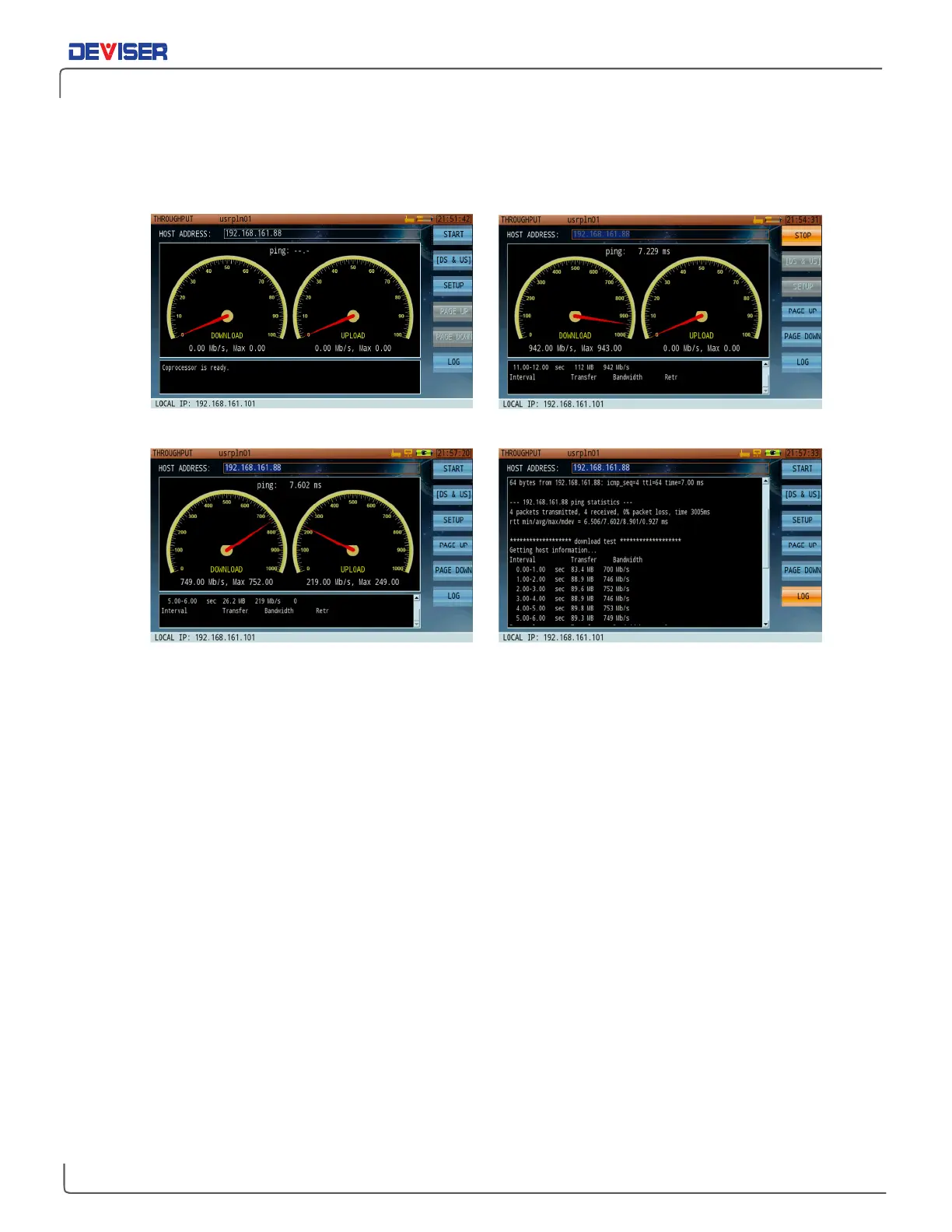
Press F2 repeatedly to select the desired test items: upstream, downstream, or both.
6.
Finally, press
Start
(F1) to begin testing. During the test, you may press
Stop
(F1) at any time to interrupt
the test before the scheduled time limit.
Conducting a throughput test
Completing a throughput test; viewing results
7.
After the test, press
Log
(F7) to view the throughput results. Use
Page Up
(F5)
and
Page Down
(F6) to
scroll through the test log.



 To Next Page