Part II: Settings and Measurements
Chapter 20: FTP
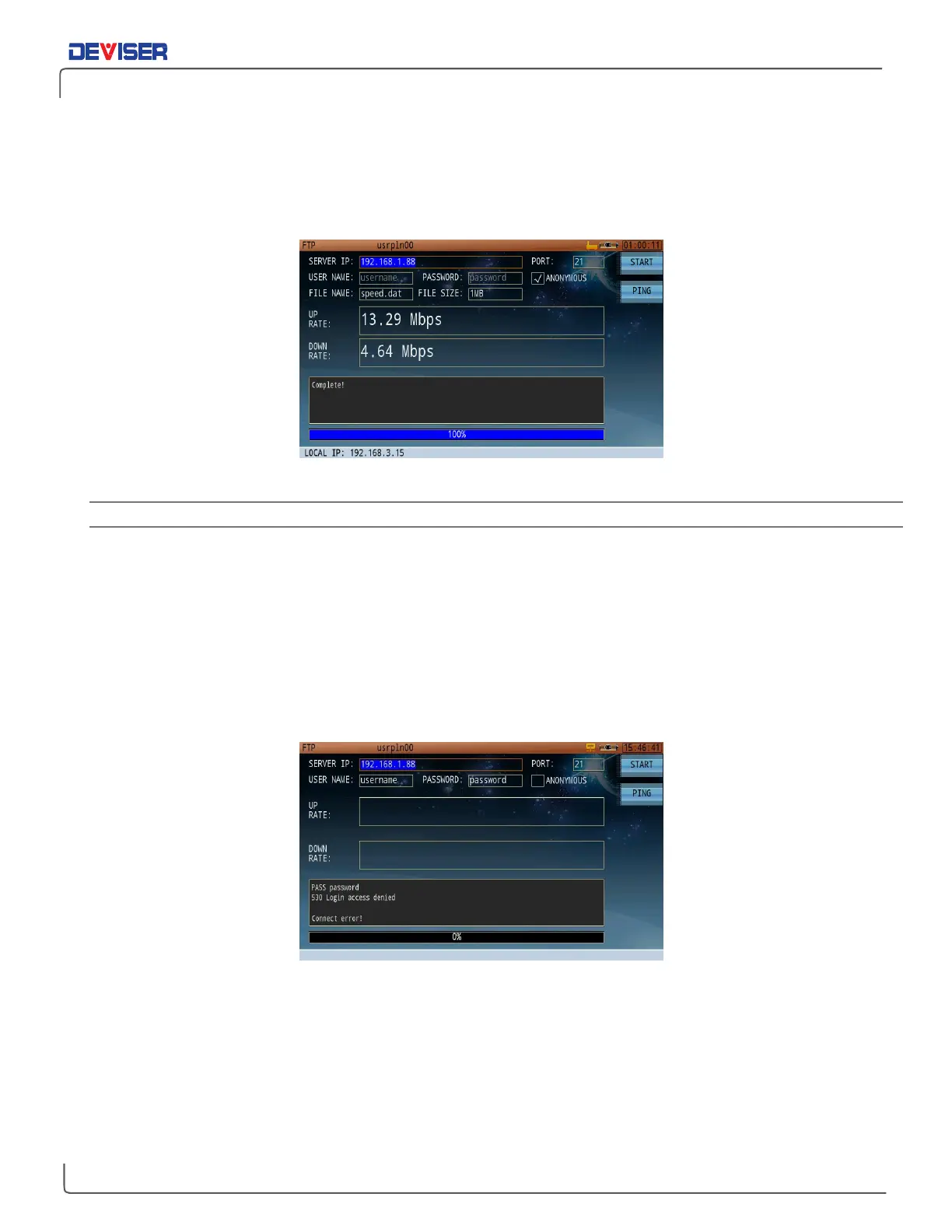
The FTP mode is useful for testing upload/download speeds between the DS2831 and an FTP server, as
shown below.
FTP Test
Measurement Settings
Server IP: FTP server IP address
Port: Sets the port number used by the FTP server (the default is 21)
Username Sets the username when connecting to a server that requires credentials.
Password: Sets the password when connecting to a server that requires credentials.
Anonymous login: Checked for ON, empty for OFF. (Ensure the desired server allows for anonymous login.)
When ready, press
Start
(F1) to initiate the test. The upload/download speed will display in real time. A status
bar at the bottom of the screen indicates the degree of test progress. If the test encounters problems, an
error message will display in the information window (shown below).
FTP Login Error



 To Next Page