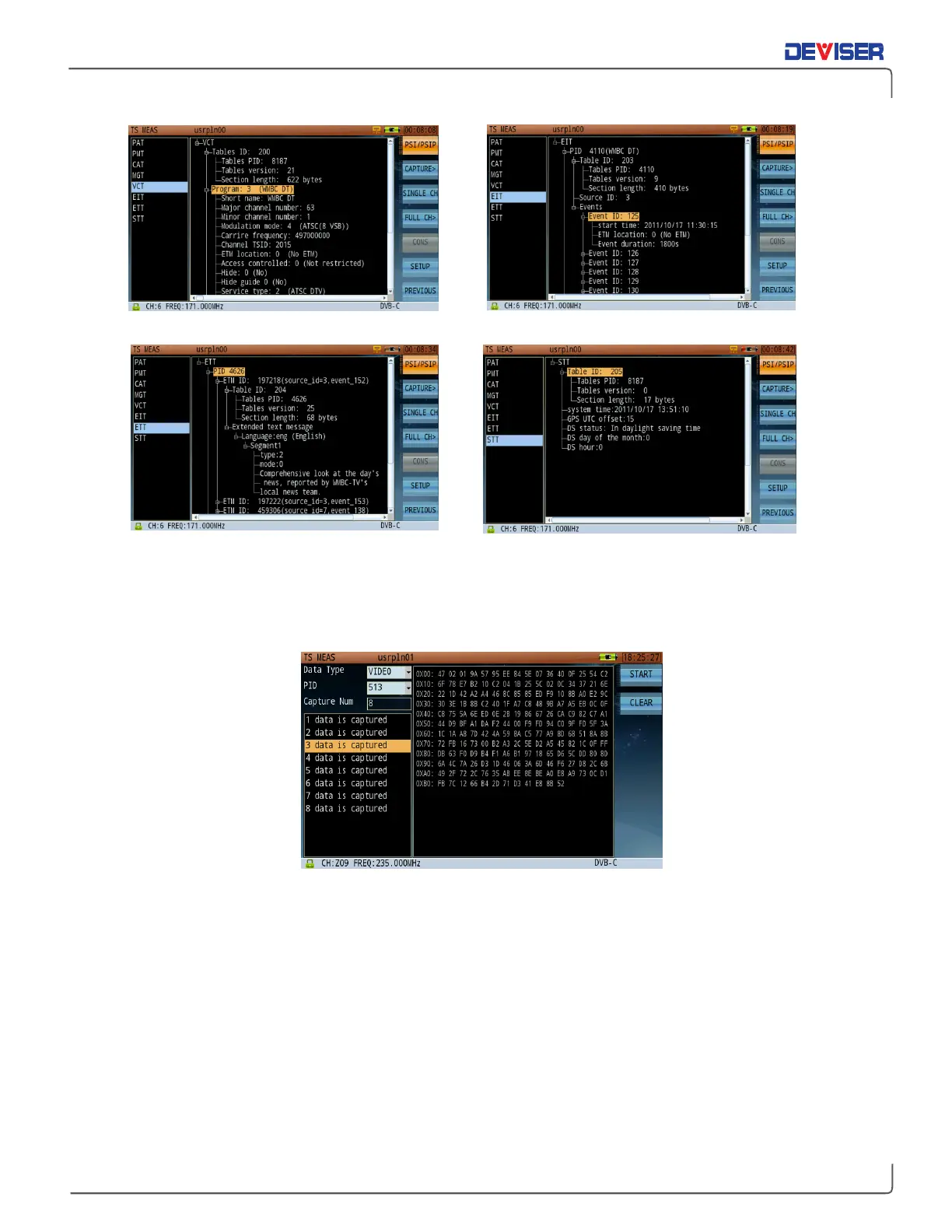
PSI/PSIP Analysis-VCT Table PSI/PSIP Analysis-EIT Table
PSI/PSIP Analysis-ETT Table PSI/PSIP Analysis-STT Table
9-9
Data Capture
Data Capture
The image above shows captured transport package data according to PID value. This function divides the
PID into six types: video, audio, PCR, PSI/SI, ECM/EMM and DATA. Choose a type and press the rotary knob
to confirm; the related PID value will display in PID position. Next, input a capture number (up to 255). Press
Start
(F1) to capture data. Press
Clear
(F2) to clear all captured data.
The left pane displays captured data files; their contents appear on the right in hexadecimal format. Use
the rotary knob to highlight a file in order to view its contents.
Note that the data capture function only supports real-time capture.



 To Next Page