Part II: Settings and Measurements
10-6
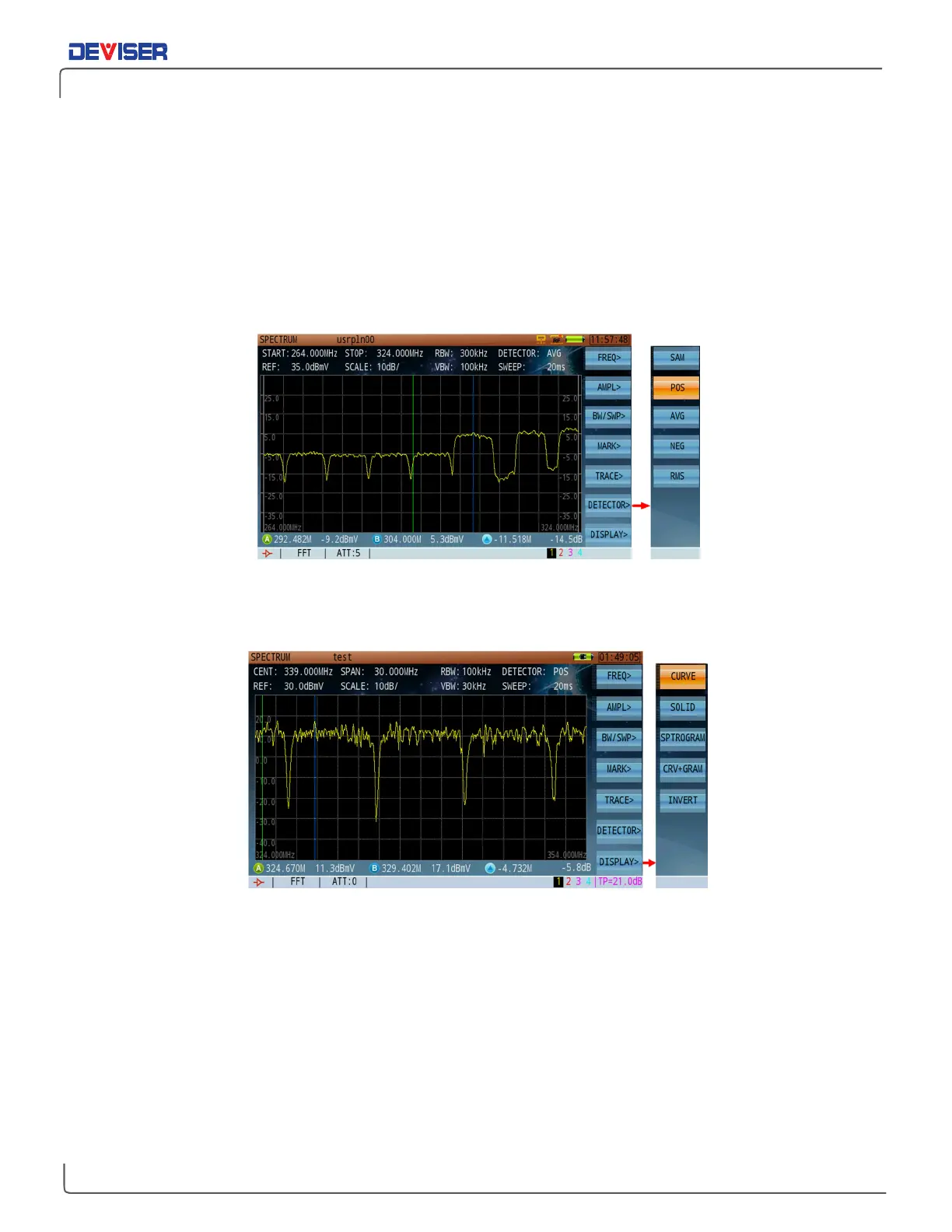
Detector Type Setting
Press
Detector>
(F6) to enter the detector mode submenu. Here, you may choose 1 of 5 detector modes:
•
SAM
(sample detector, F1)
•
POS
(Positive peak detector, F2)
•
AVG
(Average detector, F3)
•
NEG
(Negative peak detector, F4)
•
RMS
(Root mean square detector, F5).
Detector Mode Setting
10-7
Display Mode Setting
Display Mode Setting
The spectrum analysis function offers 4 display modes: curve, solid, spectrogram, and combined Curve/
Spectrogram. Press
Display>
(F7) to enter the submenu, then press
Curve
(F1),
Solid
(F2),
SPO
(F3), or
CRV+SPO
(F4) to select your desired display mode.



 To Next Page