Chapter 17: PPPoE
As a PPPoE client, you only need to provide a user name and password to initiate PPPoE dialing. Enter a
username and password in the top two fields, using the alphanumeric keypad.
Once a login is entered, press
Connect
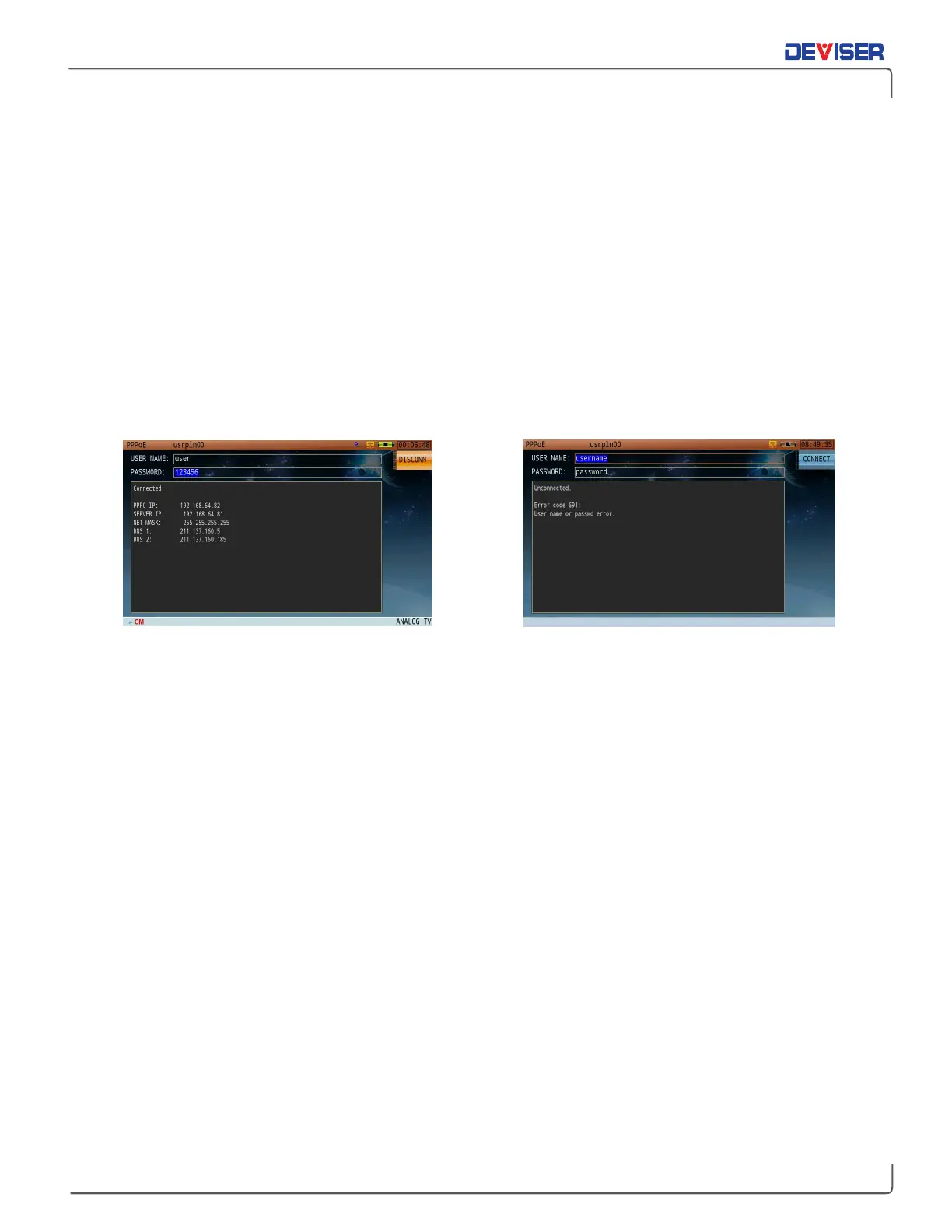
(F1) to initiate PPPoE dialing. Upon a successful connection; the
following parameters will be acquired and displayed, as shown (below, left):
•
IP address of PPP0
•
Server IP address
•
Subnet mask
•
DNS
If the connection fails, an error code and error information will display for reference, as shown (below, right).
PPPoE Dialing PPPoE Connection Error



 To Next Page