Chapter 3: Quick Start Guide (Making a Measurement)
This chapter will provide the basics of setting up and performing select measurements with the DS2831.
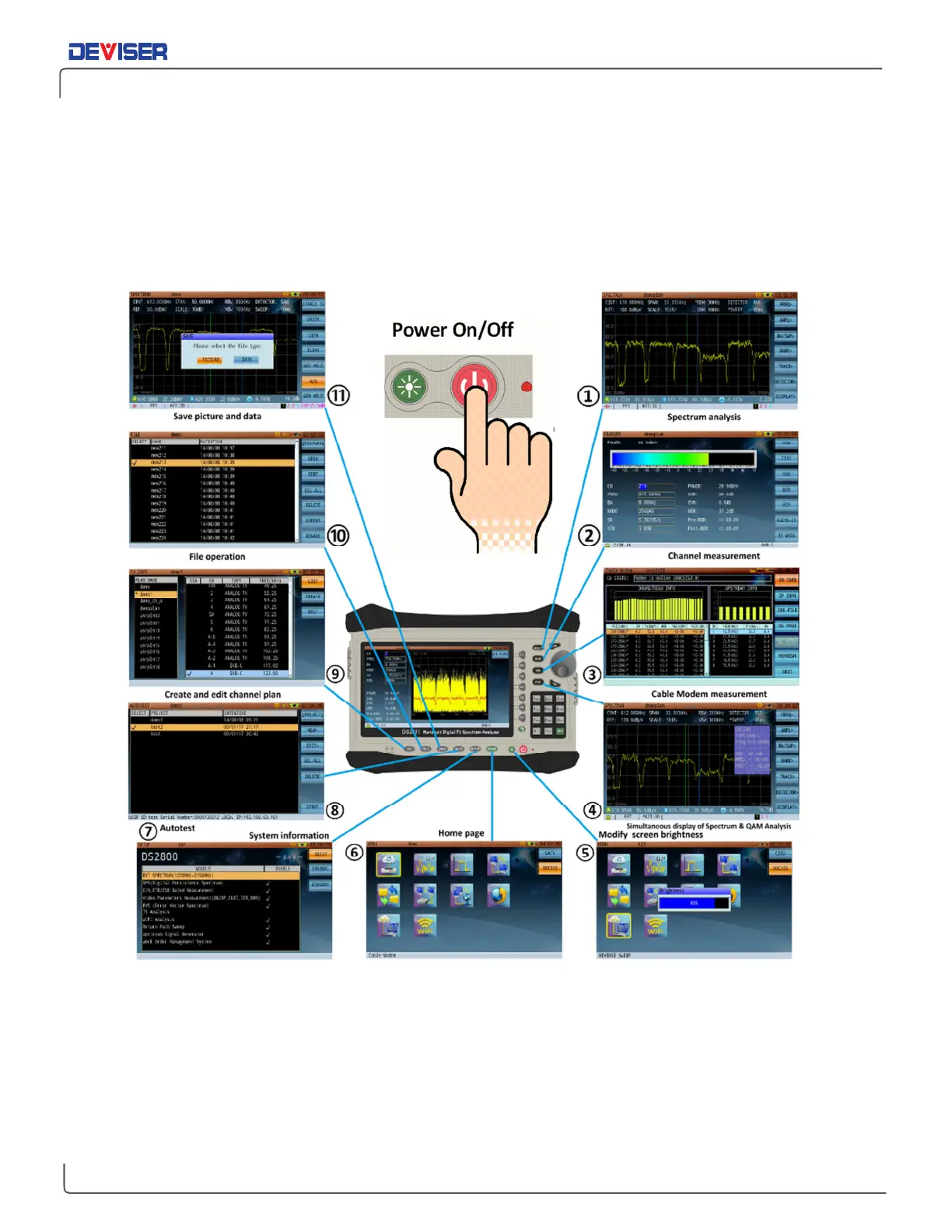
Press the Power button (shown below) and use the arrow keys and F7 to log in to an existing user profile (or
press F2 to create one). This places you at the
Home
menu, where you can select from all measurement
applications currently enabled on the instrument.



 To Next Page