Part II: Settings and Measurements
Chapter 18: PING
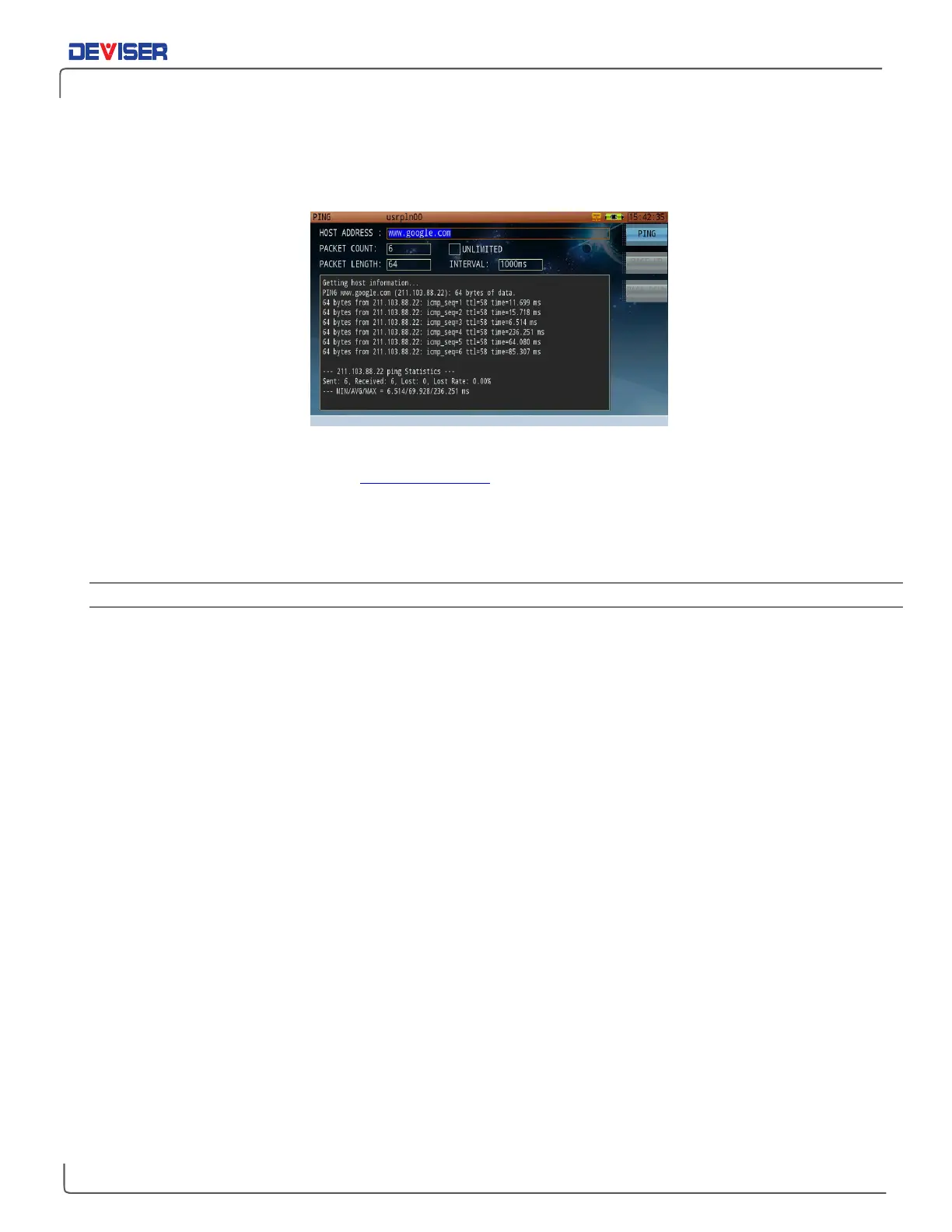
PING is effective for quickly verifying your network connectivity status and speed, as shown below.
Ping Result Display
Input the network or IP address (e.g., www.google.com) to be tested in the host address box at the top,
using the alphanumeric keypad. Then press
Ping
(F1) once to start the network test. You may press it again
to stop the test, if necessary.
Ping results appear in real time in the window, as shown above.
Settings
Packet Count: the number of data packets sent by the assigned PING order.
Unlimited: If this box is checked, the PING function will fire continuously until Stop is pressed.
Packet length: The packet length of the PING request.
Interval: Time interval delay between ping packets, in ms.



 To Next Page