Part II: Settings and Measurements
23-1 OFDM Integrated Channel Test
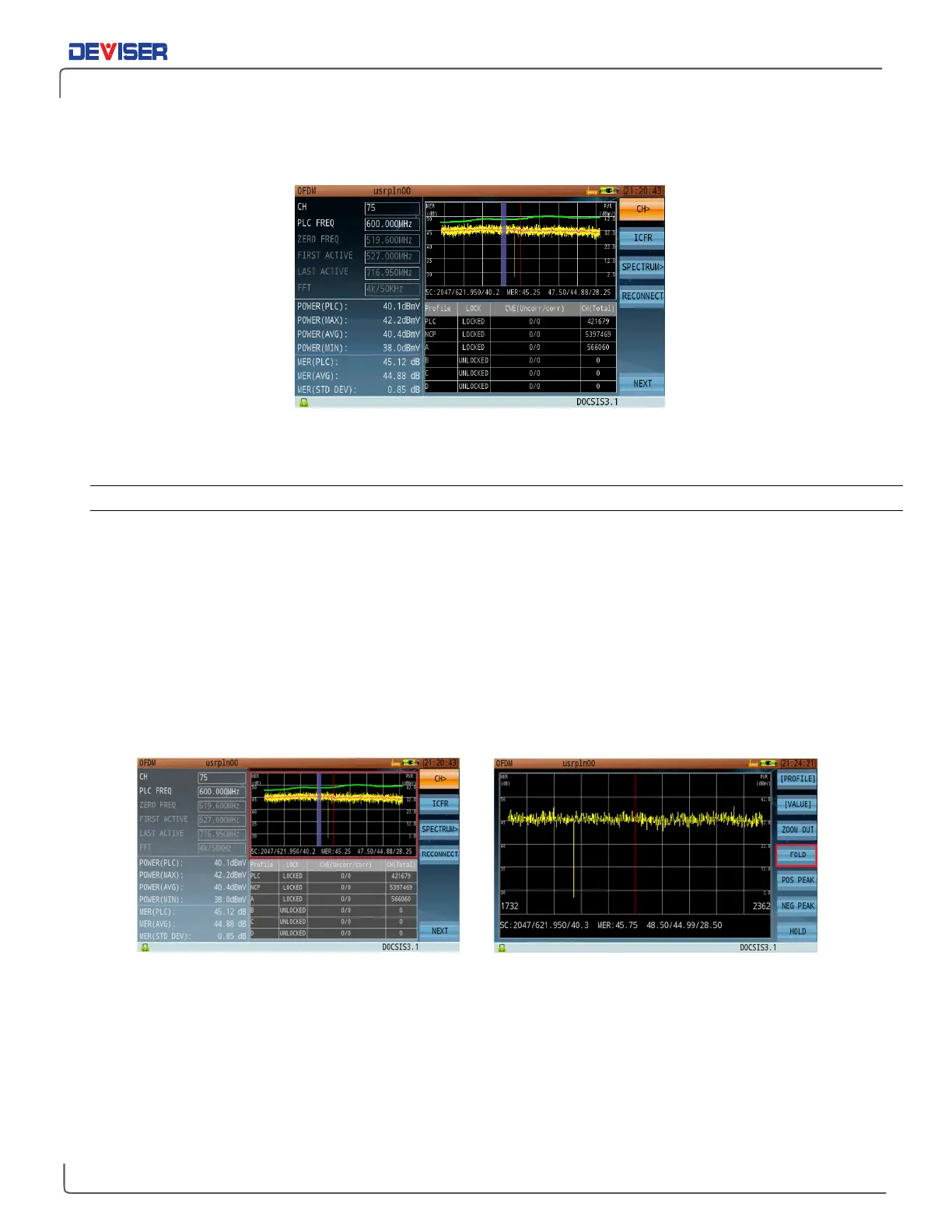
The integrated channel test contains channel power, MER, profile information, and other basic parameters.
To adjust settings, press
CH>
(F1) to explore the submenu.
23-1.1 Settings
Button Operation
[Profile / Graph]: Toggles Pane 4 between user profile information (displayed as a table) and OFDM sub-
carrier MER graph.
[Value / Info]: Toggles Pane 3 between channel information and power/MER readings.
[Zoom In / Out]: Zoom in to expand Pane 2 graph display to fullscreen. Zoom out to return to normal view.
[Fold / Unfold]: Only when zoomed in to power/MER carrier graph, When unfolded, each horizontal pixel
identifies the signal level from one carrier. Use the touchscreen or arrow keys to examine
different carriers. (See below.)
POS PEAK: Moves graph cursor to the MER positive peak value.
NEG PEAK: Moves graph cursor to the MER negative peak value.
HOLD: Pauses the measurement for closer analysis. Zoom for best visibility.
Folded view, MER graph (zoomed out) Unfolded view, MER graph (zoomed in)



 To Next Page