Part II: Settings and Measurements
24-2 Optical Power Meter
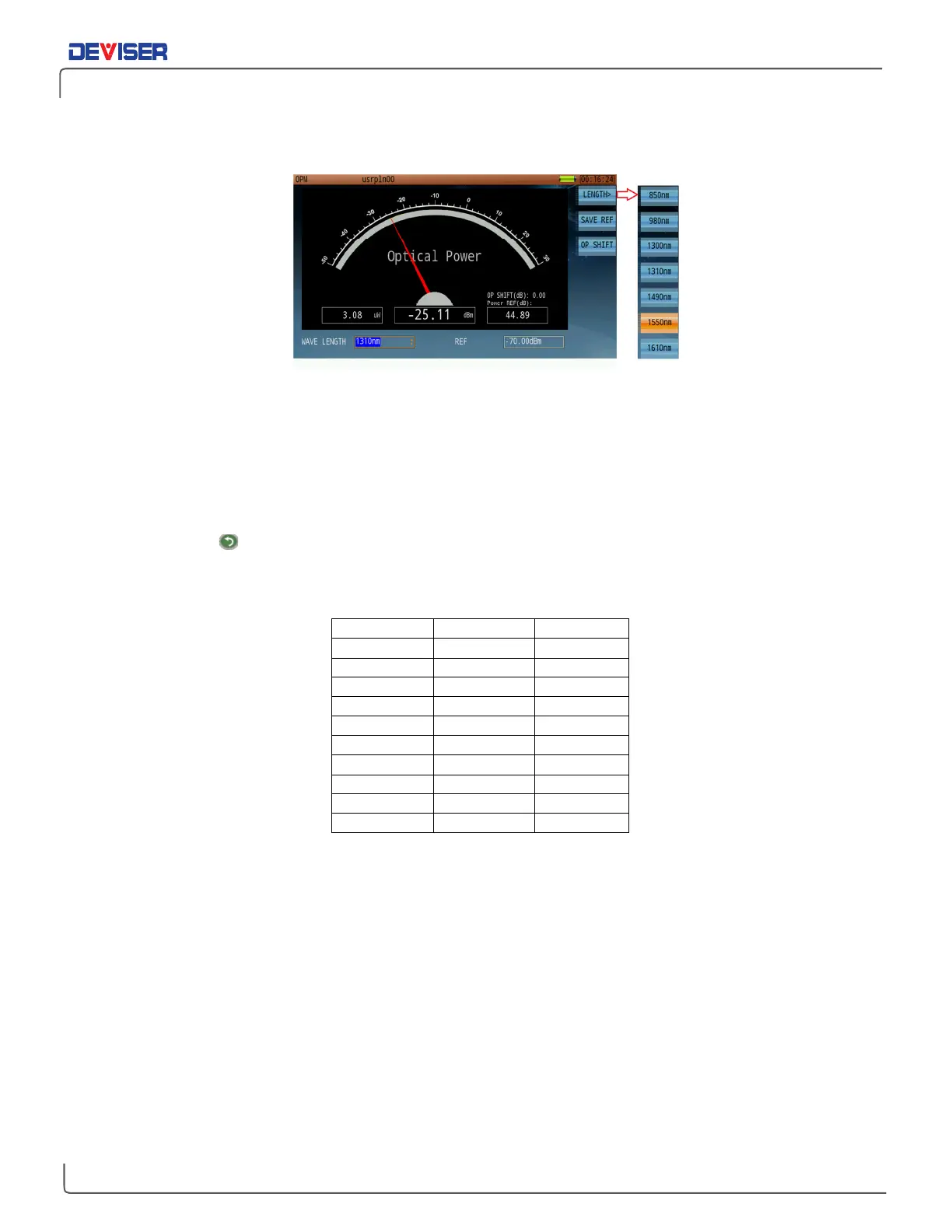
Optical Power Meter Measurement Screen
Procedure
:
1.
Connect the optical power meter signal input port to the optical fiber for testing.
2.
In the
Home
menu’s optical application page, use the rotary knob to launch the optical power meter
function.
3.
As shown above, set the wavelength as desired. Available wavelengths include 850, 980, 1300, 1310,
1490, 1550, and 1610nm. Optical power measurement results will appear on the gauge, with numeric
readings listed below.
4.
Press the
Esc
button to quit power meter operation and return to the menu.
DBm and mW Conversion table



 To Next Page