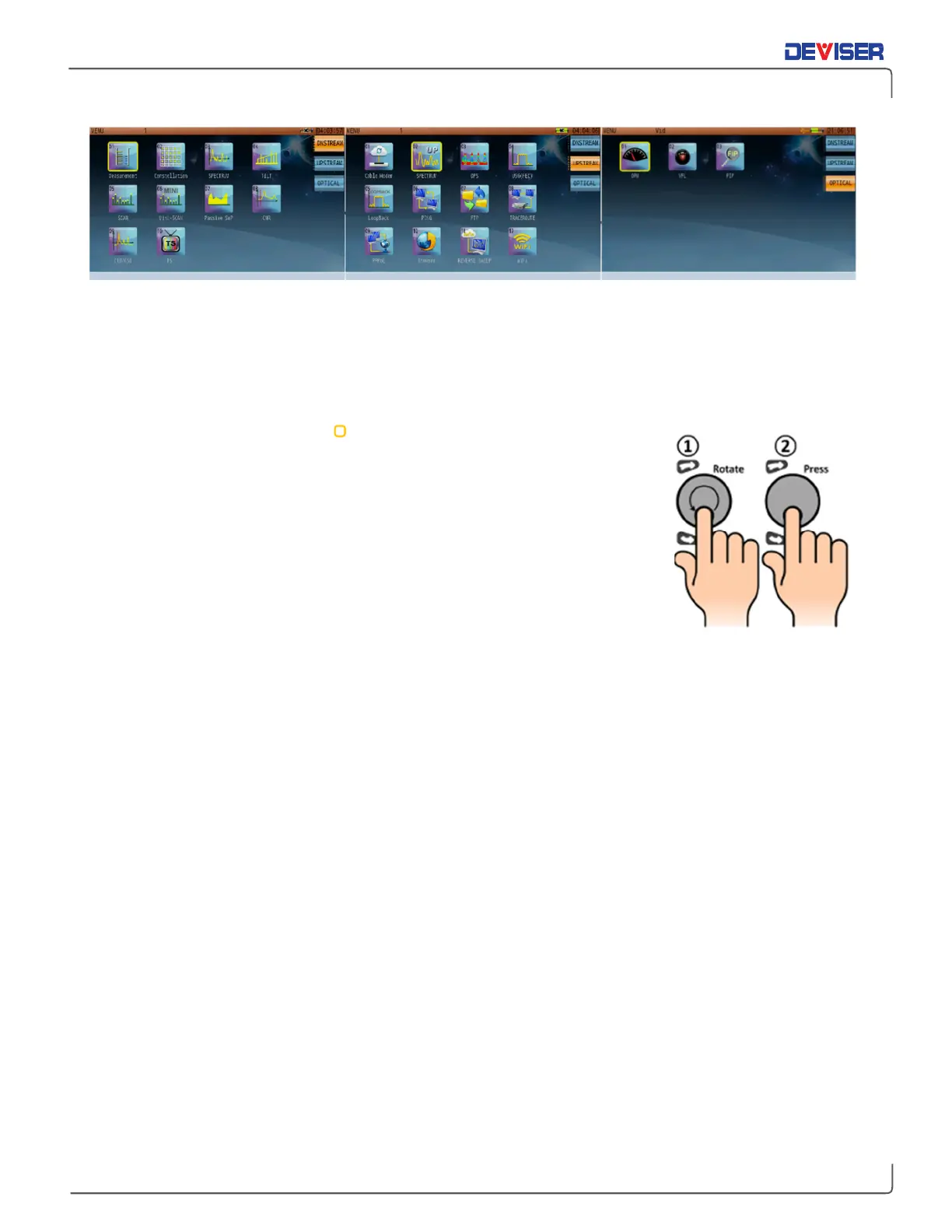
Using the Rotary Knob & Arrow Keys
When operating any menu on the DS2831, such as the
Home
measurement menu (shown above), you can
use the
rotary knob
to make selections. In addition, each icon has a number; simply enter that number on
the keypad to launch its measurement. (Alternatively, simply tap that icon on the touchscreen.)
Turn the knob to move the
cursor until it is highlighting your selection. Then
press the knob in to confirm your choice.
Press the
arrow keys
above and below the knob to change pages or scroll up
and down lists.



 To Next Page