Part IV: System Functions
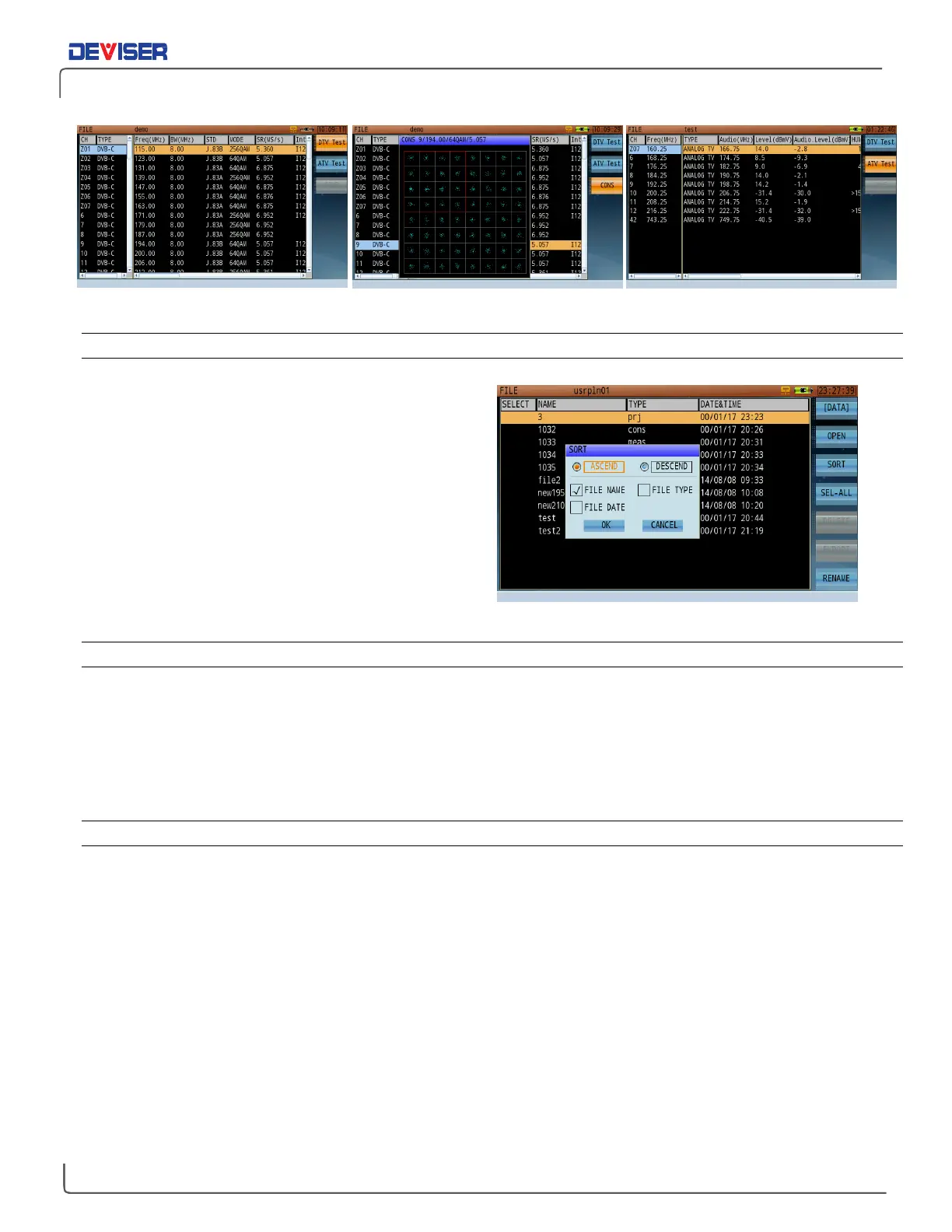
Viewing Auto Test Results: Digital Channel, Constellation, and Analog TV Channel (left to right)
31-1.2 Sort
As discussed, files are listed alphabetically by name in
ascending order. This is the default setting. If you wish
to list files in a different order, press
Sort
(F3) to open the
Sort dialog (shown, right).
Highlight and select options with the rotary knob. Place
a check next to “File Name” to sort files alphabetically,
“File Date” to sort by timestamp, or “File Type” to sort
by format. Use the radio button to select Ascending or
Descending order.
When you have finished changing settings, press
OK
to
sort files as specified.
31-1.3 Rename
To rename a particular file, highlight it with the rotary knob and press
Rename
(F7). Use the alphanumeric
keypad to enter the new filename. (Only letters and numbers may be used. Special characters, including
hyphens, slashes, periods, and spaces, are not recognized. Uppercase and lowercase letters are valid.)
When finished, press the rotary knob to confirm. Press
Esc
once to recall the previous filename, or again to
cancel the operation.
31-1.4 Delete
When you no longer need one or more files, you can erase them from the DS2831’s internal hard drive.
Highlight files with the rotary knob and press the knob to select them.
Delete
(F5) will become available.
When you press Delete, you will be prompted to confirm the deletion. Press
OK
to erase the data, or
Cancel
to go back. You may also wish to export existing data to an external USB storage drive first; see Section 31-2
for details.



 To Next Page