U60 Diagnostic Ultrasound System User Manual System Control
- 34 -
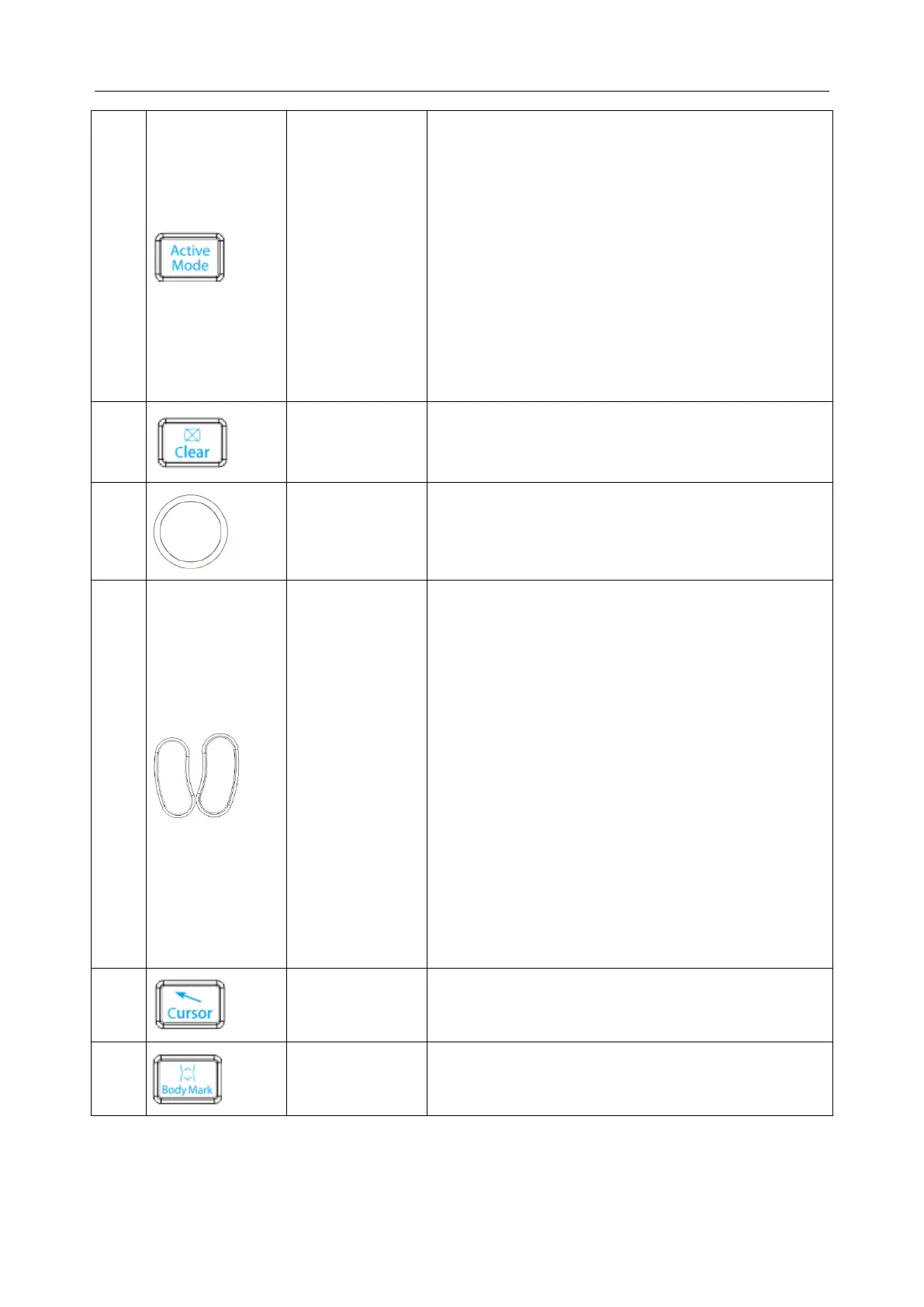
1. Press to toggle between current image modes in
duplex or triplex.
2. After the image is frozen, the system enters Cine
Review status by default. Press Active Mode to
switch between different frozen imaging modes
and Cine Review status. When switching between
different frozen imaging modes, the currently
available parameters are highlighted, you can use
the menu controls to adjust options. (Such as
Pseudo Color, and Gray Map).
NOTE: In measurement status, the Active Mode key
is inactive.
Press to clear all the measurements, calculations,
comments, and body marks displayed in the current
image.
A multifunction trackball used for various system
activities (increase or decrease the size of ROI,
position Color ROI, position Calipers, position
annotations, etc.)
Set key
1. Press to confirm the selection of a specific function
or command.
2. Use this key to anchor calipers, select a menu item
or image graphic.
3. Press to move the scan area of Color mode,
increase or decrease the size of scan area of color
mode with the trackball. (In color mode, it enters
ROI position adjusting status firstly, you can press
trackball to move the ROI; after you press Set, it
enters ROI size adjusting status, you can move the
trackball to increase or decrease the size of ROI; if
you press Set once again, it returns to ROI position
adjusting status.)
4. Press to move the zoomed window in the zoom
status together with the trackball.
Press to hide or display the cursor
Body Mark Key
Press to activate or exit the body mark function. It is to
indicate the examine position and scan direction.



 To Next Page