U60 Diagnostic Ultrasound System User Manual System Control
- 35 -
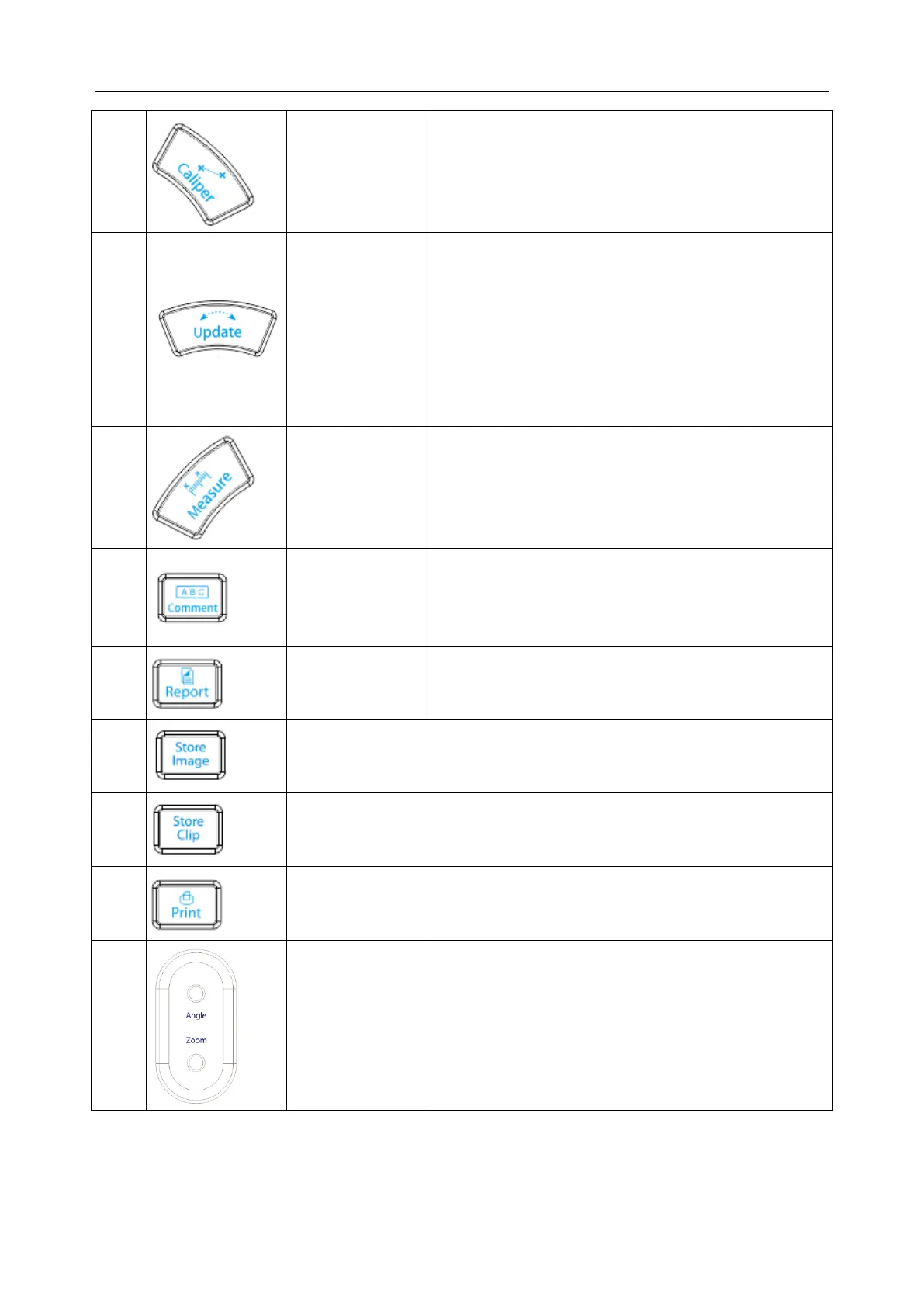
Generic Measurement key
Press to activate or exit the generic measurement
function.
1. In annotation status, press to display the comment
library.
2. In measuring status, you can press Update once to
change the settled point and the active point
3. In unsynchronized Mode, such as B+M, B+PW,
B+Color, B+PDI/DPDI, B+PDI/DPDI+PW or
B+Color+PW mode, press to active real time
image window.
Application Measurement key
Press to activate or exit the application measurement
function.
Comment key
Press to activate or exit the annotation function.
Press to activate or exit current patient report.
Press to save the current image to Local disk or USB
disk according to the present saving path and image
format.
Press to save the clip to Local disk or USB disk
according to the present saving path and image
format.
Print key
Press to do the video printing
When an arrow is added, rotate the Angle button
to adjust the arrow direction.
When a body mark is added, rotate the Zoom
button to adjust the scanning direction.
Press to activate or exit the zoon function.



 To Next Page