U60 Diagnostic Ultrasound System User Manual System Control
- 36 -
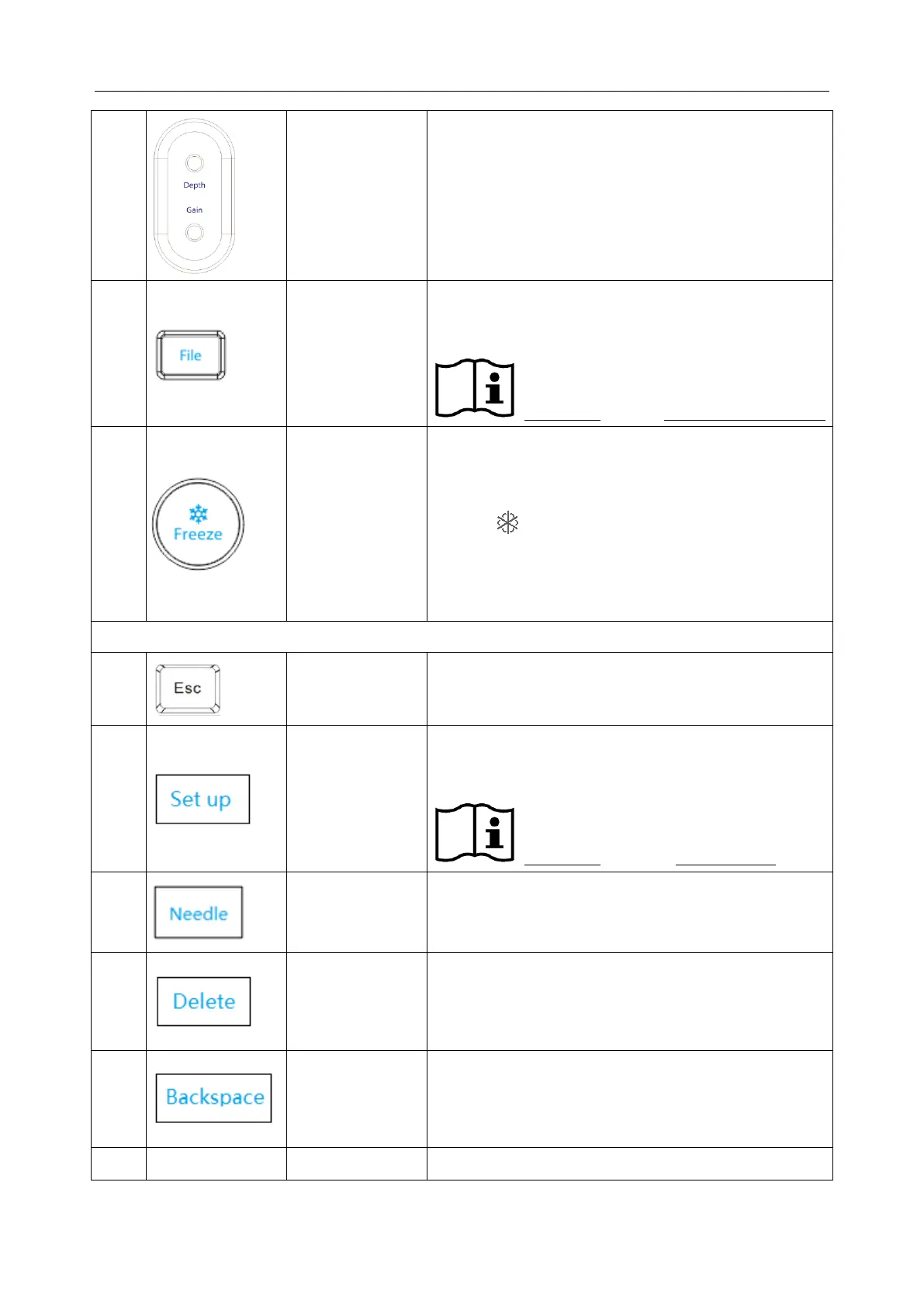
Rotate the Gain button to increase or decrease
the overall gain of the current mode.
In real time mode, rotate the Depth button to
adjust depth.
File management key
Press this key to enter or to exit the file management
system.
Reference Section 6.12 File Management
Freeze key
Press this key to switch between the frozen and
real-time states. When an image is frozen, the system
inserts “ ” next to the system time clock and the
clock pauses. When unfreezing the system, all the
measurements, calculations, body marks, and
comments will be erased.
To return back to the previous status;
Or cancel current operations such as saving PDF
report, sending DICOM files, etc.
Preset key
Press this to activate or to deactivate the preset
function.
Reference Section 5.7 Presetting
Press to activate or exit needle guide function.
In the comment status, press to delete the selected
comment;
When modifying a comment, press to delete by
character.
In the measurement status, press to delete the generic
measurement results one by one;
In the comment status, press to delete the selected or
editable comment by character.
Reserved keys/ User defined keys



 To Next Page