7700 Multiframe Manual
7725DSK-LG / 7725DSK-LG-HD HD/SD Logo Inserter & Media Keyer
HTML Revision 1.4 Page 5-5
METAR SERVER IP: Enter the IP address of the desired METAR server. A known IP address for one
METAR server is 140.90.128.71.
AIRPORT ID: Enter the airport code for the desired airport from which to obtain the
temperature. The Airport ID must be entered in all upper case letters.
POLL INTERVAL: Enter how often you would like the 7725DSK-LG to obtain the temperature.
Temperature logos will be immediately updated each time the temperature is
retrieved from the METAR server.
POLL INTERVAL AT FAILURE: Enter the desired length of time the 7725DSK-LG is to wait before
trying to retrieve the temperature from the METAR server after a failed attempt.
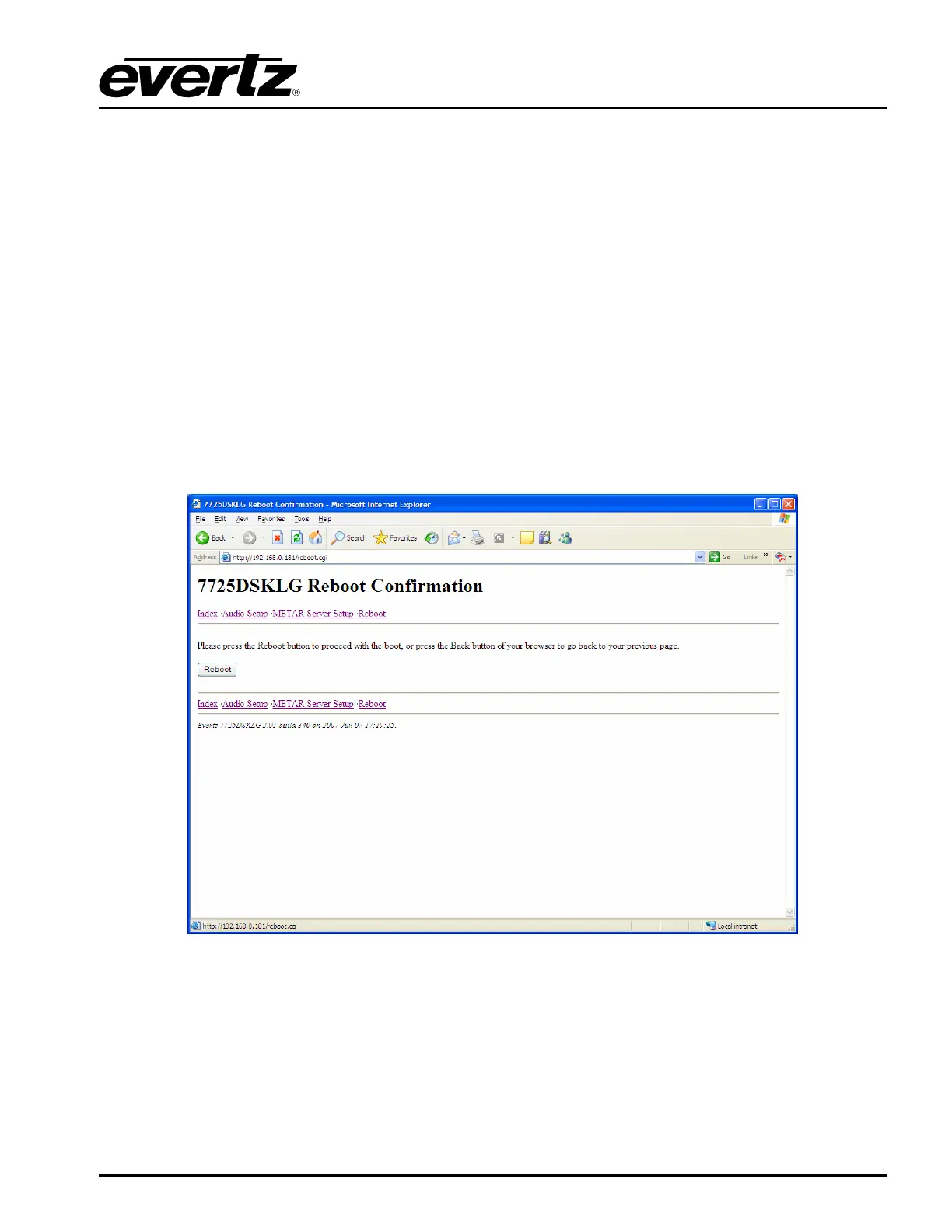
5.1.4. Reboot Page
The reboot page allows the user to reboot the 7725DSK-LG remotely. After the Reboot button is
selected, the unit will reboot. The user will have to refresh the HTML page after the unit has completed
its reboot.
Figure 5-4: HTML Reboot Page



 To Next Page