7700 Multiframe Manual
7725DSK-LG / 7725DSK-LG-HD HD/SD Logo Inserter & Media Keyer
Page 3-24 Revision 1.4 VLPRO OPERATION
3.10.5. Setting Program Bus Change
This menu describes the action when the user makes a “Hot cut” on the program bus. For instance,
rather than selecting the next source on the Preset bus and then executing a transition, the next
source will out directly onto the Program bus.
Clean: When set to Clean, the audio and video transition will be a clean, smooth action.
Hard: When set to Hard, the audio and video transition will be a hard, abrupt action.
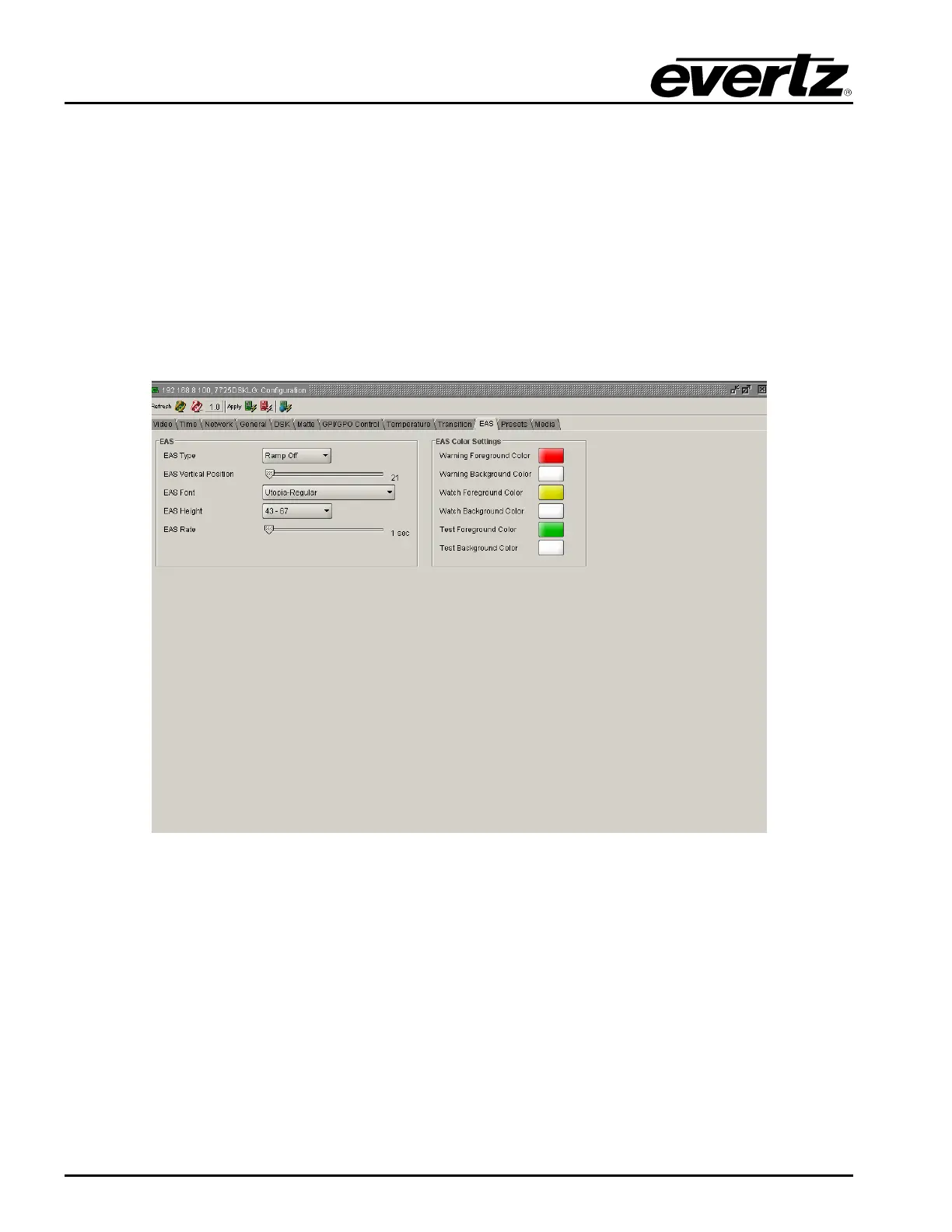
3.11. EAS TAB
The EAS tab enables the user to configure the EAS parameters.
Figure 3-11: EAS Window
3.11.1. EAS over TCP/IP
The 7725DSK-LG firmware implements the DVS/168 protocol, referred to informally as EAS over
TCP/IP. FTP is used to send text files to insert as crawls and WAV files to play as audio clips. Refer to
HTML section 5 to configure the playback of the EAS audio.
EAS over TCP/IP (EAS over Ethernet) is supported with Trilithic's EASy Plus box. For further details,
refer to the step-by-step instructions in the Trilithic “EASyPlus” Setup Tech Note. EAS over TCP/IP is
also supported by the Dasdec device. For further details refer to Dasdec’s documentation or support.



 To Next Page