7700 Multiframe Manual
7725DSK-LG / 7725DSK-LG-HD HD/SD Logo Inserter & Media Keyer
VLPRO OPERATION Revision 1.4 Page 3-9
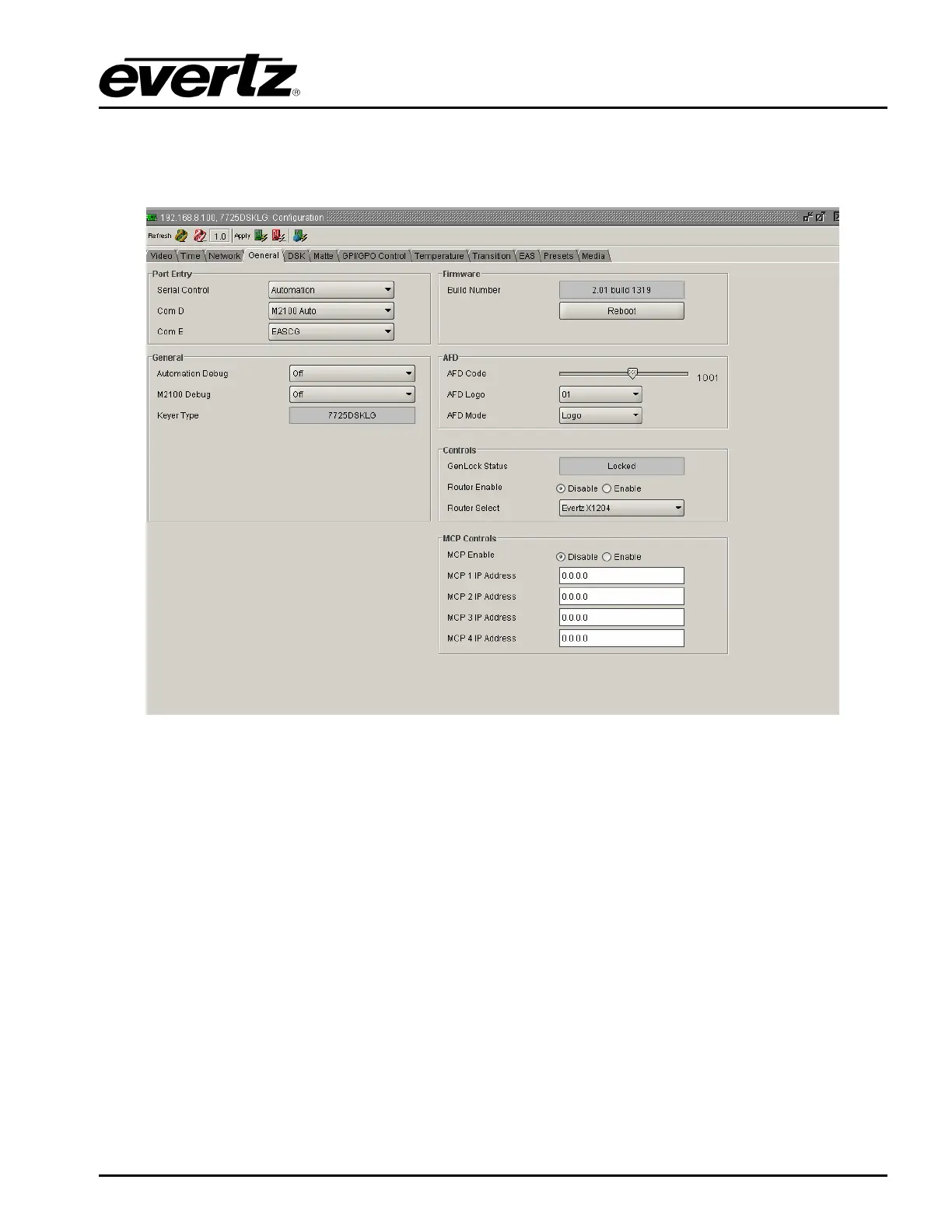
3.5. GENERAL TAB
The General tab enables the user to configure the port, firmware, AFD and MCP controls for the
7725DSK-LG.
Figure 3-4: General Window
3.5.1. Port Entry
The menu items for Serial Control, COM D, and COM E are the same. For simplicity, only the COM D
menu items will be shown in the manual.
Serial Control: Configures the function of the SERIAL CONTROL (COM C) Port.
COM D: This option allows you to set the communications protocol that will be used on COM Port D.
None: Select None to disable the use of COM Port D
EAS CG: Select EAS CG when the EAS option (+EAS) is enabled and the EAS decoder is
connected to the appropriate port.



 To Next Page