7700 Multiframe Manual
7725DSK-LG / 7725DSK-LG-HD HD/SD Logo Inserter & Media Keyer
HTML Revision 1.4 Page 5-1
5. HTML AUDIO SETUP PAGE
5.1. HTML SETUP PAGE
The Audio Setup for the 7725DSK-LG is configured through an HTML Setup page. The HTML Setup
page also allows the user to configure the unit to acquire METAR data for use with temperature logos.
You can access the HTML Setup page by launching your Internet browser and entering the IP address
of the 7725DSK-LG in the address bar. . The following sections provide a description of the features
available on the HTML Setup page.
5.1.1. Main Index Page
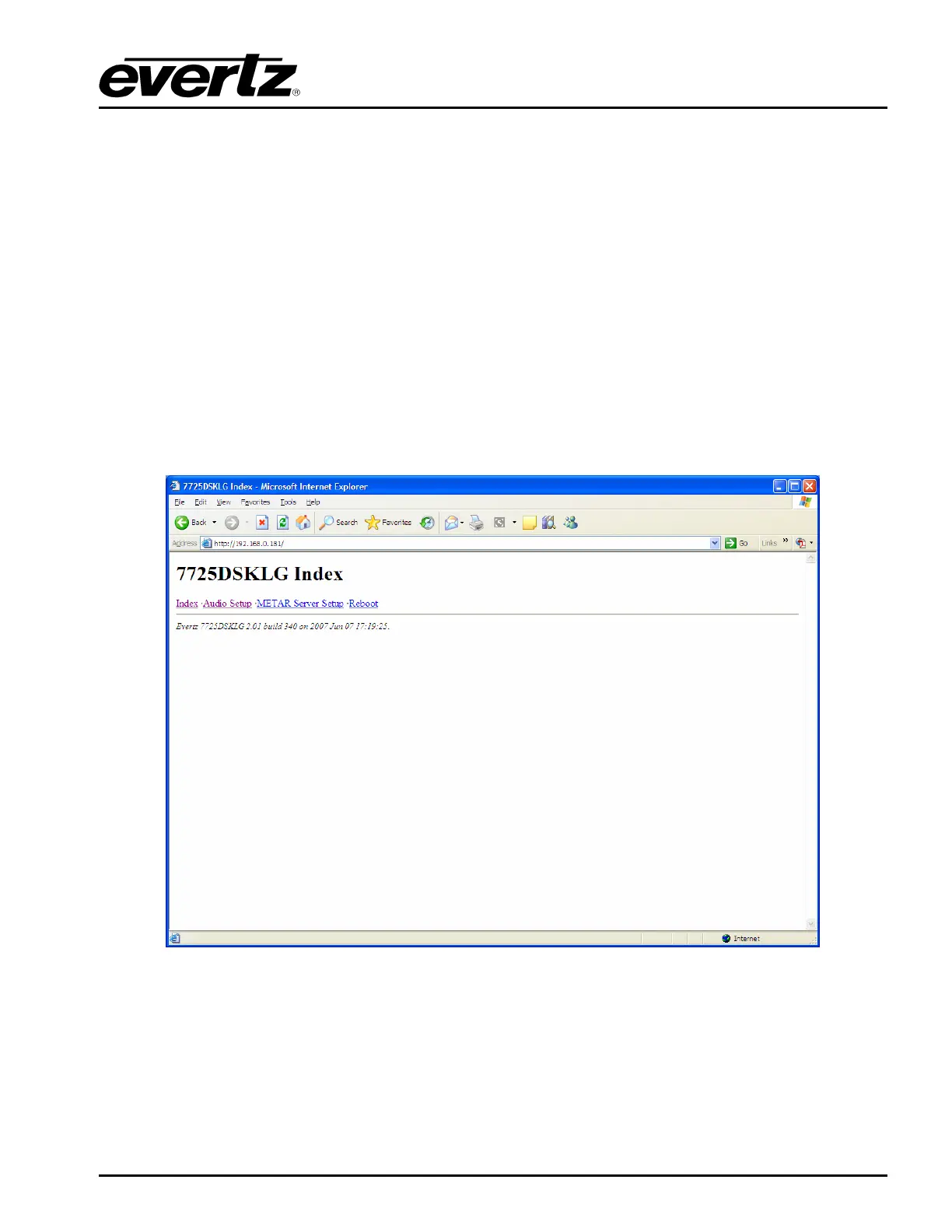
After upgrading the unit, log into the HTML server and configure the audio settings. Type the IP
address (i.e. 192.xxx.xxx.xxx) into the address line of a browser. This will open the device’s Index
page. A banner of the product model name and links to the Index, Audio Setup, METAR Server Setup
and Reboot should be displayed in the window.
Figure 5-1: Main Index Page



 To Next Page