7700 Multiframe Manual
7725DSK-LG / 7725DSK-LG-HD HD/SD Logo Inserter & Media Keyer
Page 3-14 Revision 1.4 VLPRO OPERATION
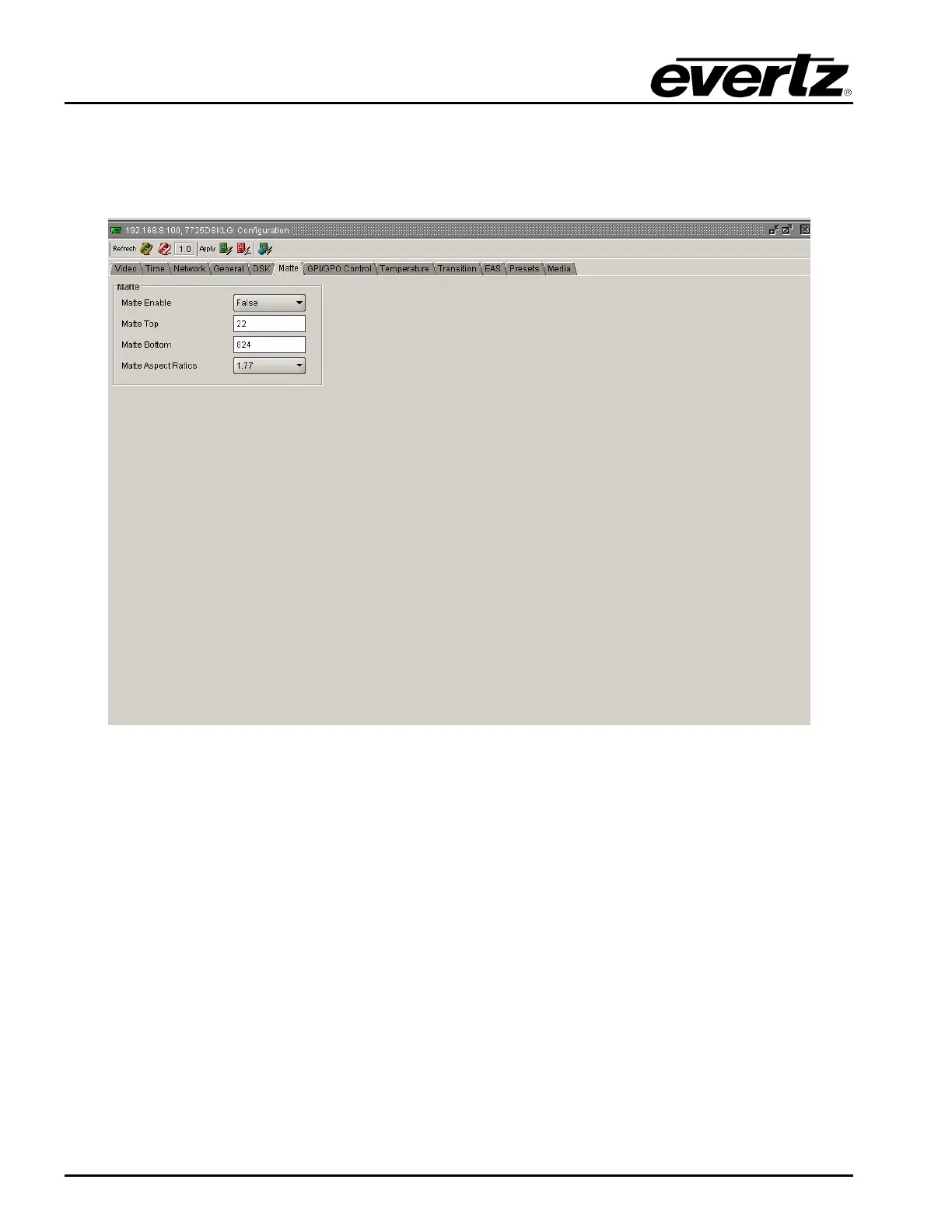
3.7. MATTE TAB
The 7725DSK-LG has a black overlay matte that blacks out video and produces a letterbox effect on
the output video. The MATTE Setup window is used to configure the black overlay matte that can be
applied over the program video.
Figure 3-6: Matte Window
3.7.1. Matte Parameters
3.7.1.1. Setting the Matte Enable Function
This option is used to turn the matte on and off.
Select True to turn on the black matte overlay. This matte is on the top layer of the keyer and will
overwrite all the video on the respective lines of the active picture. The matte does not blank the lines
in the vertical interval.
Select False to turn off the black matte overlay.



 To Next Page