7700 Multiframe Manual
7725DSK-LG / 7725DSK-LG-HD HD/SD Logo Inserter & Media Keyer
INSTALLATION Revision 1.4 Page 2-1
2. INSTALLATION
2.1. REAR PANEL OVERVIEW
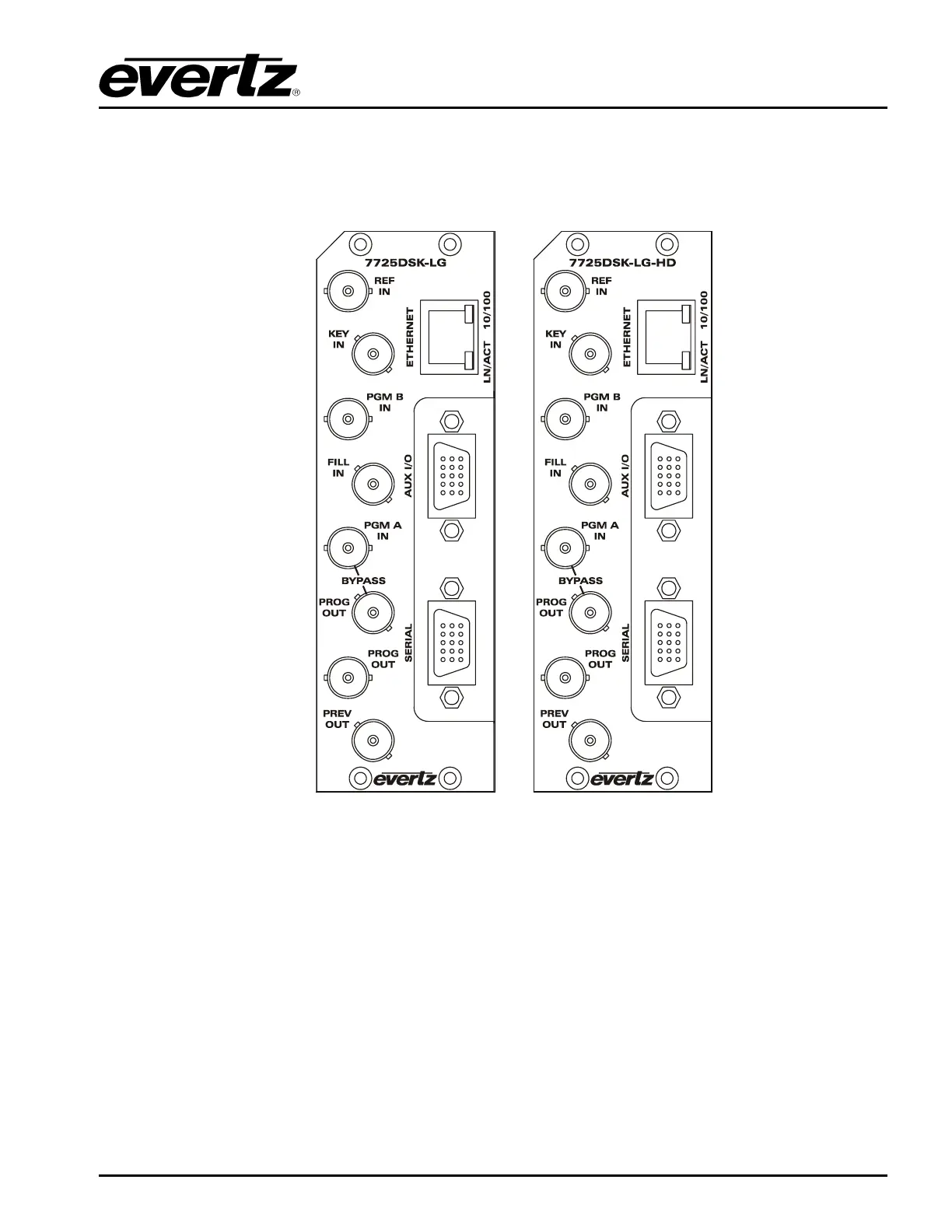
Figure 2-1: 7725DSK-LG and 7725DSK-LG-HD Rear Panel
Figure 2-1 shows the rear panels of the Standard Definition 7725DSK-LG and High Definition
7725DSK-LG-HD units. Sections 2.1.1 to 2.1.5 describe the specific video, audio, and control signals
that should be connected to both 7725DSK-LG rear plates. Sections 2.4 to 2.8 describe how to connect
them into your system.
2.1.1. Video Connections
PGM IN A: This BNC connector is the program input A to the 7725DSK-LG.
PGM IN B: This BNC connector is the program input B to the 7725DSK-LG.
FILL IN and KEY IN: These BNC connectors are the key and fill HD/SD inputs to the 7725DSK-LG.



 To Next Page