7700 Multiframe Manual
7725DSK-LG / 7725DSK-LG-HD HD/SD Logo Inserter & Media Keyer
RCP OPERATION Revision 1.4 Page 4-1
4. HOW TO OPERATE THE DOWNSTREAM KEYER
USING THE REMOTE CONTROL PANEL
The standard 7725DSK-LG is a 2 slot card contained within the 7700FR. The 7725DSK-LG is operated
by a 1RU rack mount panel or desktop control panel. This chapter describes the operation of the
7725DSK-LG using the remote control panel. For information about controlling the 7725DSK-LG using
the desktop control panel see section 6. For information about connecting the remote control panel to
the 7725DSK-LG see section 2.4.
4.1. AN OVERVIEW OF KEY AND DISPLAY FUNCTIONS
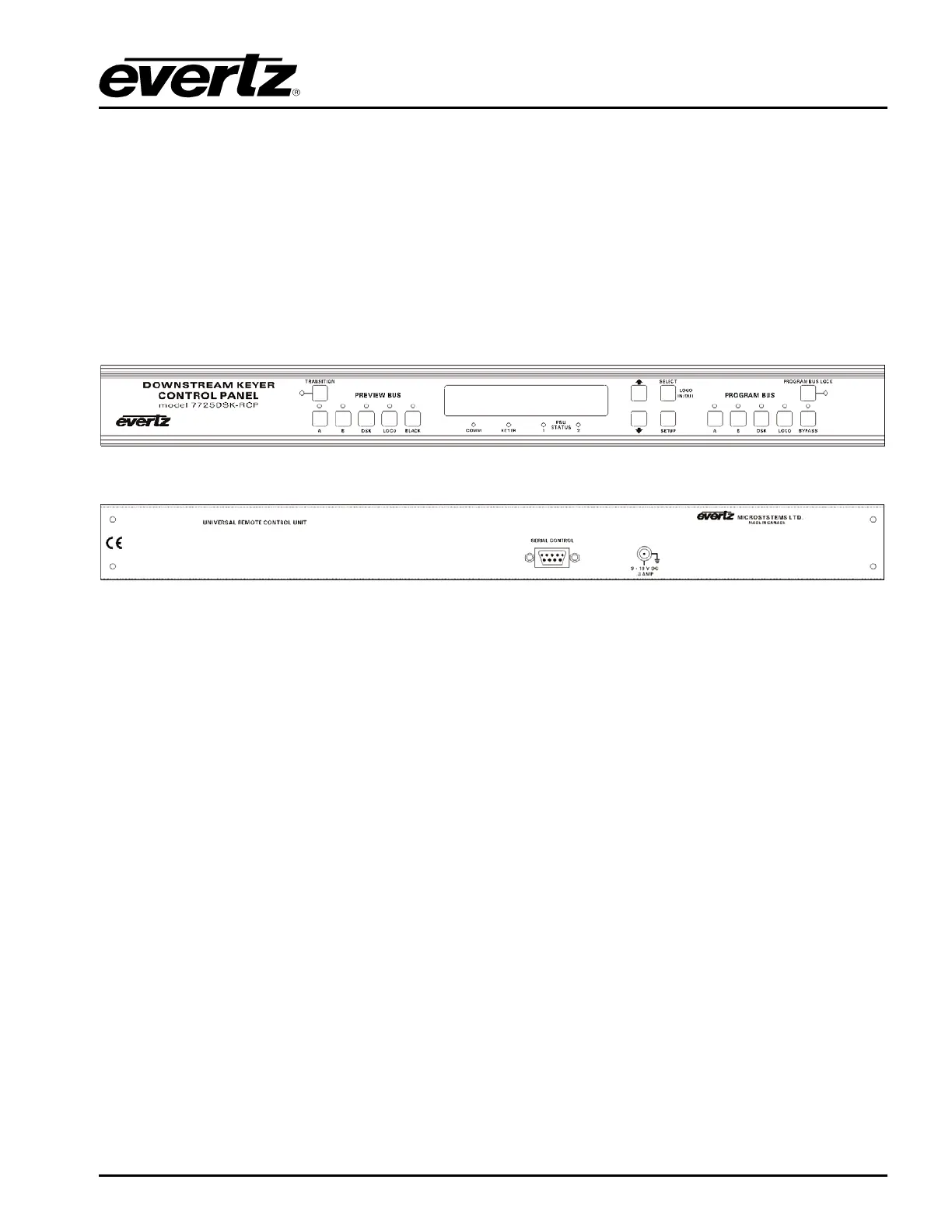
Figure 4-1: 7725DSK-LG – Front Remote Control Panel Layout
Figure 4-2: 7725DSK-LG – Back Remote Control Panel Layout
The remote control panel consists of a 16 digit alphanumeric display, 16 buttons and 16 LED status
indicators.
The buttons are used to provide control of the 7725DSK-LG, to switch the various input sources, and to
navigate the front panel Setup menu system. The front panel control provides a quick and simple
method of configuring the 7725DSK-LG Downstream Keyer for your application.
4.1.1. Preview Bus Button Group
A: This button selects the video from the PGM IN A input for the preview video output bus.
B: This button selects the video from the PGM IN B input for the preview video output bus.
DSK: This button controls the downstream keyer layer for the preview video output bus. If the
LED is not illuminated, then the downstream keyer layer is not active on the Preview Bus. If
the LED is ON then the downstream keyer layer is enabled on the Preview Bus.
When the downstream keyer layer is enabled, the video present on the FILL video input is
mixed with the background video (PGM IN A or B) based on the key signal provided on the
KEY video input, or it can be self-keyed, using user defined thresholds. See section 4.9 for
information about setting up the DSK MODE and other settings.



 To Next Page